$24.95 $39.75
| /
NOTE: Z-Wave gateway controller required - sold separately. You need a security-enabled controller to take full advantage of the product.
We may have this product available in open box, refurbished, or used condition - just check the variant buttons under the product price for availability. All of our recycled inventory has been tested for both manual and Z-Wave control and is fully functional at the time of shipment. Here is what you can expect when ordering your device:
Zooz 800 Series Z-Wave Plus XS Open | Close Sensor ZSE41 Users Manual (PDF)
ZSE41 Frequently Asked Questions
NOTE: If you don't see your Z-Wave controller on the list above, please contact us before you purchase this product.
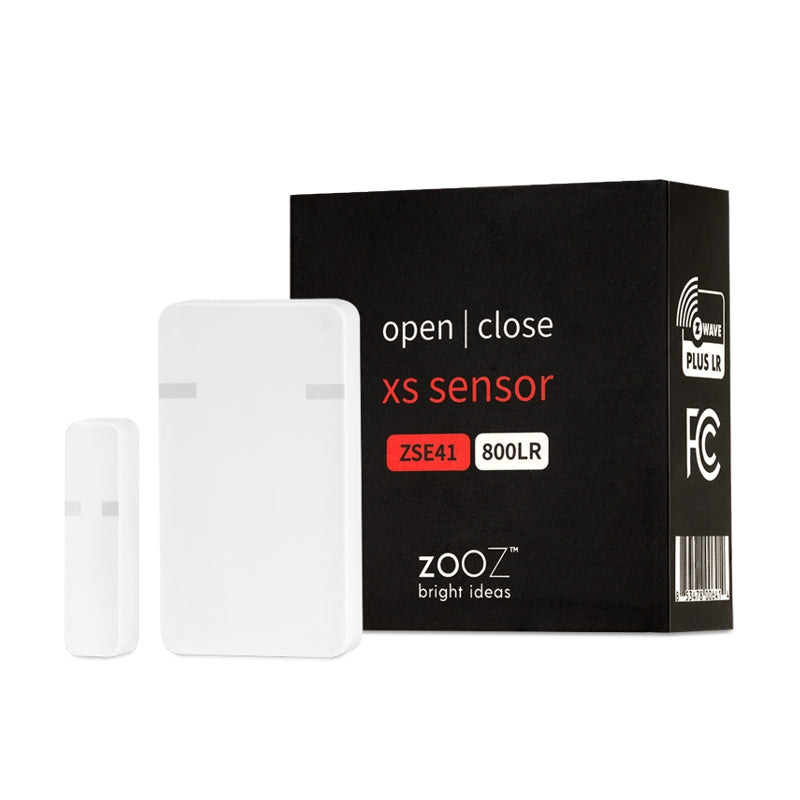
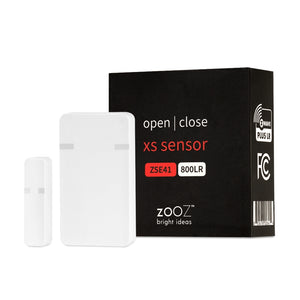
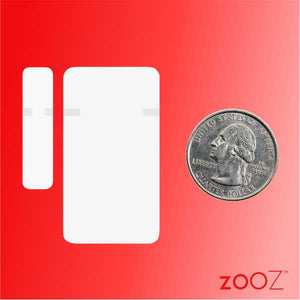
The Zooz XS Sensor allows you to protect your home discreetly without breaking the bank. When connected to your Z-Wave hub, it will tell you exactly if and when a door or window has been opened.
Attach it to a kitchen cabinet to make sure it's not accessed when it's not supposed to be. Put it on a drawer to safeguard your valuables. Receive instant text/email notifications on your smart phone or laptop so that you’re always kept in the loop, no matter where you are.
Use the sensor to speak to other Z-Wave security devices, like triggering a Z-Wave alarm siren when the backdoor is opened unexpectedly. With features like low-battery alerts and 700 series Z-Wave chip for faster and safer connectivity, the XS Open | Close Sensor is as dependable as it gets.
To add the XS Open | Close Sensor to your Z-Wave network:
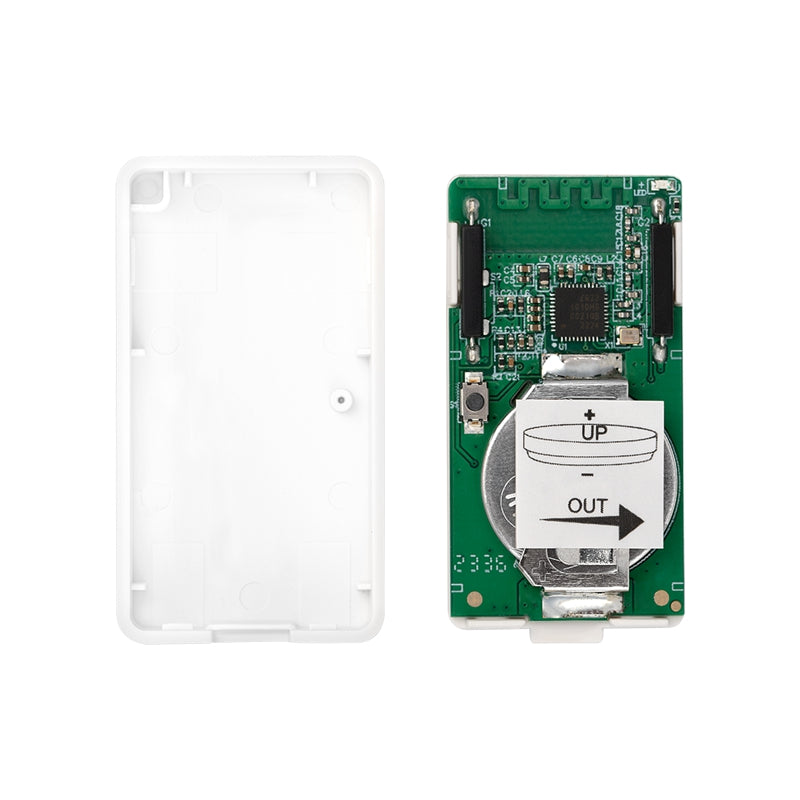
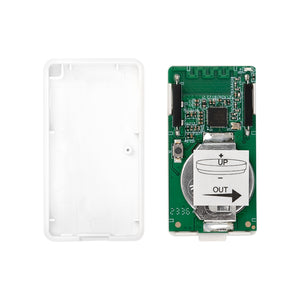
1. Use a small flat screwdriver to gently open the sensor’s cover and access the battery. Pull the tab from under the battery to activate the sensor. Don’t close the cover just yet. The LED indicator will start blinking for around 10 seconds once the
sensor is powered.
2. Bring the sensor to the location where you plan to mount it at.
3. Put your Z-Wave gateway controller into inclusion/pairing mode.
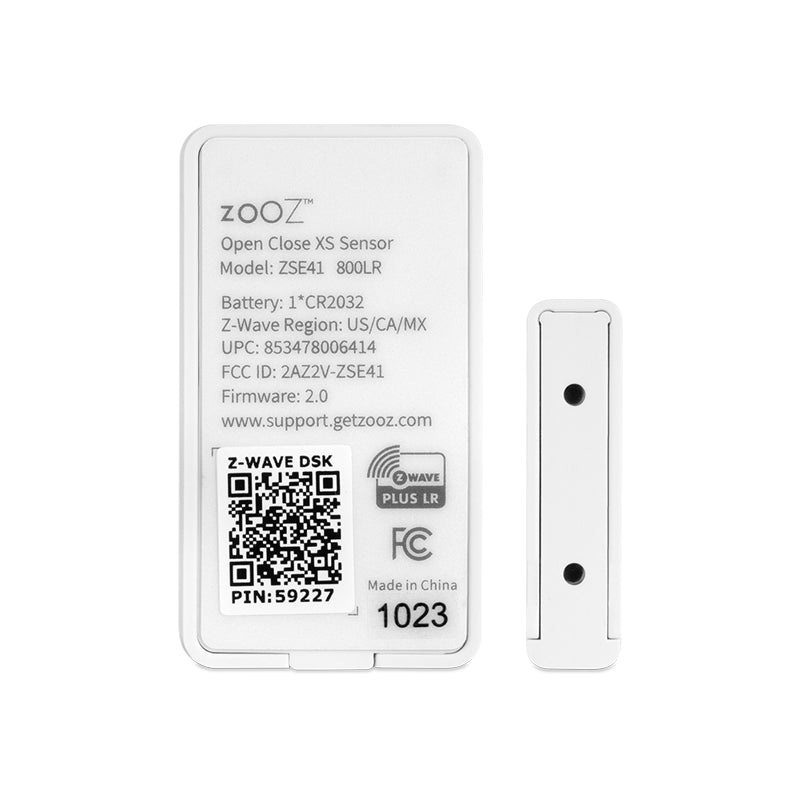
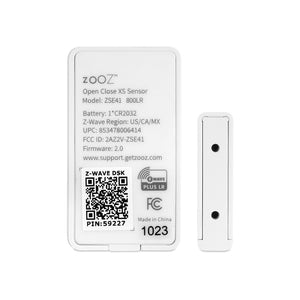
4. Scan the QR code or enter the PIN code located on the back of the battery cover if your hub supports SmartStart S2 inclusion.
5. Click the Z-Wave button on the sensor 3 TIMES QUICKLY. The LED indicator will flash quickly.
6. A new open/close (door/window) sensor will appear on your controller’s device list.
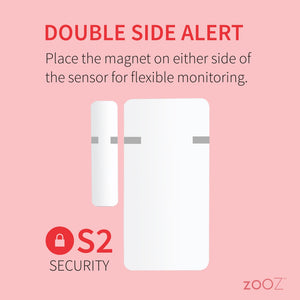
After successfully including the sensor into your Z-Wave network, use the supplied adhesive tape to mount it so that the sensor is fixed to the moving part and the magnet is fixed to the window / door frame.
If installing the sensor outdoors, please make sure to insert the sensor to the waterproof case (sold separately) and mount the case using the supplied mounting screws.

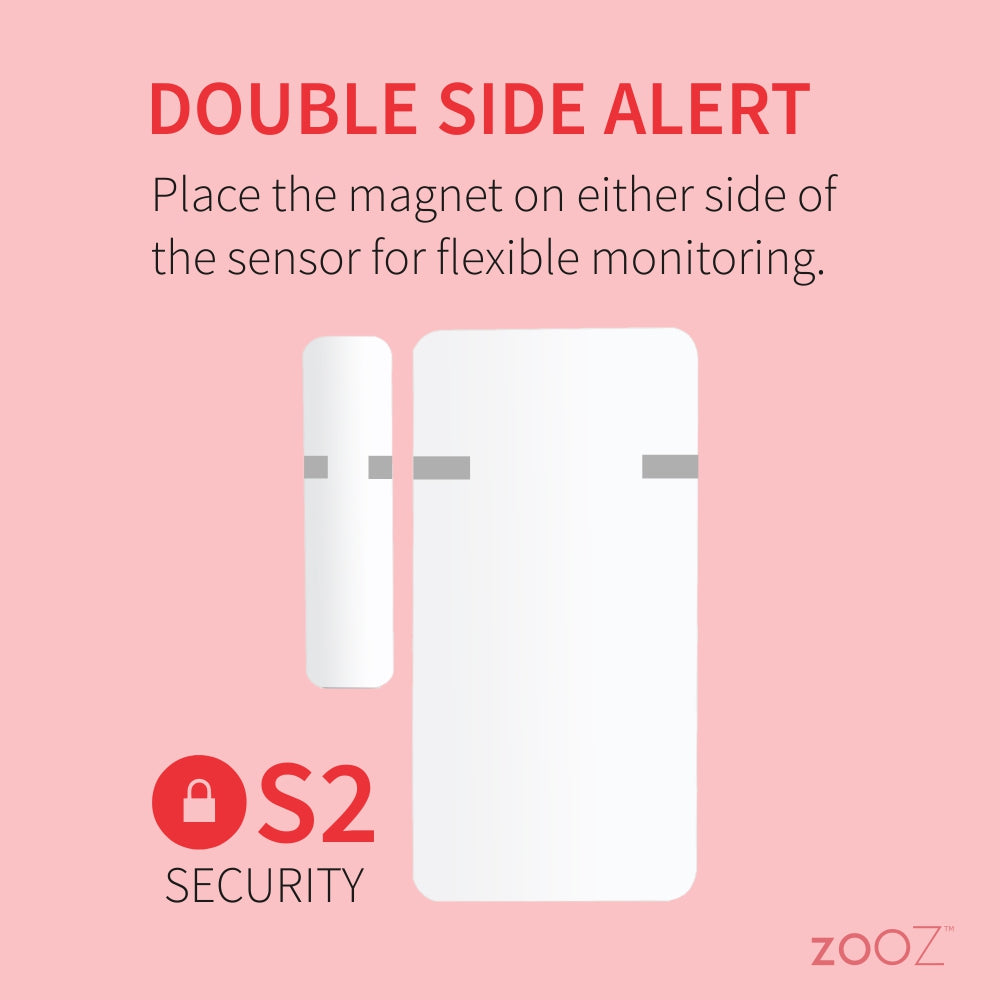
NOTE: Make sure the orientation marks are facing each other, and the gap between sensor and magnet does NOT exceed 0.25” when the device is in the closed position.
Great quality product from a reputable brand.
Let me start by saying I'm a long time customer and fan of Zooz products. My Hubitat C8 based SmartHome currently has 75 devices with a mix of Zwave (about 90%) and some Zigbee. In the past I've mostly used the Ecolink DWZWAVE2.5-ECO contact sensor which has proven to be very reliable, has screw terminals to conveniently utilize external switches, and uses a CR123A 3v Lithium battery. I had that sensor inside a small plastic case mounted to my mailbox 110 feet from my hub. It worked flawlessly for 4 years in temperatures ranging from 105 deg F down to -10 deg F actual (not 'feels like' or wind chill). I bought this Zooz ZSE41 to use on my garage side door, inside my garage. After only 2 weeks the battery needs to be replaced. Admittedly here in Michigan it's been bitter cold with temperatures inside my garage as low as 20 deg F. I had high hopes to use this same sensor out at my mailbox but it's about 20 degrees colder outside compared to inside my garage so this battery will not work during the Winter. I'm thinking about hard wiring / soldering a CR123A and using velcro to attach it to the case. I understand the battery chosen was to keep the sensor size to a minimum but these watch batteries don't like cold weather. I ran into a similar problem with a Zooz temperature sensor I use in my chicken coop outside and I'm actually converting it to run off a 3vdc regulated power supply. Not necessarily a bad design, just not well suited for outdoor use in cold temperatures. Yes I'm still a Zooz fan!
Sincerely, Joe in Michigan
I’ve slowly been getting rid of my old alarm system with proprietary hardware and these have worked perfectly with Home Assistant. They instantly notify me when a door opens or closes. I’ve been using them for a couple of months and have had zero issues with them, both in terms of speed and reliability.
Works great, with a long range!
Works great on my mailbox. Now I know when our mail has arrived. Zooz products always work right out of the box.