$25.95
| /
NOTE: Z-Wave gateway controller required - sold separately. You need a security-enabled controller to take full advantage of the product.
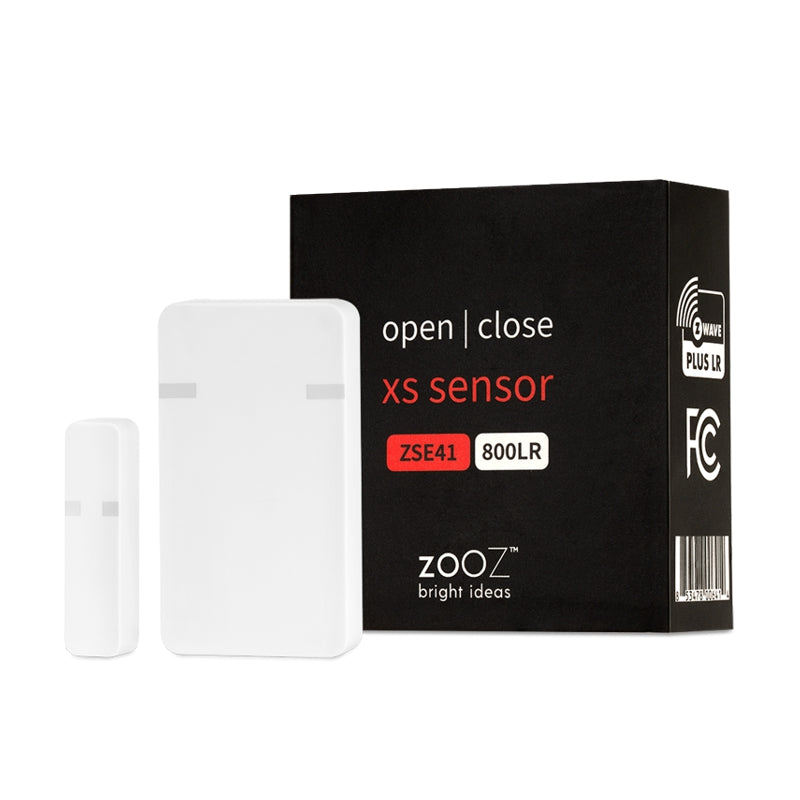
Zooz 800 Series Z-Wave Plus XS Open | Close Sensor ZSE41 Users Manual (PDF)
ZSE41 Frequently Asked Questions
NOTE: If you don't see your Z-Wave controller on the list above, please contact us before you purchase this product.
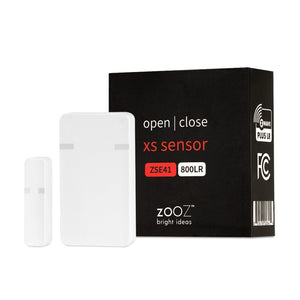
The Zooz XS Sensor allows you to protect your home discreetly without breaking the bank. When connected to your Z-Wave hub, it will tell you exactly if and when a door or window has been opened.
Attach it to a kitchen cabinet to make sure it's not accessed when it's not supposed to be. Put it on a drawer to safeguard your valuables. Receive instant text/email notifications on your smart phone or laptop so that you’re always kept in the loop, no matter where you are.
Use the sensor to speak to other Z-Wave security devices, like triggering a Z-Wave alarm siren when the backdoor is opened unexpectedly. With features like low-battery alerts and 700 series Z-Wave chip for faster and safer connectivity, the XS Open | Close Sensor is as dependable as it gets.
To add the XS Open | Close Sensor to your Z-Wave network:
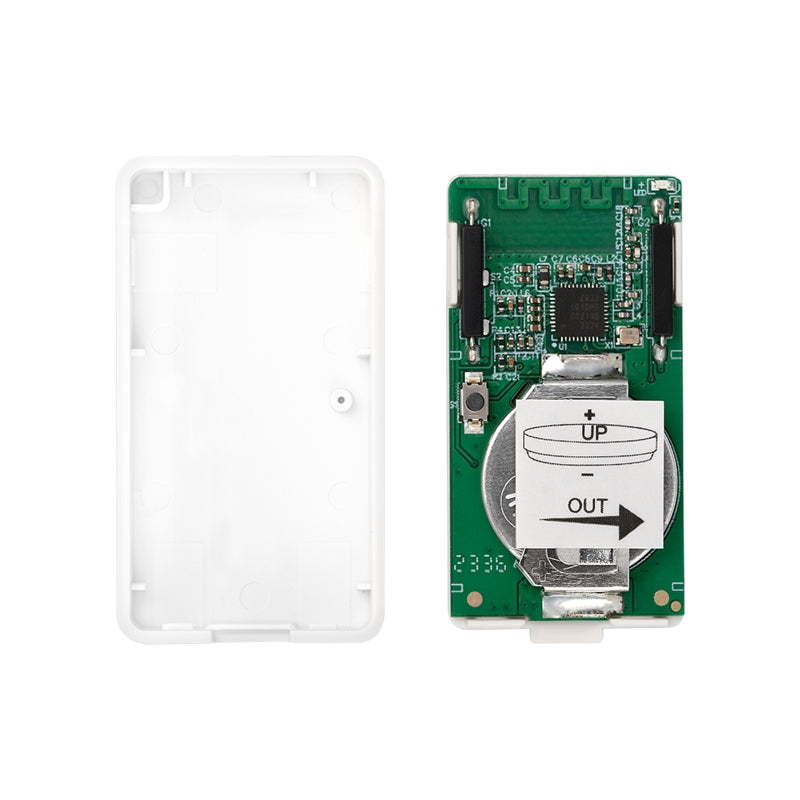
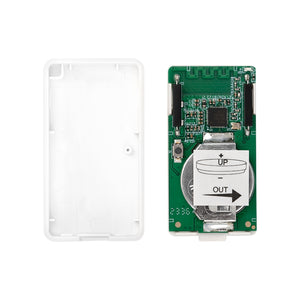
1. Use a small flat screwdriver to gently open the sensor’s cover and access the battery. Pull the tab from under the battery to activate the sensor. Don’t close the cover just yet. The LED indicator will start blinking for around 10 seconds once the
sensor is powered.
2. Bring the sensor to the location where you plan to mount it at.
3. Put your Z-Wave gateway controller into inclusion/pairing mode.
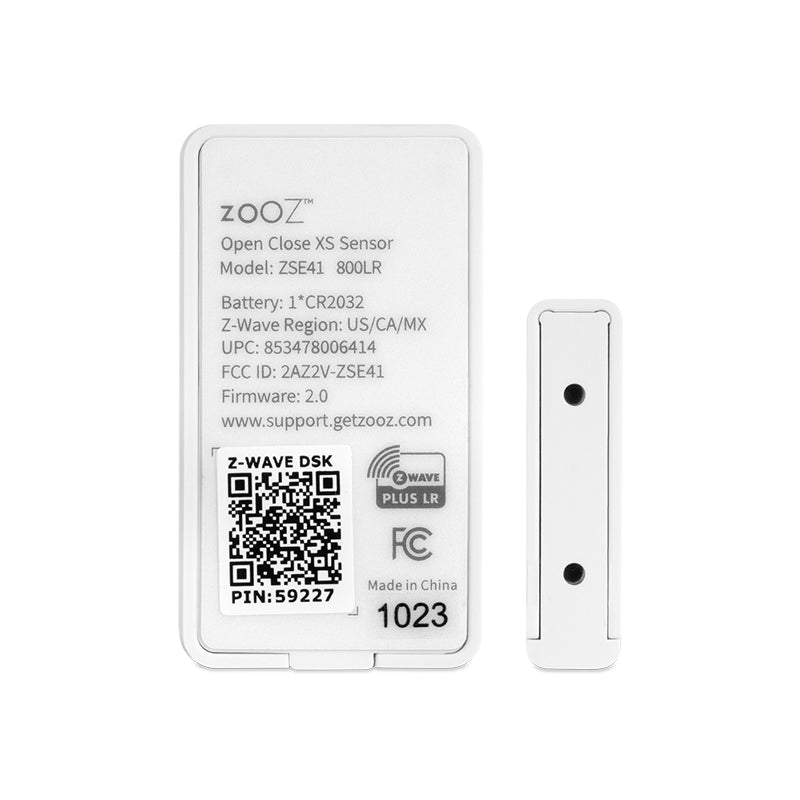
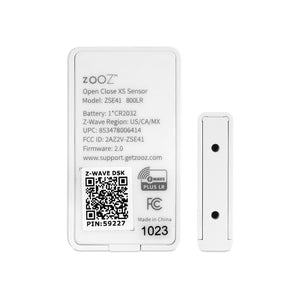
4. Scan the QR code or enter the PIN code located on the back of the battery cover if your hub supports SmartStart S2 inclusion.
5. Click the Z-Wave button on the sensor 3 TIMES QUICKLY. The LED indicator will flash quickly.
6. A new open/close (door/window) sensor will appear on your controller’s device list.
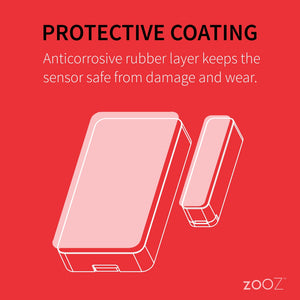
After successfully including the sensor into your Z-Wave network, use the supplied adhesive tape to mount it so that the sensor is fixed to the moving part and the magnet is fixed to the window / door frame.
If installing the sensor outdoors, please make sure to insert the sensor to the waterproof case (sold separately) and mount the case using the supplied mounting screws.

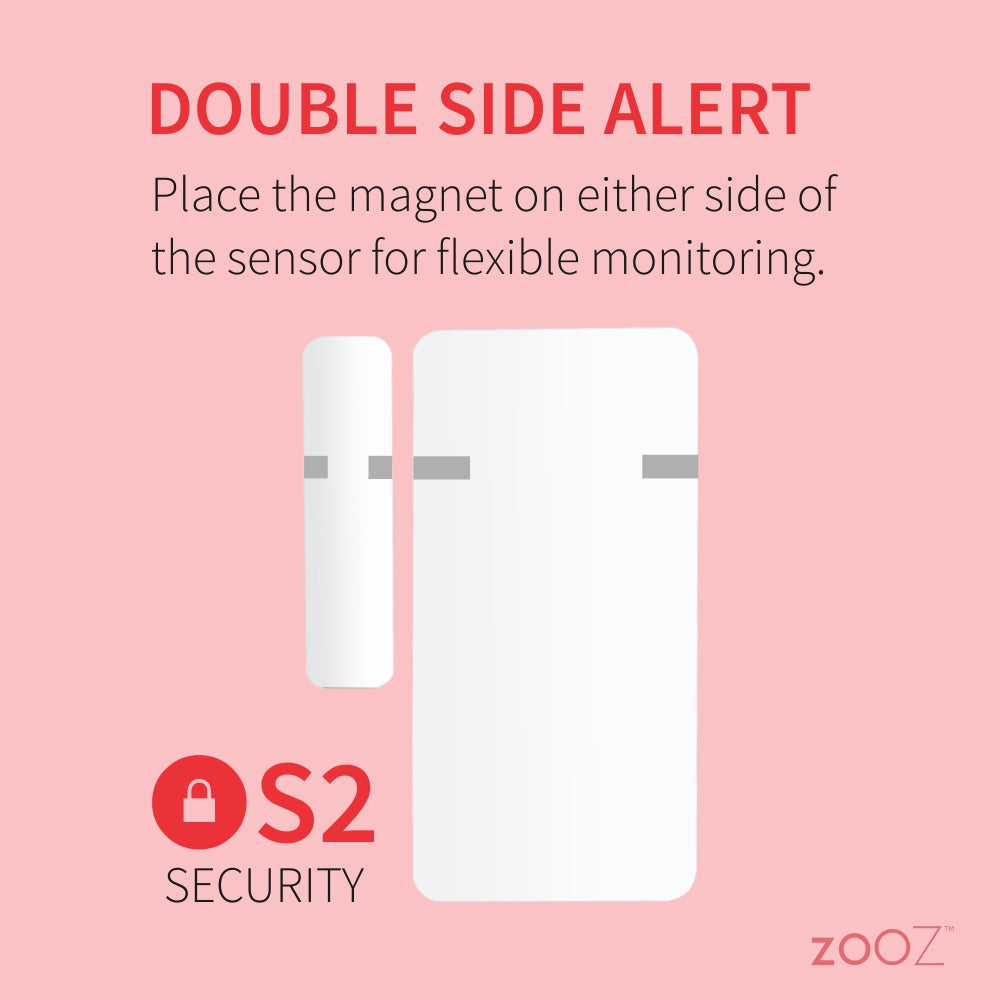
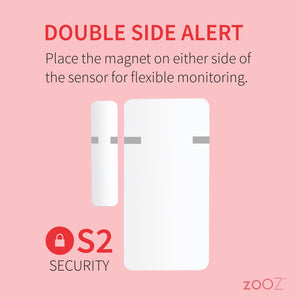
NOTE: Make sure the orientation marks are facing each other, and the gap between sensor and magnet does NOT exceed 0.25” when the device is in the closed position.
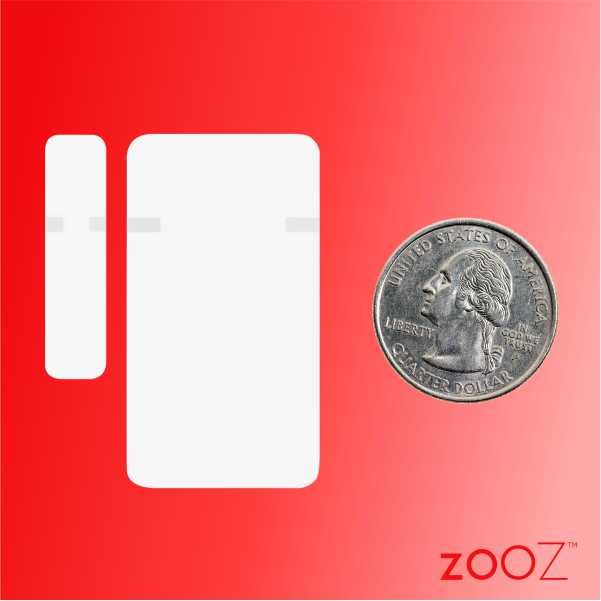
Tiny sensor that disappears on a door frame. It paired with SmartStart as Z-Wave Long Range on the first try and has reported every open and close instantly in Home Assistant. I use it to turn on a pantry light while the door is open and off when it shuts, and it's been reliable since day one. Easy setup, no mesh needed, would buy again.
Haven’t had any issues with reliability and it works very fast. Great little sensor design.
Form factor of the sensors make them easy to fit onto window frames of various sizes. I have them setup to notify my whenever a window opens. The range is great and they are extremely reliable. Great sensors!
Used these on the doors of some secondary fridges and freezers we have. Great way to be reminded if one of out kids leaves the door ajar (before the food spoils!)
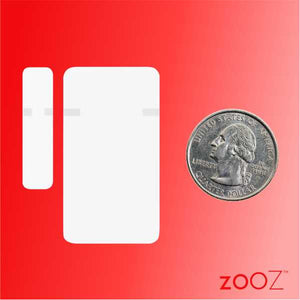
Joined Home Assistant with Smart Start without issue. It exposes all the entities you expect and updates instantly. The only issue is the size and magnet placement. It's not huge, but it’s about 2x larger than the smallest door sensors. Also, the magnet can only be placed at one end of the sensor (2 or the 4 corners) which can complicate unconventional installations.