$25.95 $39.75
| /
NOTE: Z-Wave gateway controller required - sold separately. You need a security-enabled controller to take full advantage of the product.
We may have this product available in open box, refurbished, or used condition - just check the variant buttons under the product price for availability. All of our recycled inventory has been tested for both manual and Z-Wave control and is fully functional at the time of shipment. Here is what you can expect when ordering your device:
Zooz 800 Series Z-Wave Plus XS Open | Close Sensor ZSE41 Users Manual (PDF)
ZSE41 Frequently Asked Questions
NOTE: If you don't see your Z-Wave controller on the list above, please contact us before you purchase this product.
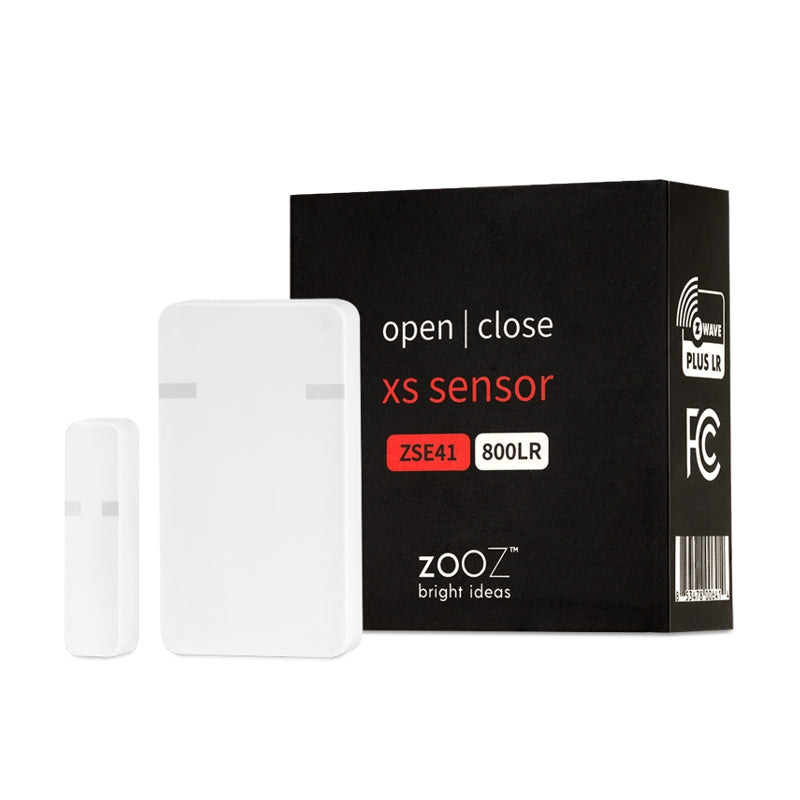
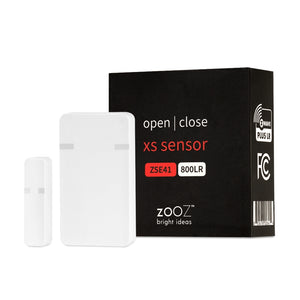
The Zooz XS Sensor allows you to protect your home discreetly without breaking the bank. When connected to your Z-Wave hub, it will tell you exactly if and when a door or window has been opened.
Attach it to a kitchen cabinet to make sure it's not accessed when it's not supposed to be. Put it on a drawer to safeguard your valuables. Receive instant text/email notifications on your smart phone or laptop so that you’re always kept in the loop, no matter where you are.
Use the sensor to speak to other Z-Wave security devices, like triggering a Z-Wave alarm siren when the backdoor is opened unexpectedly. With features like low-battery alerts and 700 series Z-Wave chip for faster and safer connectivity, the XS Open | Close Sensor is as dependable as it gets.
To add the XS Open | Close Sensor to your Z-Wave network:
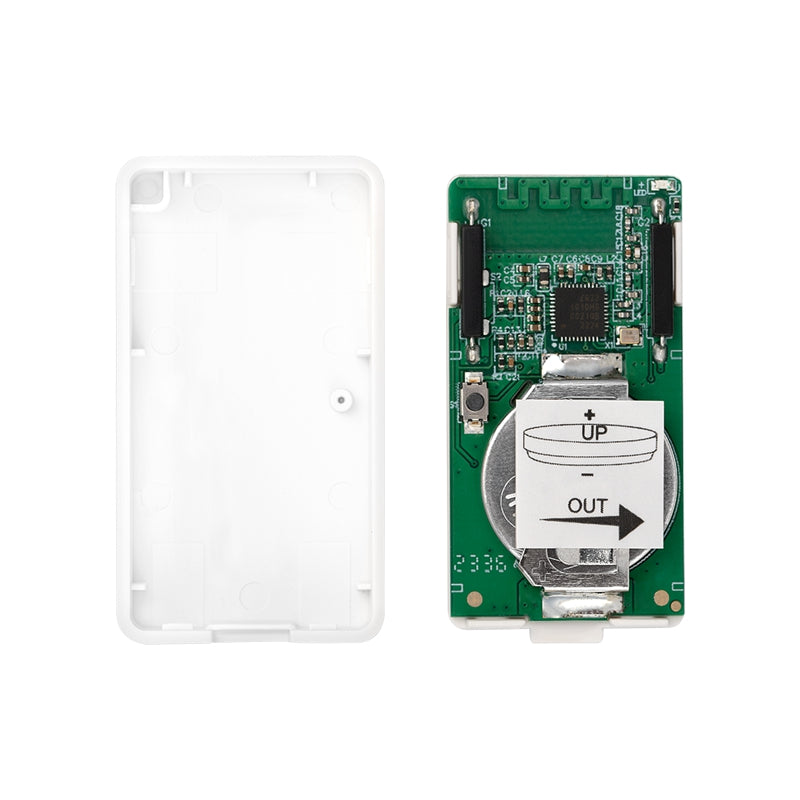
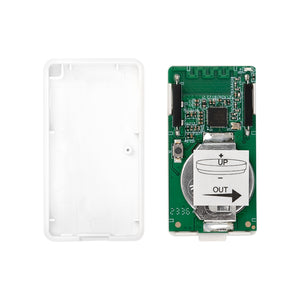
1. Use a small flat screwdriver to gently open the sensor’s cover and access the battery. Pull the tab from under the battery to activate the sensor. Don’t close the cover just yet. The LED indicator will start blinking for around 10 seconds once the
sensor is powered.
2. Bring the sensor to the location where you plan to mount it at.
3. Put your Z-Wave gateway controller into inclusion/pairing mode.
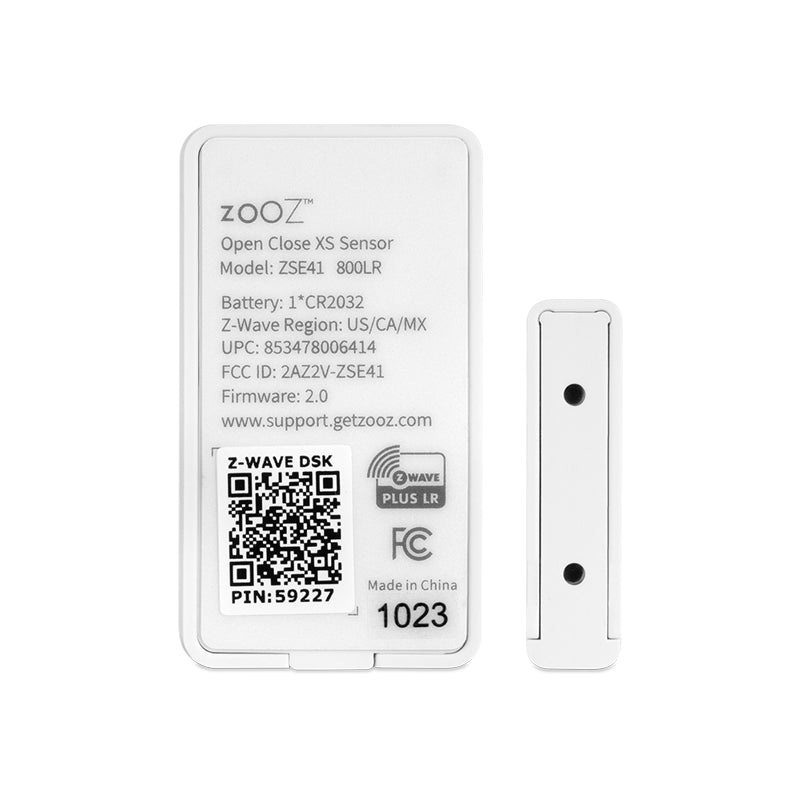
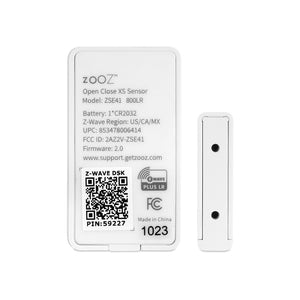
4. Scan the QR code or enter the PIN code located on the back of the battery cover if your hub supports SmartStart S2 inclusion.
5. Click the Z-Wave button on the sensor 3 TIMES QUICKLY. The LED indicator will flash quickly.
6. A new open/close (door/window) sensor will appear on your controller’s device list.
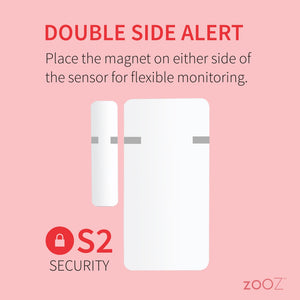
After successfully including the sensor into your Z-Wave network, use the supplied adhesive tape to mount it so that the sensor is fixed to the moving part and the magnet is fixed to the window / door frame.
If installing the sensor outdoors, please make sure to insert the sensor to the waterproof case (sold separately) and mount the case using the supplied mounting screws.

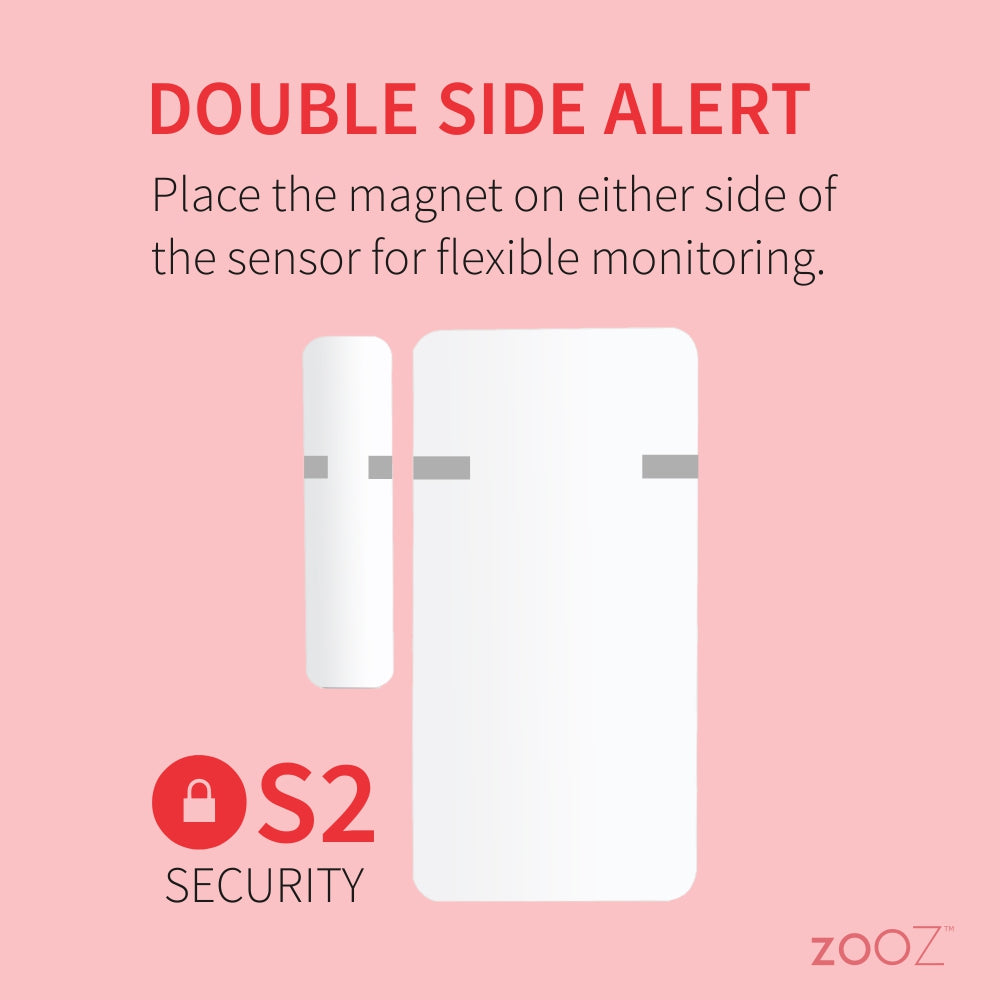
NOTE: Make sure the orientation marks are facing each other, and the gap between sensor and magnet does NOT exceed 0.25” when the device is in the closed position.
I have one controlling the lights when I open my server closet, one that flashes a red light if we go to bed and forget to close the garage door and two more that I have yet to install on the front and rear entrances to the house. I love the range and responsiveness!
Took longer to mount than configure, and mounting was pretty quick. My only real issue is that it's actually a bit too sensitive, my robovac bumping the door can occasionally set it off but to be fair my door is also a bit loosely mounted.
These work great! I picked these up for a customer who was unhappy with their original security sensors in Home Assistant. The old ones were incredibly laggy, so I couldn't tie automations to them reliably. I swapped their system over to these Zooz sensors, and everything works solidly now with instant updates in HA.
I was also really impressed with the gap distance. I tested them on the table, and they trip just after 1/2 inch. Plus, they are noticeably smaller than the sensors they replaced. I am genuinely impressed with these and will continue to recommend them to clients.
If I had to find a flaw, it would be the double-sided tape they ship with. It's the thick foam style, which I don't love because the foam turns yellow over time, whereas the thinner non-foam tape disappears. Minor complaint aside, these are fantastic. Keep up the good work Zooz.
The sensors connected to the hub immediately and they are working great.
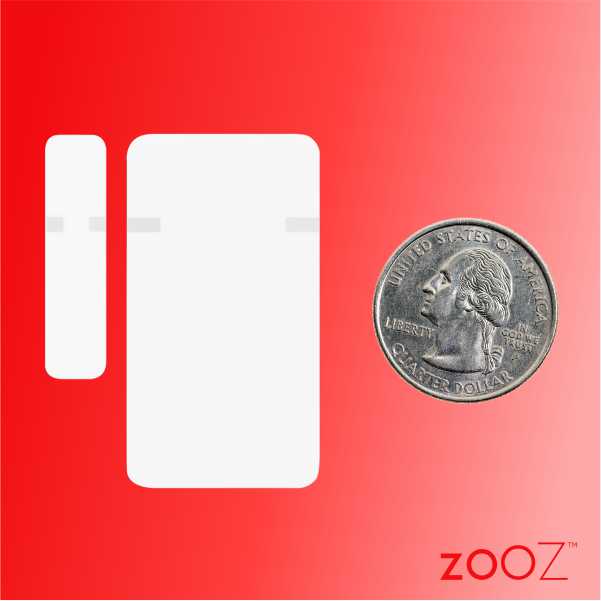
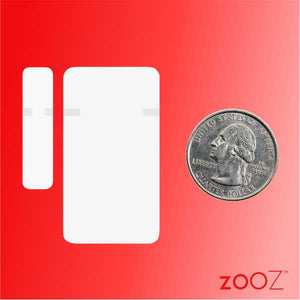
No issues integrating into HA. Smaller than expected! No issues to date, solid.