$37.95 $47.95
| /

NOTE: Z-Wave gateway controller required - sold separately. *Your smart hub / controller needs to support advanced settings and central scene programming or direct association access for you to take advantage of this feature.
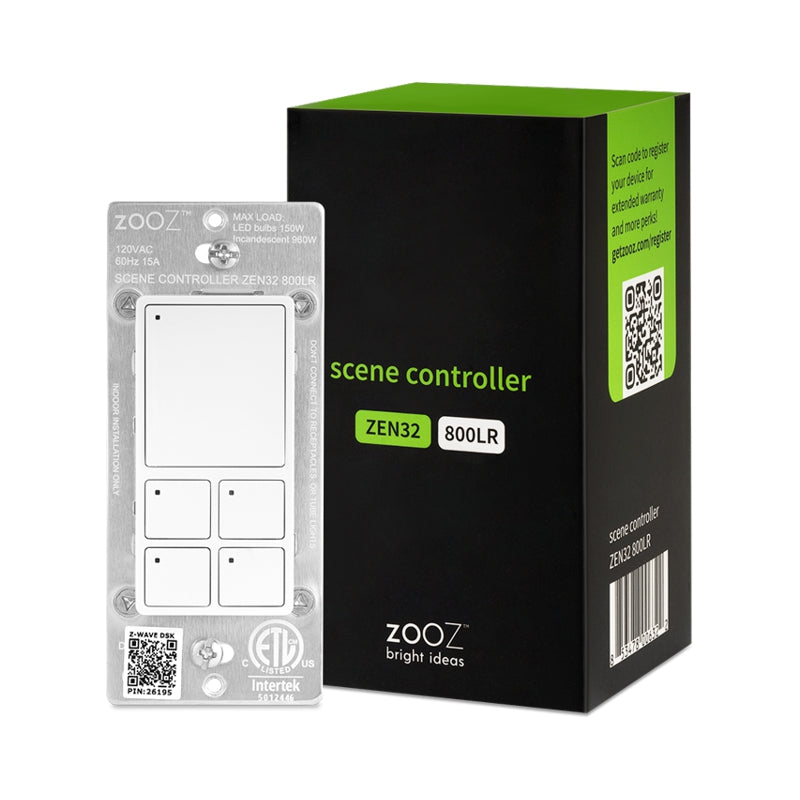
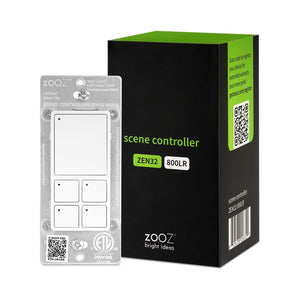
Get a replacement button panel in black for your Zooz ZEN32 Scene Controller!
We may have this product available in open box, refurbished, or used condition - just check the variant buttons under the product price for availability. All of our recycled inventory has been tested for both manual and Z-Wave control and is fully functional at the time of shipment. Here is what you can expect when ordering your device:
Download the Manual for 800 Series Scene Controller Switch ZEN32 800LR (PDF)
ZEN32 Frequently Asked Questions
More wiring diagrams for 3-way and 4-way set-ups
NOTE: If you don't see your Z-Wave controller on the list above, please contact us before you purchase this product.
You can now order a custom etched faceplate for your Scene Controller from our partners at Domotinc! Just click on the image below to customize your plate and order it directly from Domotinc. NOTE: custom etched plates are NOT included with your purchase on The Smartest House.
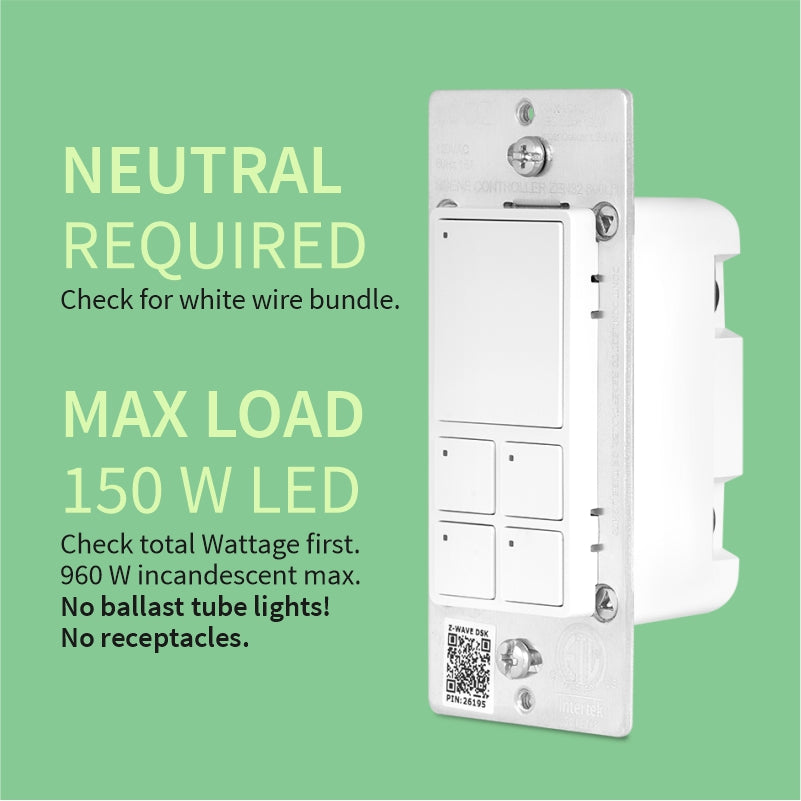
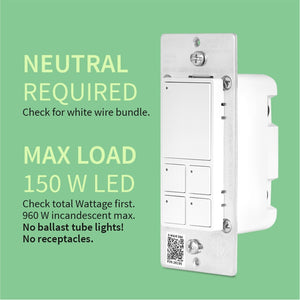
Before installing, make sure the load does not exceed 960W for incandescent lights, 150W for CFL's and LED's, or 1800W (15A) for resistive load. Check your wiring first to confirm that you have all the following wires present in your gang box: load (most often black), line (most often black), neutral (most often white), and ground (most often green).
Always cover the screws and terminals with electrical tape (or the included covers) - failure to do so will void the warranty. If you are not comfortable identifying the wiring and following the instructions, please hire a licensed electrician.

Here are some helpful wiring tips:
How to include the Scene Controller switch to your smart home network?
1. Bring your Z-Wave gateway hub or controller as close to the switch as possible
2. Put your Z-Wave controller in inclusion/pairing mode
3. Tap the upper paddle of the switch 3 times quickly to finalize the inclusion process
4. A new on/off switch should appear on your controller's device list
NOTE: Use a dedicated diagram from the manual to wire the switch in a 3-way setting with a regular electrical switch if you are looking to control one light with 2 or 3 switches.
I used it to have preset dimmer settings for all the lights on one floor (set up through home assistant). So far it's been working really well!
Love this scene controller, installed it in both my old and new homes. Hint, if you are using Home Assistant, use the premade blueprint for the easiest setup.
Works as descibed no problems
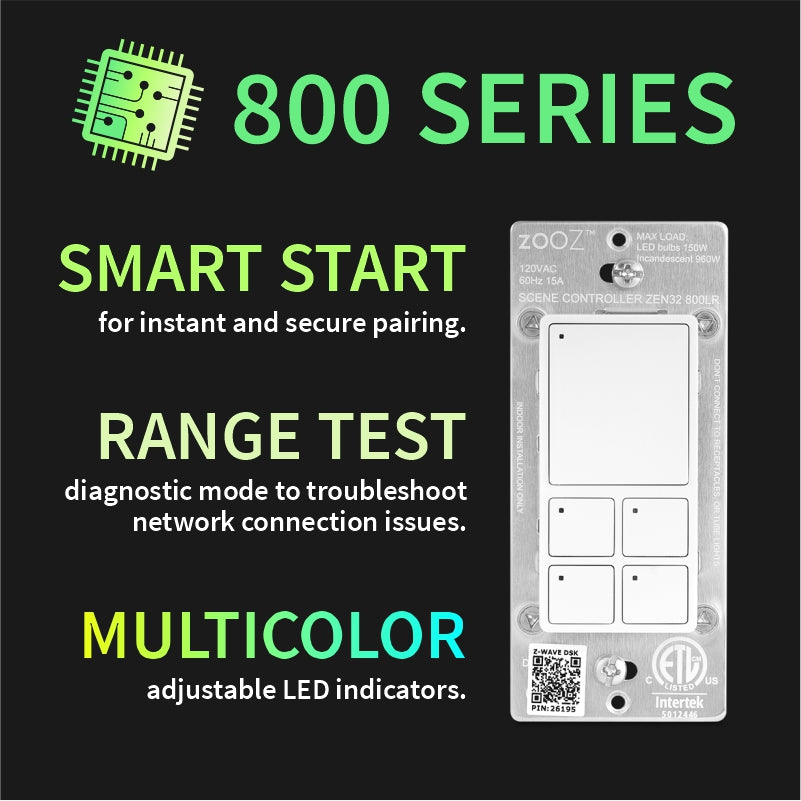
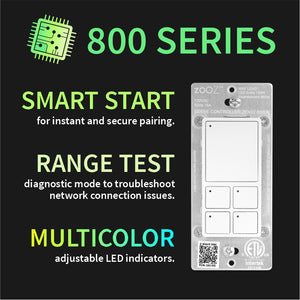
The ZEN32 800LR has been a great addition to my smart home setup. Pairing was fast, range is noticeably better thanks to Z-Wave Long Range, and the four scene buttons with customizable LEDs give me tons of control over lighting and other devices. Solid build quality and fits standard wall plates perfectly. Highly recommend if you're in the Z-Wave ecosystem.
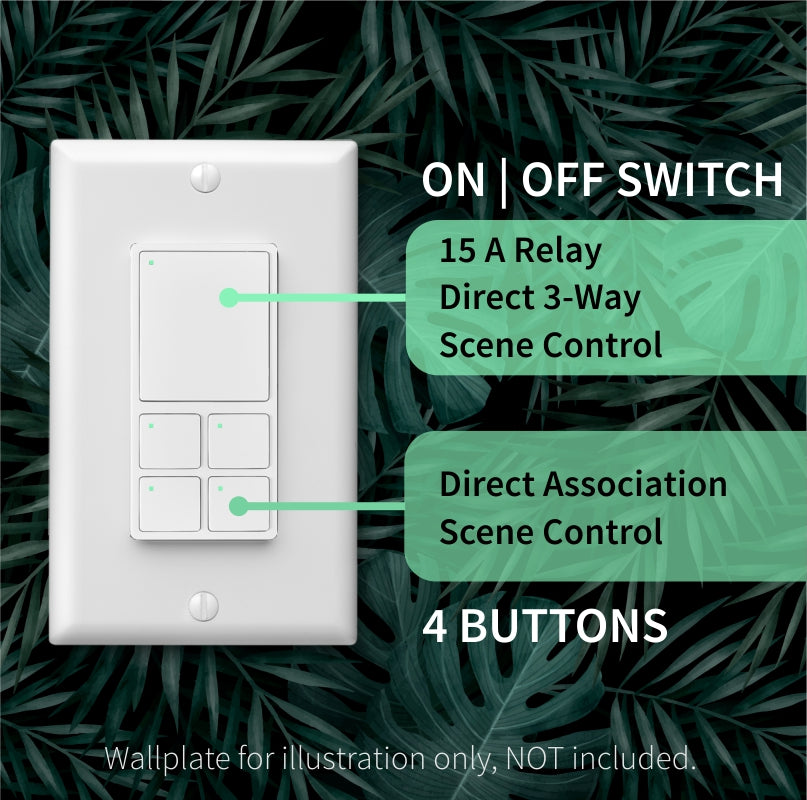
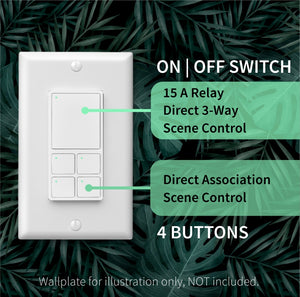
The Zooz ZEN32 in wall scene controller was purchased to replace a legacy Leviton VRCZ4-MR 4 button scene controller which does not work with the Hubitat hubs. I was a cautiously optimistic when I looked at the ZEN32 on The Smartest House website b/c of the discussion about “While not needed for basic operation, you may opt in for the community custom driver created by bertabcd1234 to gain access to the full multi-tap functionality and more advanced settings”. I enrolled the ZEN32 as a mesh device into my Hubitat C8-Pro using the traditional, manual procedure which went well. The automatically enrolled driver, Zooz ZEN32 Scene Controller, works perfectly well for me. The large button on top (button 5) is hard wired to a relay which controls one of my kitchen ceiling lights. The 4 smaller buttons (1-4) serve each as scene controllers in my set-up and control scenes of other lights and devices which have their own switches such as plug-in smart switches or in ceiling/wall micro or nano Z-wave switches. The four scene controllers allow each for Pushed, Held, Double Tapped and Released setting with the automatically enrolled driver, as well as color selection for the small LED on each of the buttons. Further functions which I do not need could be unlocked with the community custom driver.
The quality of this device is outstanding and all installation materials (including a white neutral jumper wire) are included. I choose the black version as I think it looks particularly great on my yellow kitchen wall. The instructions are complete and simple to follow and, as always, the support material on the website of The Smartest House is great, and so is their general support.