$18.95 $39.95
| /

NOTE: Z-Wave gateway controller required - sold separately. *Your smart hub / controller needs to support advanced settings and central scene programming for you to take advantage of this feature.
We may have this product available in open box, refurbished, or used condition - just check the variant buttons under the product price for availability. All of our recycled inventory has been tested for both manual and Z-Wave control and is fully functional at the time of shipment. Here is what you can expect when ordering your device:
This product is available in different Z-Wave frequencies so please make sure you choose the correct region before checking out. You need to select the same frequency / region as your hub when buying Z-Wave devices for them to include to your system. If you're not sure which frequency your hub operates on, please contact your solution provider first. Here is what each option stands for:
Download the Manual for Zooz 700 Series Z-Wave Long Range Double Relay ZEN52 LR (PDF)
NOTE: If you don't see your Z-Wave controller on the list above, please contact us before you purchase this product.
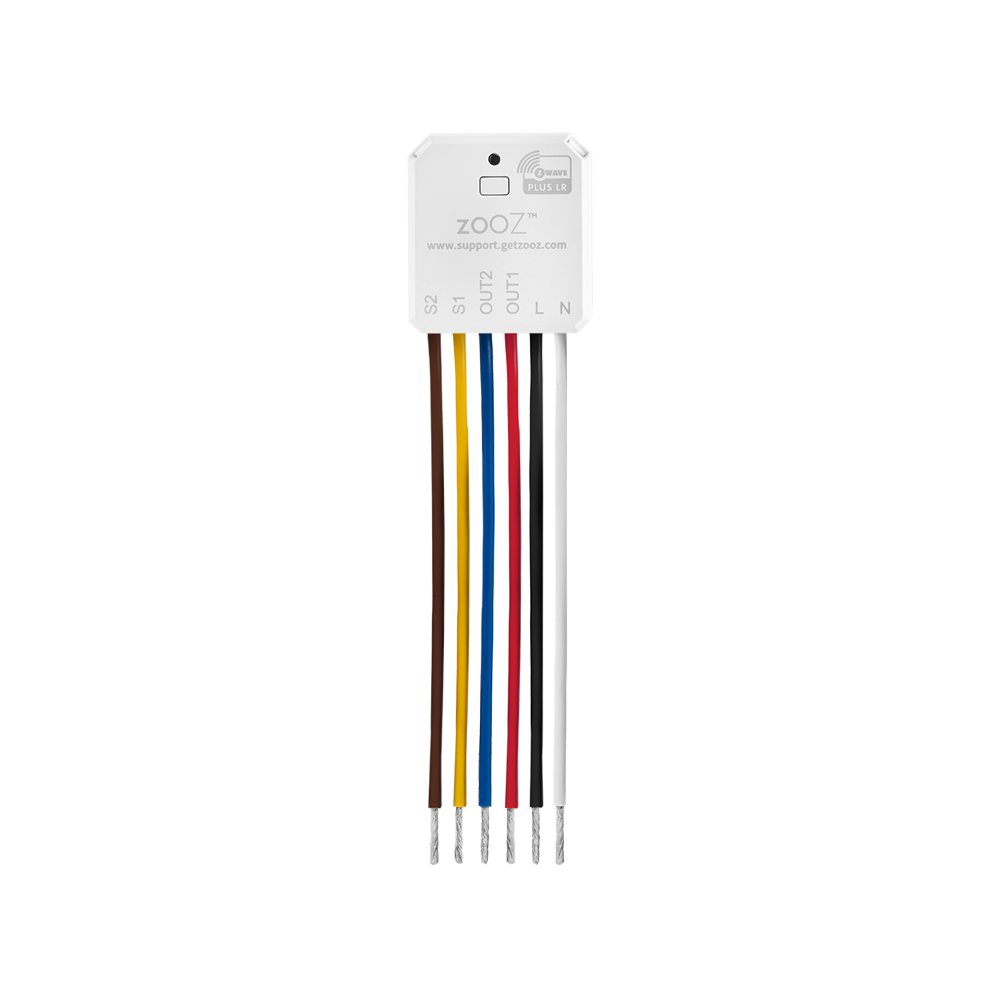
Before wiring the Double Relay in, check that the load does not exceed 500W for incandescent lights, 150W for LED's, 1/4 hp for fans and motors, or 5A for resistive load per relay. Examine all connections to verify that you have all the necessary wires available in the switch box: load (most often black), line (most often black), neutral (most often white), and ground (most often green).
If you are not comfortable identifying the wiring and following the instructions, please hire a licensed electrician.

Here are some helpful wiring tips:
How to include the Double Relay to your smart home network?
1. Put your Z-Wave controller in inclusion/pairing mode
2. Click the Z-Wave button on the relay 3 times quickly to finalize the inclusion process (and scan the SmartStart security QR code or enter PIN if prompted)
3. Two new on/off switches and a master device should appear on your controller's device list
I liked these at first, but I had a couple issues with it. The first is the small inconvenience of toggle switches not matching the state of the lights, and it was pretty complicated understanding the configuration options. The second issue was worse; my two relays often end up as dead nodes in Home Assistant and don't come back even after power cycles. These are my least reliable Z-Wave devices.
Fits in any box and very functional! You won't be sorry!
Fits easily in the smallest of boxes. Very easy to install and very useful! make any switch a smart switch.
I've been looking for a solution to independently control the light and fan on my ceiling fan fixtures. Since they only have a single wire from the switch, they were either both on, or both off. I was able to wire this behind the fan in the ceiling and use the signals from the smart switch (with relay turned off) to control the light and fan independently.
Used this to add smart capabilities to a tricky wiring situation with multiple sets of existing 3 way lights with all the power and neutrals at the light (only travelers at the switch boxes). This was able to slot in as a smart relay while retaining the full functionality of the existing switches.