$26.95 $35.95
| /

NOTE: Z-Wave gateway controller required - sold separately. *Your smart hub / controller needs to support advanced settings and configuration for you to take advantage of this feature.
We may have this product available in open box, refurbished, or used condition - just check the variant buttons under the product price for availability. All of our recycled inventory has been tested for both manual and Z-Wave control and is fully functional at the time of shipment. Here is what you can expect when ordering your device:
Download the Manual for the Zooz 800 Series Z-Wave Long Range Smart Plug ZEN04 800LR (PDF)
ZEN04 Frequently Asked Questions
NOTE: If you don't see your Z-Wave controller on the list above, please contact us before you purchase this product.
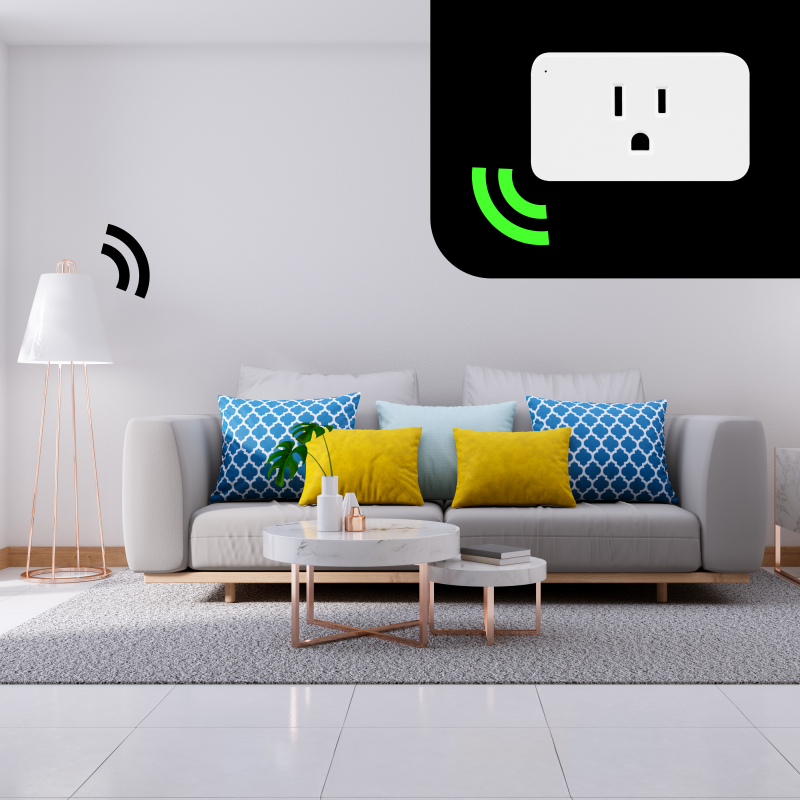
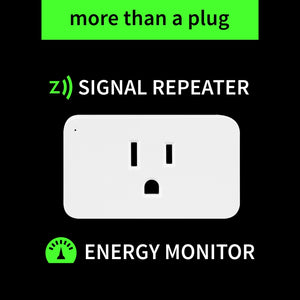
Give your current small appliances the power of Z-Wave. While connected to your Z-Wave controller, enjoy wireless on/off control of your most crucial everyday devices such as lamps, TV/audio equipment, computers, and clocks (no heavy-duty appliances like washers or dryers).
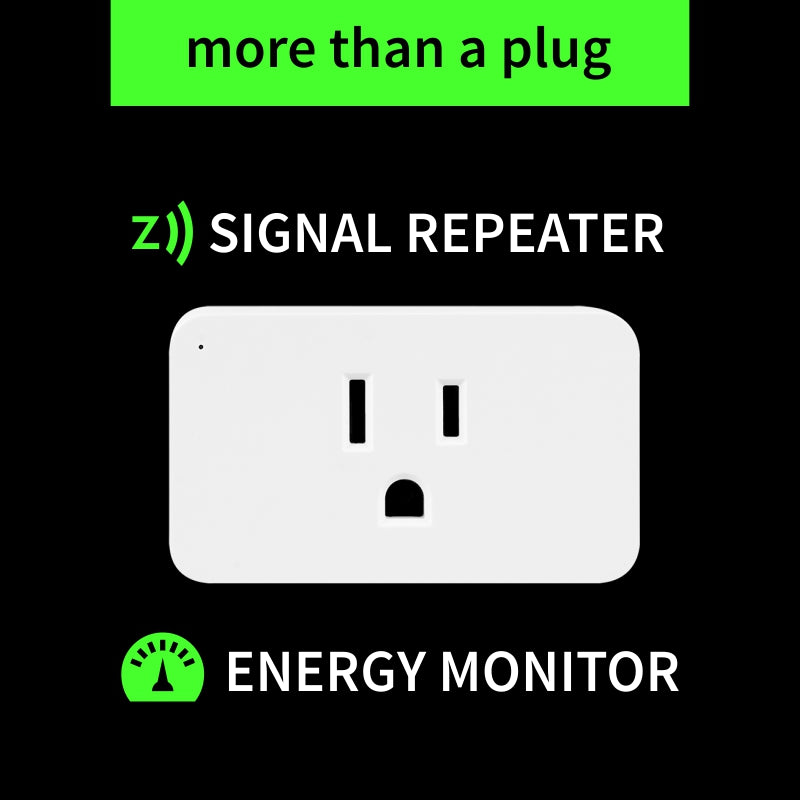
Know exactly how much power they're consuming at any given moment and over time. Create custom scenes designed around your schedule: it will work just as good by your bedside as for your holiday lights (indoors only).
If your Z-Wave hub allows, the Smart Plug even lets you customize advanced configurations and parameter adjustments based on your preferences. This is a simple, low-cost electrical solution that will give you a smarter, more efficient home.
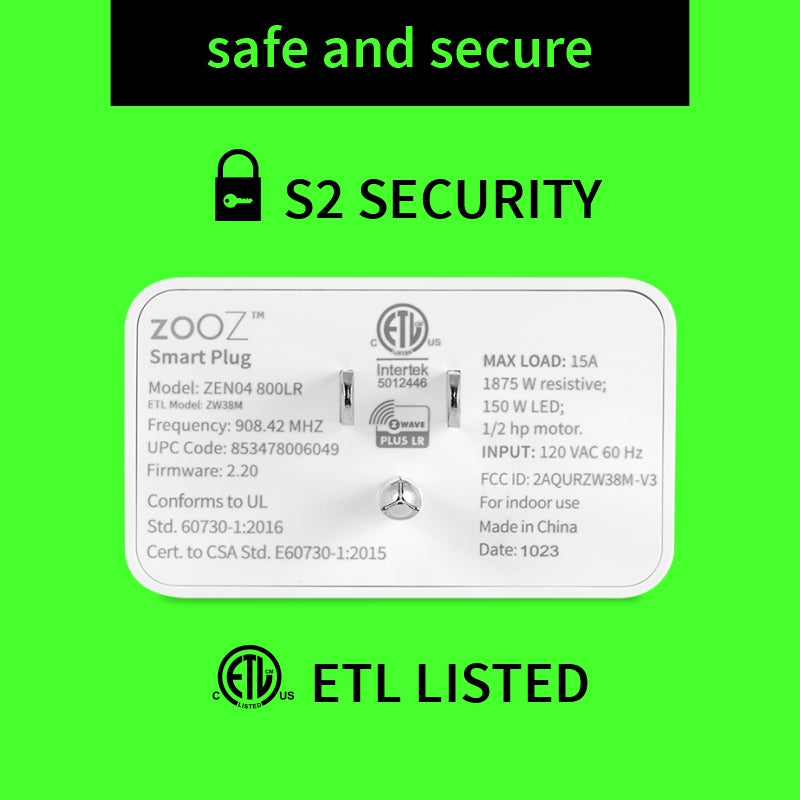
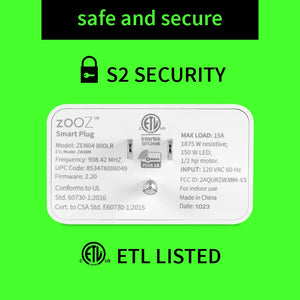
Before installing, make sure the load does not exceed 960W for incandescent lights, 150W for LED's, 3A for fans and motors, or 15 A for resistive load.
How to include the Smart Plug to your smart home network?
1. Insert the Smart Plug into a standard 120 V receptacle
2. Put your Z-Wave controller in inclusion/pairing mode
3. Click the Z-Wave button on the plug 3 times quickly to finalize the inclusion process
4. A new on/off device will appear on your hub's device list
I'm buying some new zwave things for a new Home Assistant setup but I'm still using ADT Pulse in the interim. I was able to connect this smart plug to my Pulse network with minimal effort. Much to my surprise, the energy usage info that this smart plug can monitor also shows up within Pulse! My connected device seems to turn on/off just a drop quicker than my older zwave plugs, so that's a positive, too. I'm really looking forward to using my other Zooz purchases.
If you have already figured out zwave, why aren’t you using these?? The only place I can’t use these is on a power strip but then Zooz also sells a power strip. The best thing about these is that they track power usage which comes in handy on home assistant
I bought a few to automate my indoor Christmas lights. They work great!
I use home assistant and have fought for months if not years trying to get my Amazon Fire Sticks integrated with Home Assistant. I finally gave up and ordered these plugs. Now I can see how much current is being drawn by these devices when the TV's are on and when they are off. I can key my automations around that current value changing. Perfect solution for years long problem.
very easy to get setup in proxmox/home assistant. have had great range and reliability with this unit so far!