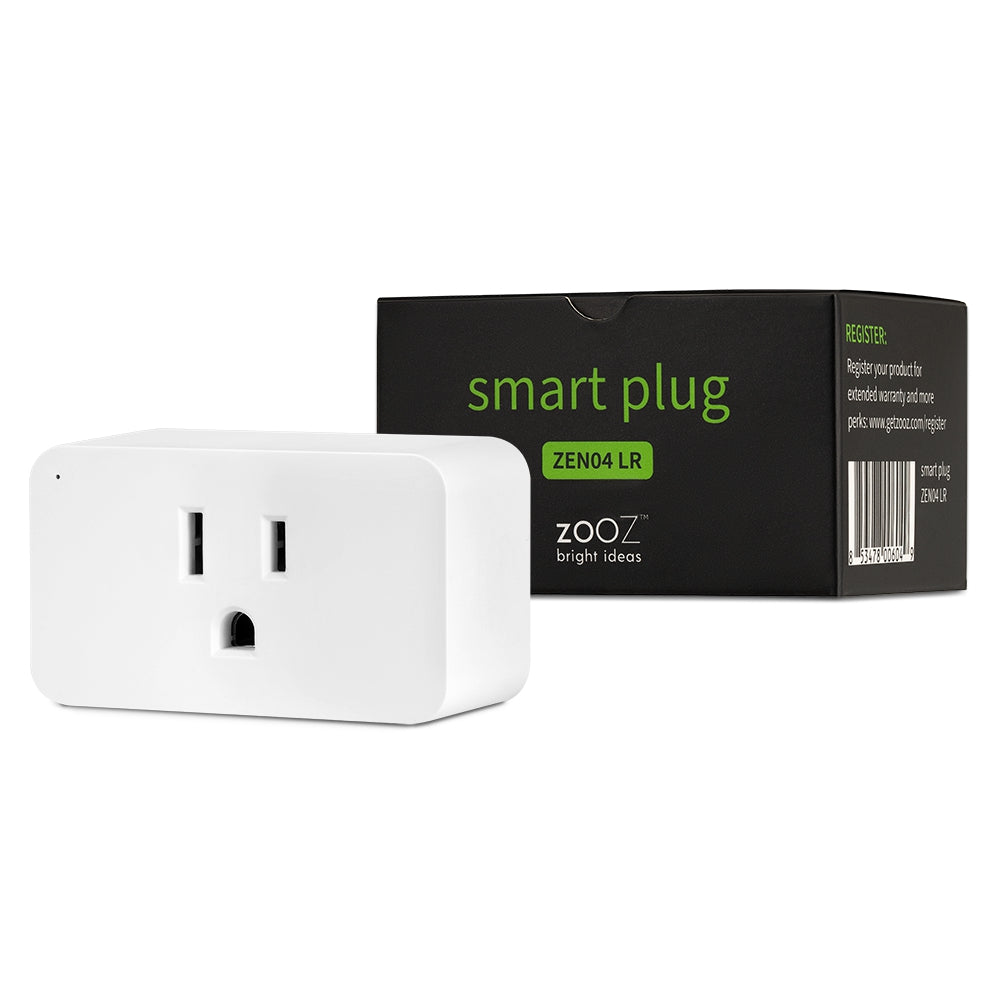
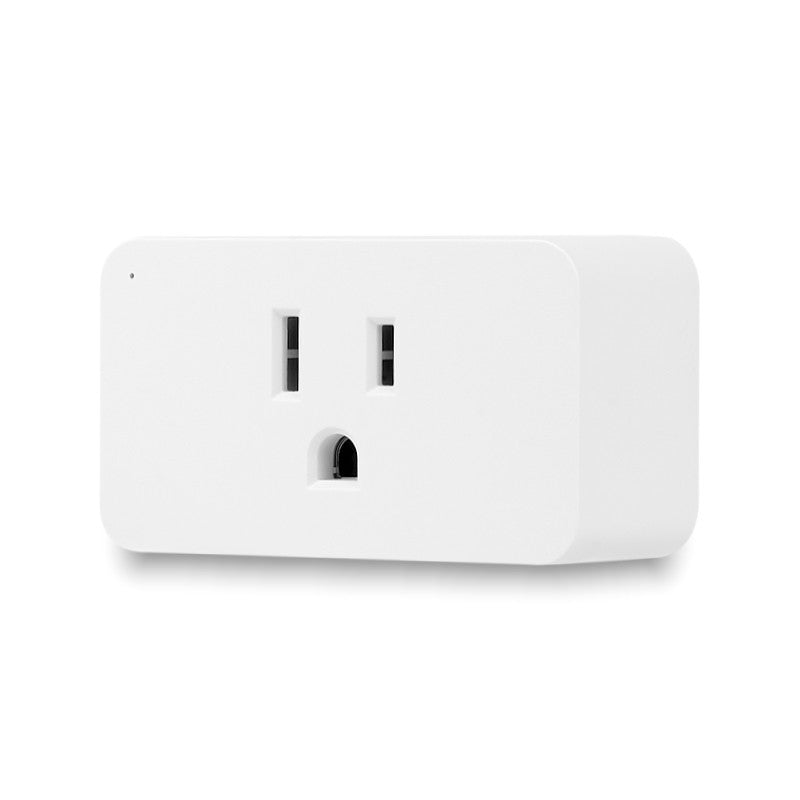
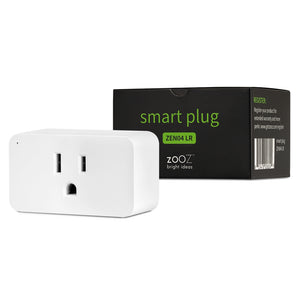
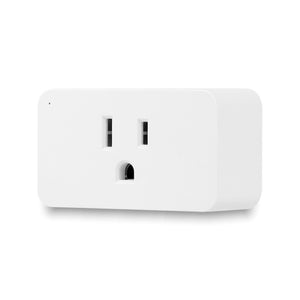
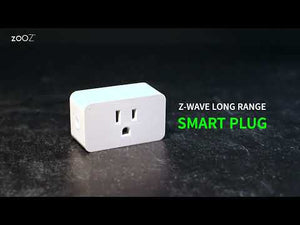
Zooz 800 Series Z-Wave Long Range Smart Plug ZEN04 800LR

$27.95 $35.95

| /

Product Condition (See full condition details below)

Small, fast, secure

PRODUCT HIGHLIGHTS

  • On/off Z-Wave control for floor lamps & small appliances (single device only; not intended to power more than 1 device. Do NOT use with power strips, transformers, humidifiers, fan motors over 1/3 HP, and other motor loads)
  • NEW 800 series Z-Wave chip: more range for reliable wireless communication
  • Z-Wave Long Range ready: extend the wireless coverage up to 1 mile if your hub supports Long Range
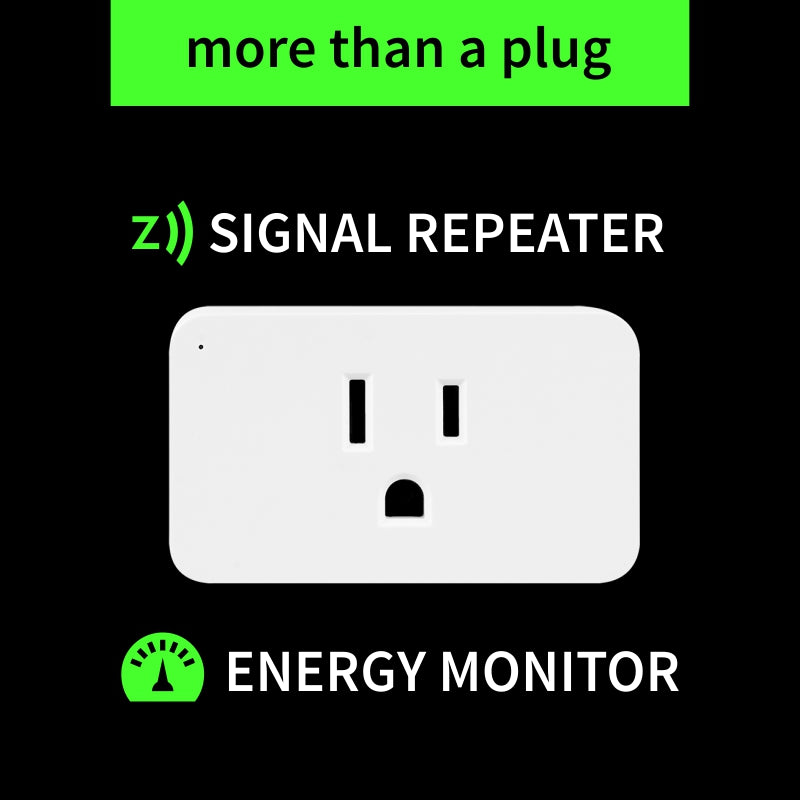
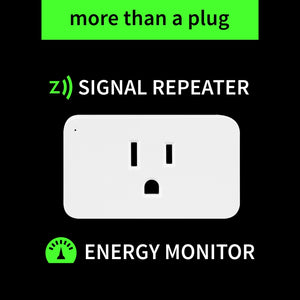
  • Power monitoring in live mode or over time*
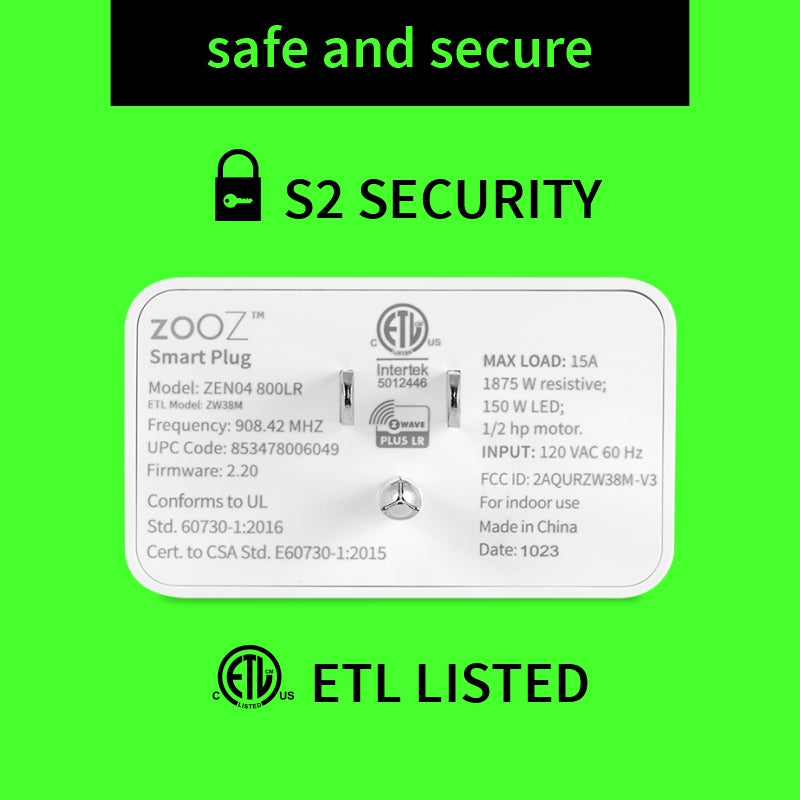
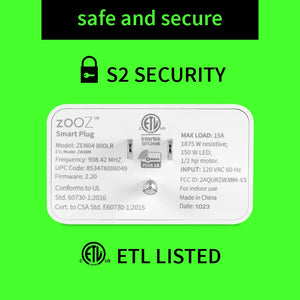
  • SmartStart and S2 authenticated security 
  • Great for use with quality LED and incandescent bulbs (don't connect to fans over 3A or large appliances, go with the Power Switch instead; NOTE: FEIT bulbs are not recommended)
  • Status restore: the plug remembers and goes back to original state after power failure
  • Built-in signal repeater: keep your network fast and healthy
  • 5-year warranty (when registered) and lifetime tech support
  • Check out ZEN04 Frequently Asked Questions

    NOTE: Z-Wave gateway controller required - sold separately. *Your smart hub / controller needs to support advanced settings and configuration for you to take advantage of this feature.

    SPECIFICATIONS

    • Region: US/CA/MX
    • Power: 120 VAC, 60 Hz
    • Maximum Loads: a single device with no more than 960W incandescent, 150W LED bulbs, 15A resistive, or 1/3 HP fan motors
    • Z-Wave Range: Up to 300 feet line of sight (or up to 1 mile with Long Range enabled)
    • Dimensions: 1.5" tall, 2.6" wide, 1.14" deep
    • Operating Temperature: 32-104° F (0-40° C)
    • Installation: Indoor use only

      RESOURCES

      Download the Manual for the Zooz 800 Series Z-Wave Long Range Smart Plug ZEN04 800LR (PDF)

      ZEN04 Frequently Asked Questions

      Advanced Settings

      Support Portal

      WORKS WITH

      • Z-Box Hub (recommended for Zooz products)
      • 2GIG (no advanced settings available)
      • ADT Pulse (no advanced settings available)
      • Ezlo Plus (select "Generic Z-Wave device" from the Device Wizard list)
      • Ezlo Secure (select "Generic Z-Wave device" from the Device Wizard list)
      • Fibaro Home Center 2
      • Fibaro Home Center Lite
      • Home Assistant (Z-Wave JS)
      • HomeSeer (Z-Wave Plus or Z-Wave JS Front End)
      • Homey (Zooz App for Homey)
      • Hubitat
      • Indigo (NOTE: no security, Indigo does not support S2 Z-Wave security)
      • ISY994Zw
      • Jeedom
      • openHAB
      • Ring (no power consumption info or advanced settings - on/off control only)
      • SmartThings (access the Edge driver here)

        NOTE: If you don't see your Z-Wave controller on the list above, please contact us before you purchase this product.

        How It Works

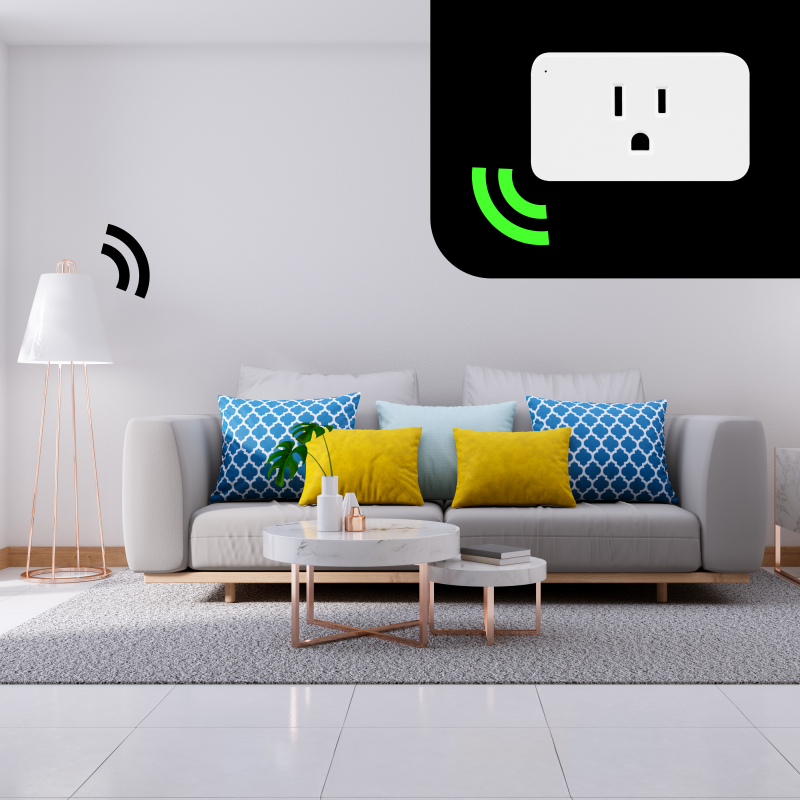
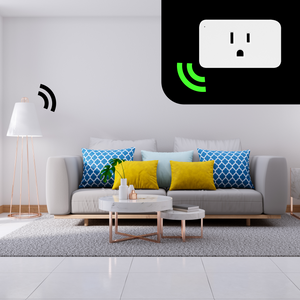
        Give your current small appliances the power of Z-Wave. While connected to your Z-Wave controller, enjoy wireless on/off control of your most crucial everyday devices such as lamps, TV/audio equipment, computers, and clocks (no heavy-duty appliances like washers or dryers).

        Know exactly how much power they're consuming at any given moment and over time. Create custom scenes designed around your schedule: it will work just as good by your bedside as for your holiday lights (indoors only).

        If your Z-Wave hub allows, the Smart Plug even lets you customize advanced configurations and parameter adjustments based on your preferences. This is a simple, low-cost electrical solution that will give you a smarter, more efficient home. 

        INSTALLATION

        Before installing, make sure the load does not exceed 960W for incandescent lights, 150W for LED's, 3A for fans and motors, or 15 A for resistive load.

          How to include the Smart Plug to your smart home network?
          1. Insert the Smart Plug into a standard 120 V receptacle
          2. Put your Z-Wave controller in inclusion/pairing mode
          3. Click the Z-Wave button on the plug 3 times quickly to finalize the inclusion process
          4. A new on/off device will appear on your hub's device list

          Customer Reviews

          Based on 186 reviews
          97%
          (180)
          2%
          (4)
          1%
          (1)
          1%
          (1)
          0%
          (0)
          B
          Branden P.
          Plug and play

          Simple as plugging it in, and scanning the QR code for home assistant. Super easy to use, great experience.

          G
          George
          ZEN04 800LR smart plug

          I use these as reset switches for Sonos speakers. When a bathroom speaker drops offline, a Home Assistant automation cuts its power for 20 seconds and brings it back. It recovered on its own at 7 AM last week before I'd noticed anything was wrong. Small enough that it doesn't block the second outlet.

          T
          Tim
          Smart Plug

          It works as advertised. I use it with Home Assistant and it is rock solid.

          S
          Scott
          Best ZWave Plug out there

          This is my favorite zwave plug. It just works. Haven’t tried out the Long Range feature as my network is pretty robust.

          R
          Riley
          Super easy and convenient

          Works just the way I expect. Good range, and great as a mesh repeater as well. Pretty solid price too. Hard to go wrong!