$28.95 $37.95
| /

NOTE: Z-Wave gateway controller required - sold separately. *Your smart hub / controller needs to support advanced settings and central scene programming for you to take advantage of this feature.
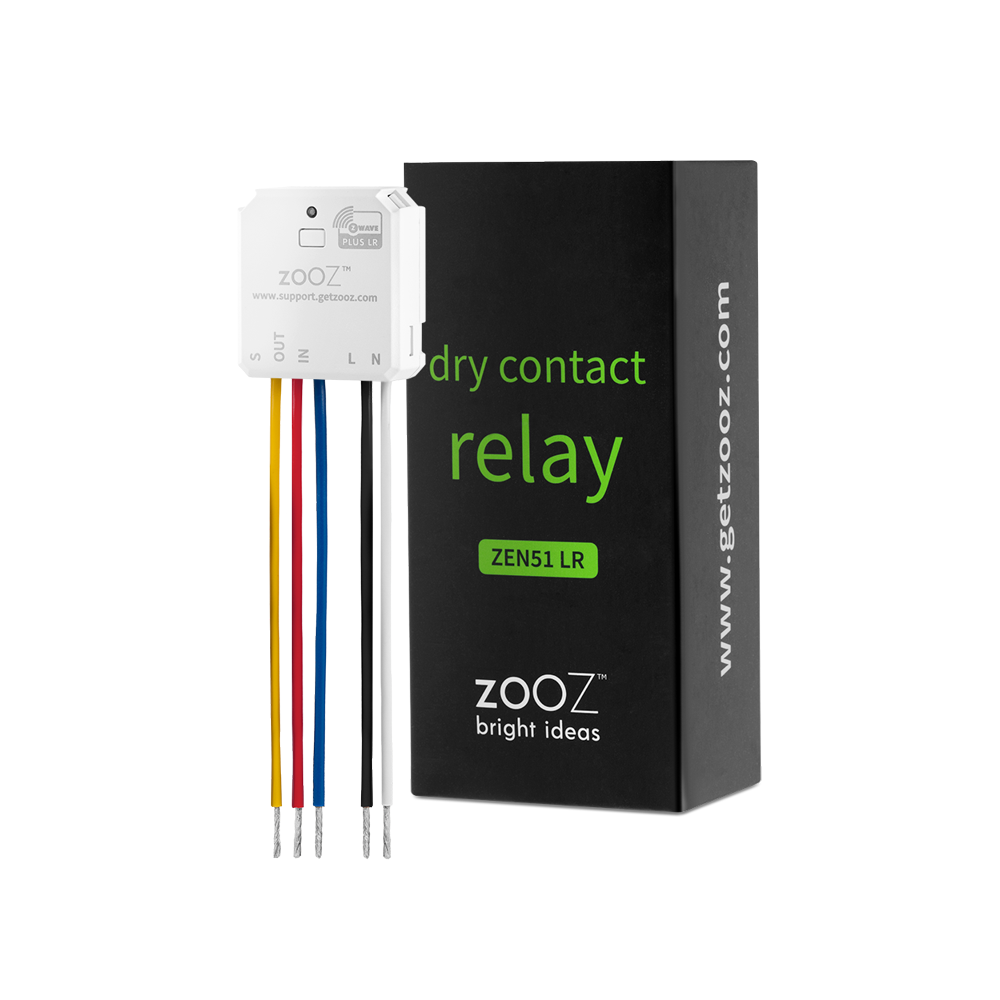
Download the Manual for Zooz 700 Series Z-Wave Plus Dry Contact Relay ZEN51 (PDF)
NOTE: If you don't see your Z-Wave controller on the list above, please contact us before you purchase this product.
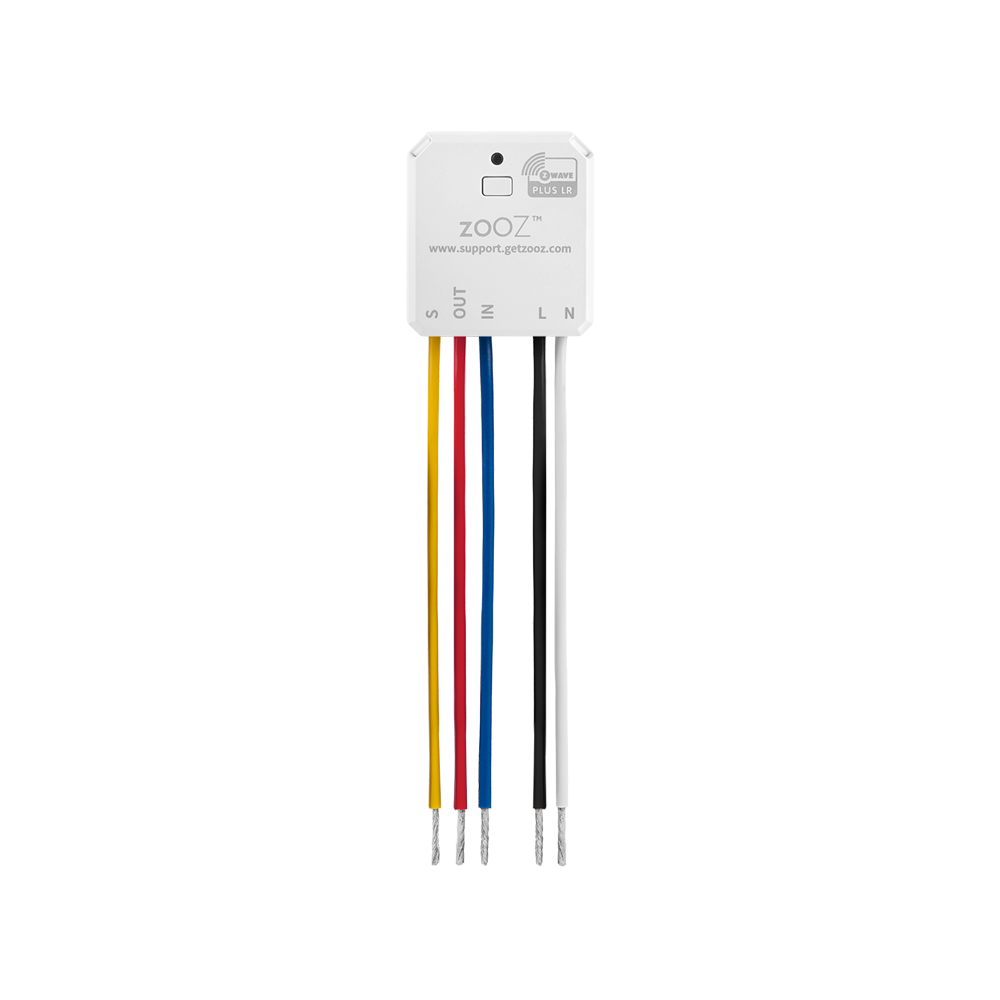
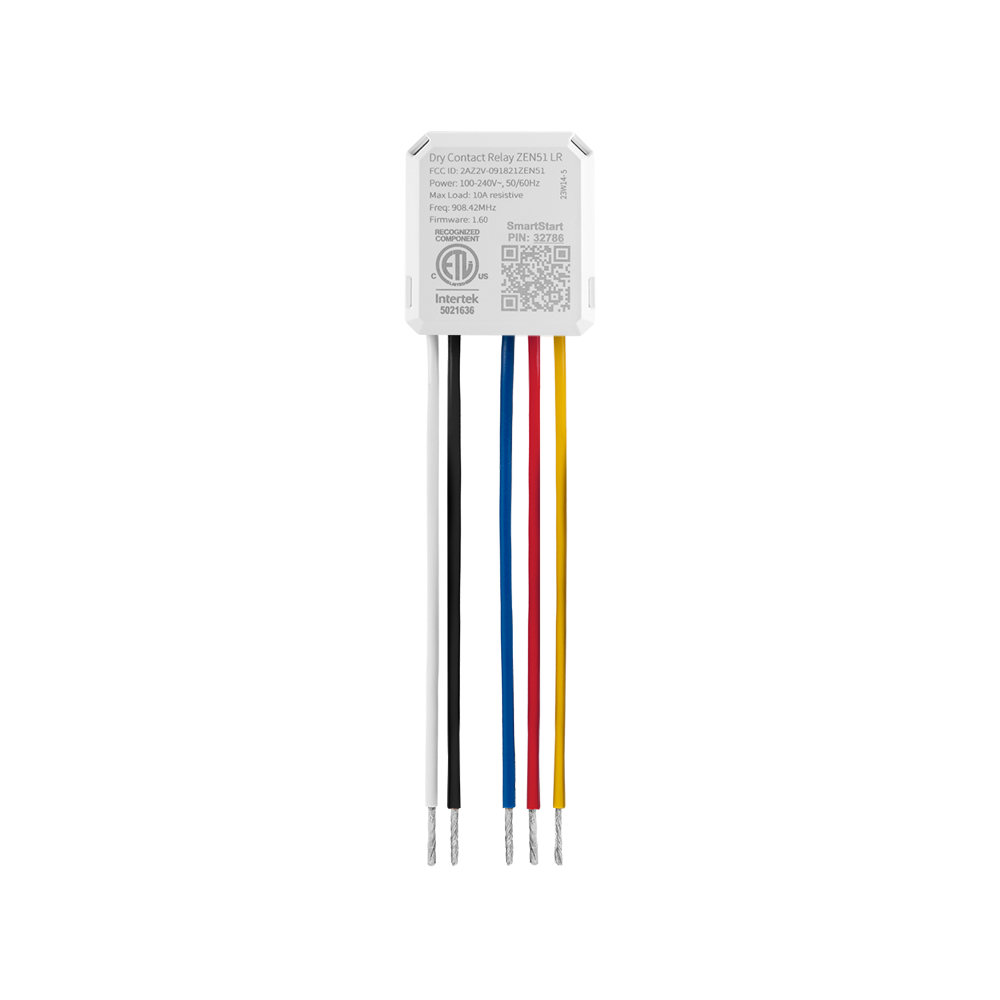
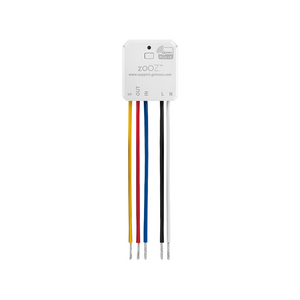
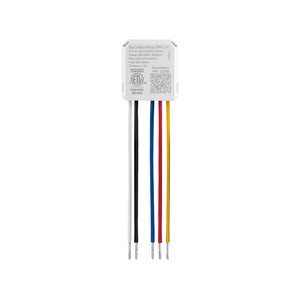
Before installing, make sure the load does not exceed 960W for incandescent lights, 150W for LED's, 3A for fans and motors, or 10A for resistive load. Check your wiring first to confirm that you have all the following wires present in your gang box: load (most often black), line (most often black), neutral (most often white), and ground (most often green).
If you are not comfortable identifying the wiring and following the instructions, please hire a licensed electrician.

Here are some helpful wiring tips:
How to include the Dry Contact Relay to your smart home network?
1. Bring your Z-Wave gateway hub or controller as close to the switch as possible
2. Put your Z-Wave controller in inclusion/pairing mode
3. Click the Z-Wave button on the relay 3 times quickly to finalize the inclusion process
4. A new on/off switch should appear on your controller's device list
My ceiling fan had a single switch for the fan motor and lights for years. The Hue bulbs would always go out when I turned the fan off. This relay allows me to control the lights and fan separately using a ZEN75 switch. Perfect!
All goid to veryvgood!
Zooz z-wave devices are some of the easiest to setup and most cost effective products available. I have tons of them.
Using to put outside lights on timers under Home Assistant control.
Installation was straightforward, instructions were clear. The only thing I would like to see is increased power handling of LED lamps, although my application is way under the limit.
These are great devices