$37.95 $47.95
| /

NOTE: Z-Wave gateway controller required - sold separately. *Your smart hub / controller needs to support advanced settings and central scene programming or direct association access for you to take advantage of this feature.
Get a replacement button panel in black for your Zooz ZEN32 Scene Controller!
We may have this product available in open box, refurbished, or used condition - just check the variant buttons under the product price for availability. All of our recycled inventory has been tested for both manual and Z-Wave control and is fully functional at the time of shipment. Here is what you can expect when ordering your device:
Download the Manual for 800 Series Scene Controller Switch ZEN32 800LR (PDF)
ZEN32 Frequently Asked Questions
More wiring diagrams for 3-way and 4-way set-ups
NOTE: If you don't see your Z-Wave controller on the list above, please contact us before you purchase this product.
You can now order a custom etched faceplate for your Scene Controller from our partners at Domotinc! Just click on the image below to customize your plate and order it directly from Domotinc. NOTE: custom etched plates are NOT included with your purchase on The Smartest House.
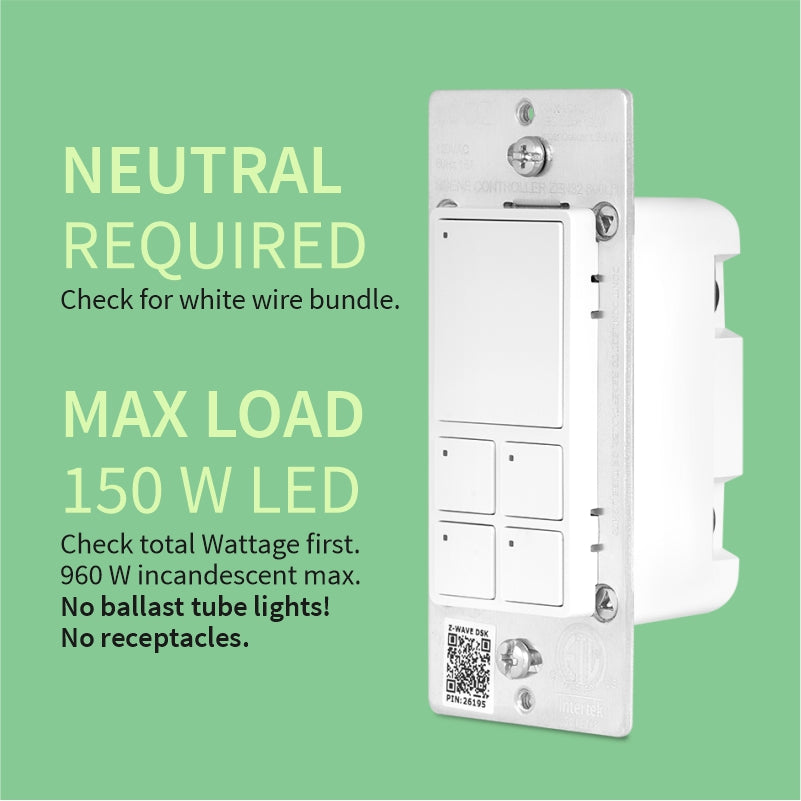
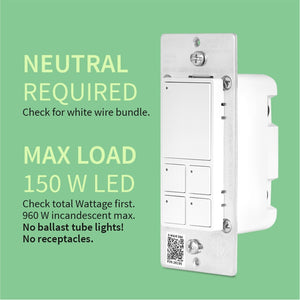
Before installing, make sure the load does not exceed 960W for incandescent lights, 150W for CFL's and LED's, or 1800W (15A) for resistive load. Check your wiring first to confirm that you have all the following wires present in your gang box: load (most often black), line (most often black), neutral (most often white), and ground (most often green).
Always cover the screws and terminals with electrical tape (or the included covers) - failure to do so will void the warranty. If you are not comfortable identifying the wiring and following the instructions, please hire a licensed electrician.

Here are some helpful wiring tips:
How to include the Scene Controller switch to your smart home network?
1. Bring your Z-Wave gateway hub or controller as close to the switch as possible
2. Put your Z-Wave controller in inclusion/pairing mode
3. Tap the upper paddle of the switch 3 times quickly to finalize the inclusion process
4. A new on/off switch should appear on your controller's device list
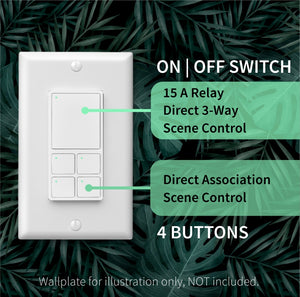
NOTE: Use a dedicated diagram from the manual to wire the switch in a 3-way setting with a regular electrical switch if you are looking to control one light with 2 or 3 switches.
Z wave mesh is my preferred protocol for critical components like light switches and this performs great even after power outages. Instructions are great too.
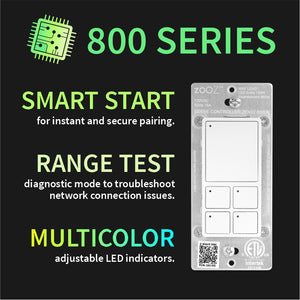
I love that I can customize the LED colors and disable the ones that I don't currently have anything set for. This makes it easier to remember which button controls what if not labeled. No issues with the device so far!
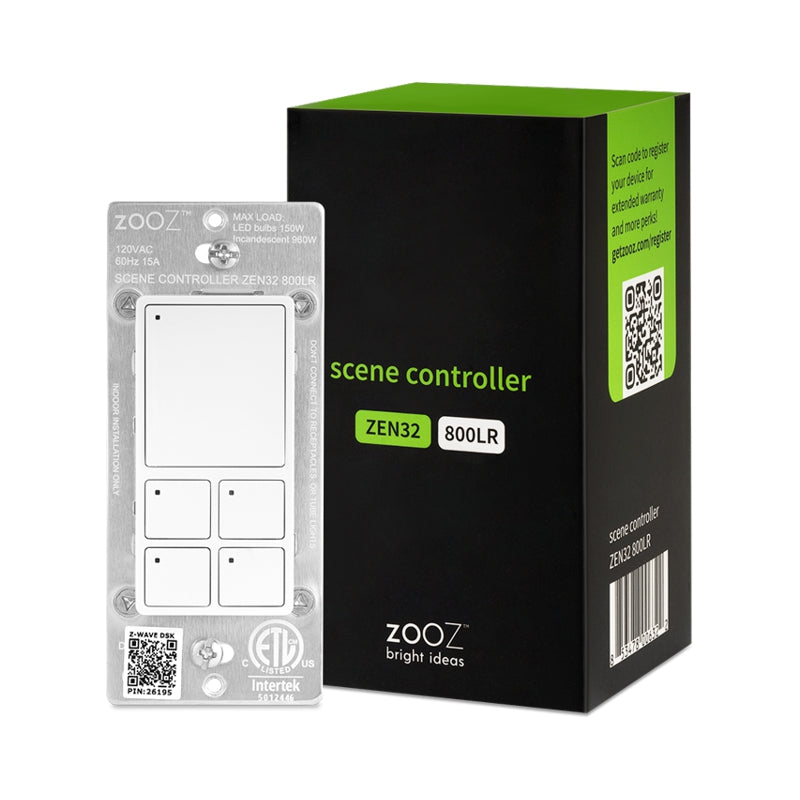
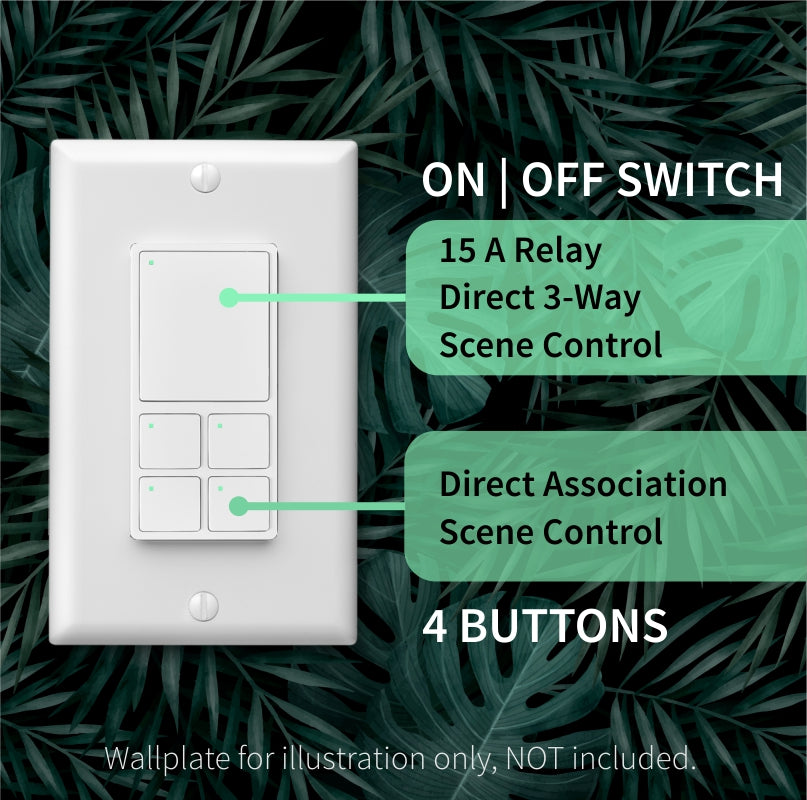
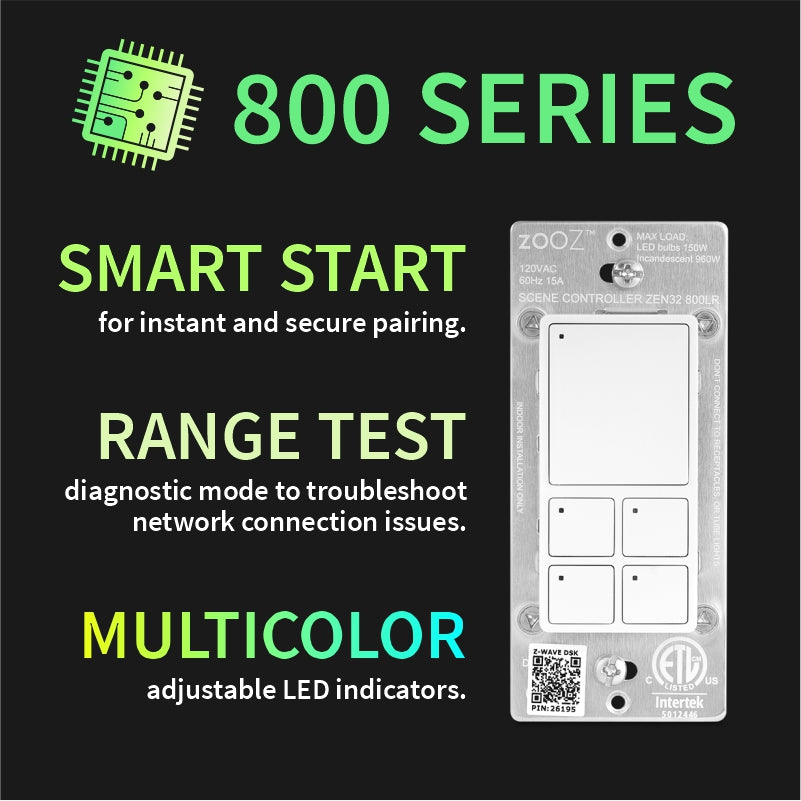
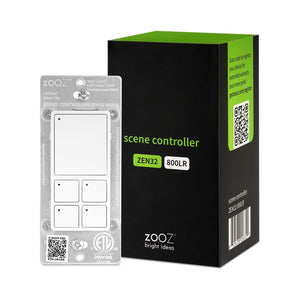
Zooz 800 Series Z-Wave Long Range Scene Controller Switch ZEN32 800LR
An ideal option used in smart bulb mode to give easy access to multiple scenes in living area that has many different uses (open floor plan). Cozy lighting, daytime shade management, and nighttime projector watching. Zooz devices have been very dependable for me using Home Assistant and this one is just another example.
I used it to have preset dimmer settings for all the lights on one floor (set up through home assistant). So far it's been working really well!