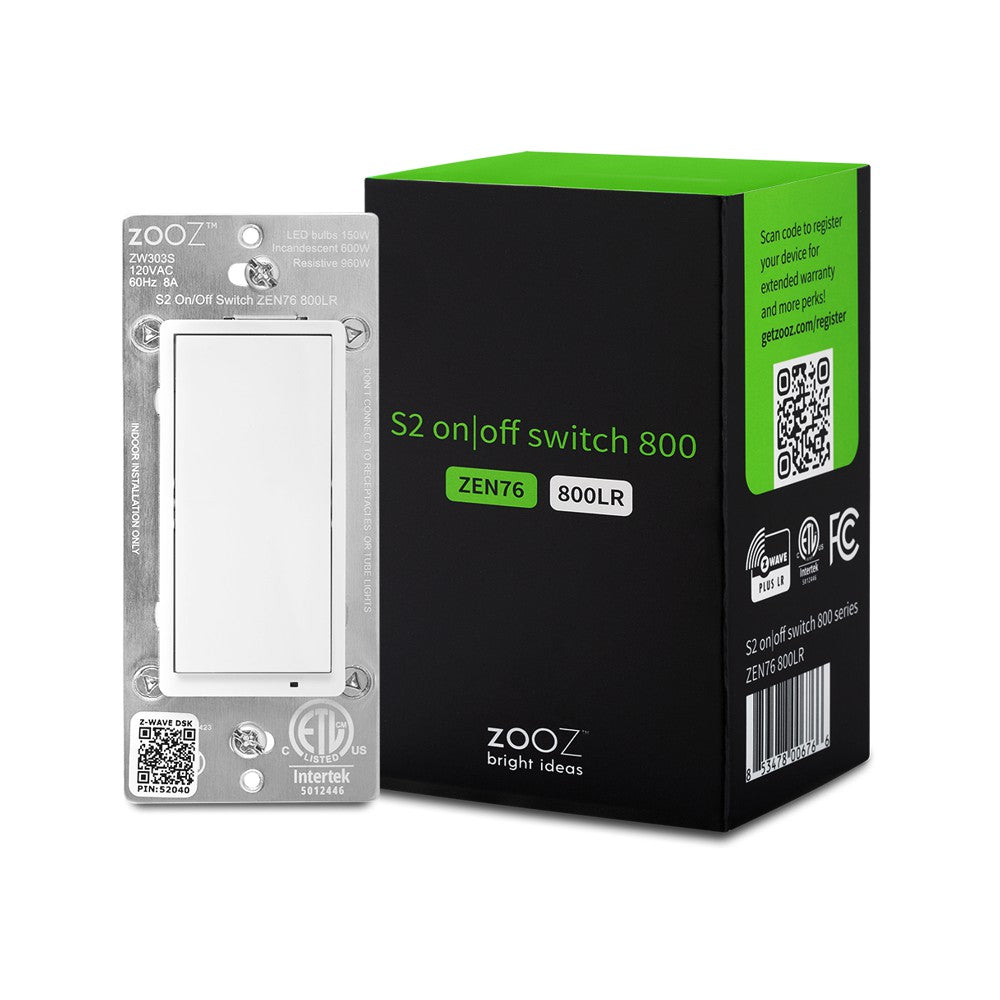
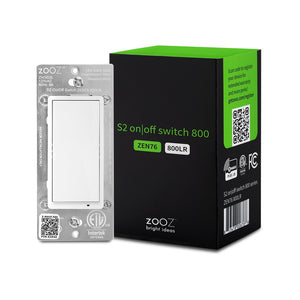
Zooz 800 Series Z-Wave Long Range S2 On / Off Wall Switch ZEN76 800LR

$25.95 $43.95

| /

Color & Product Condition (See full condition details below)
White
Product Condition (See details below)

NEW 800 SERIES!


PRODUCT HIGHLIGHTS

  • Control your lights from the switch and via Z-Wave (no dimming, get the dimmer here)
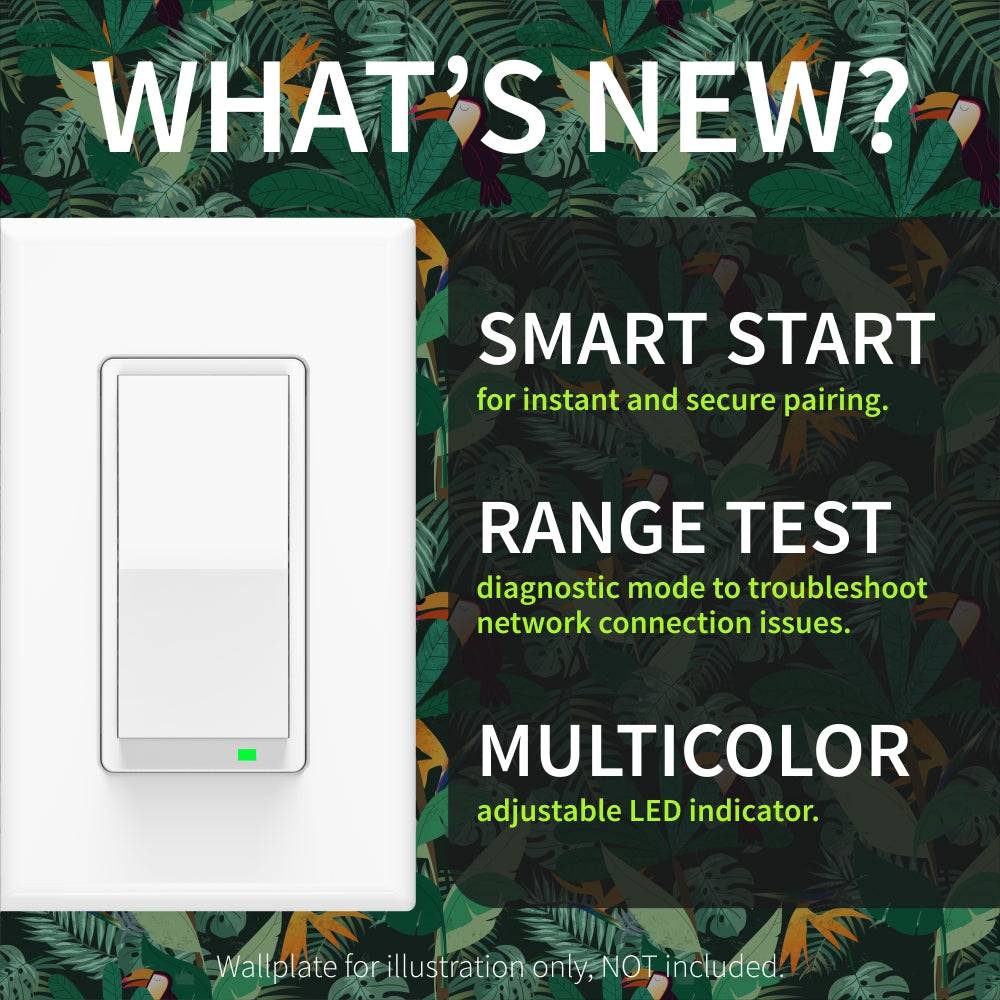
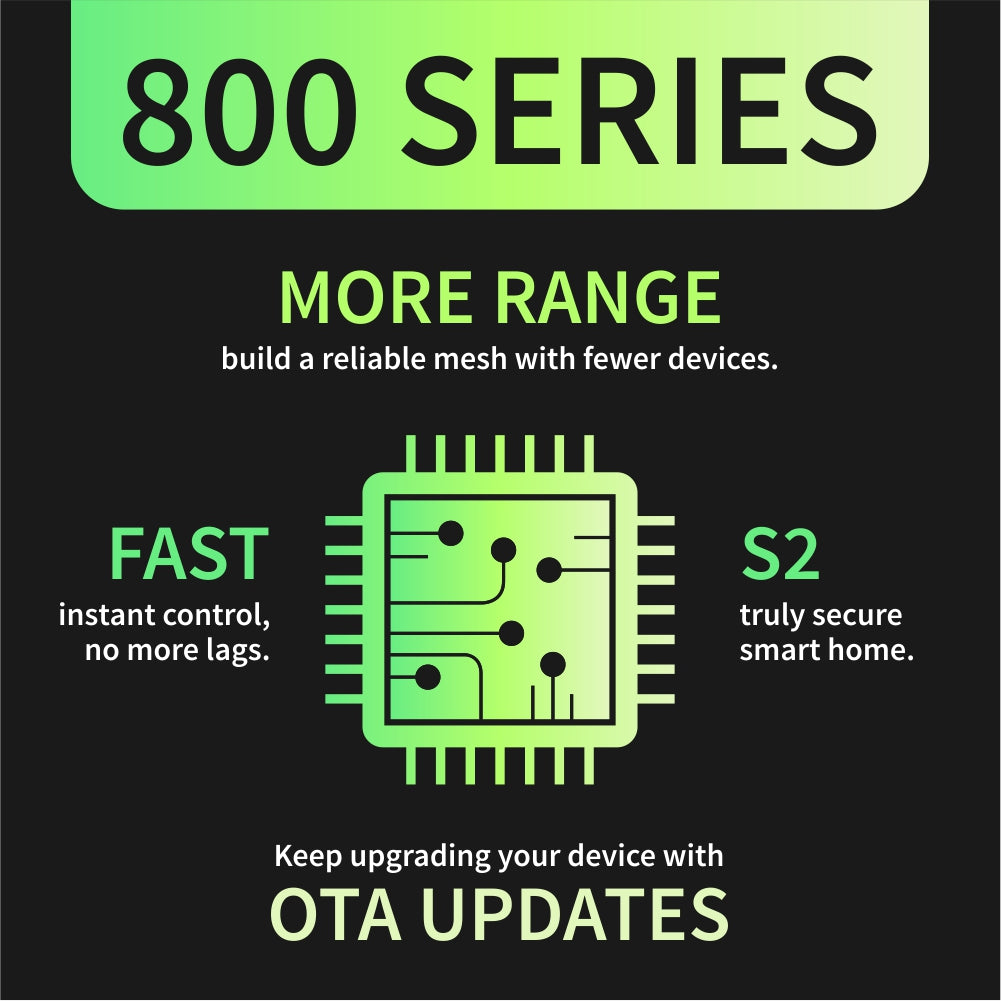
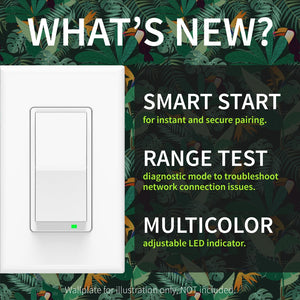
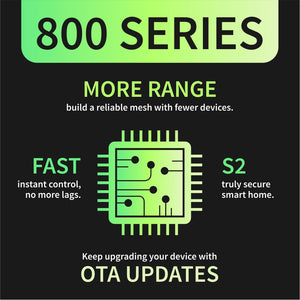
  • NEW 800 chip:  more range, faster signal, SmartStart inclusion + S2 security
  • Z-Wave Long Range ready: extend the wireless coverage up to 1 mile if your hub supports Long Range
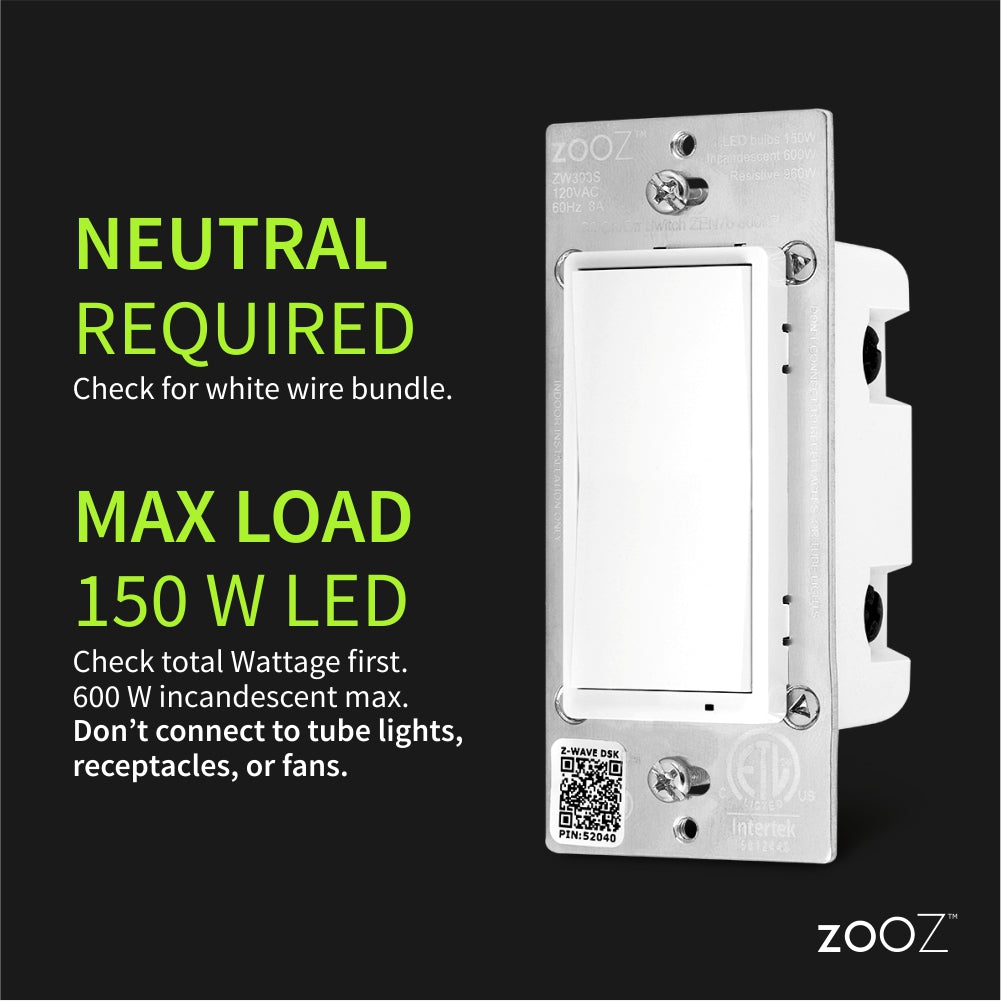
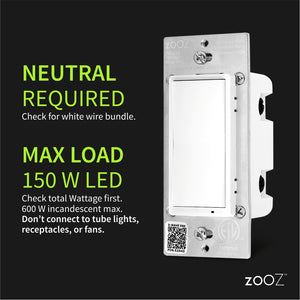
  • Use with high-quality LED or incandescent lighting only: do NOT connect to switched receptacles, fans, halogen bulbs, transformers, or tube lights (NOTE: FEIT bulbs are not recommended)
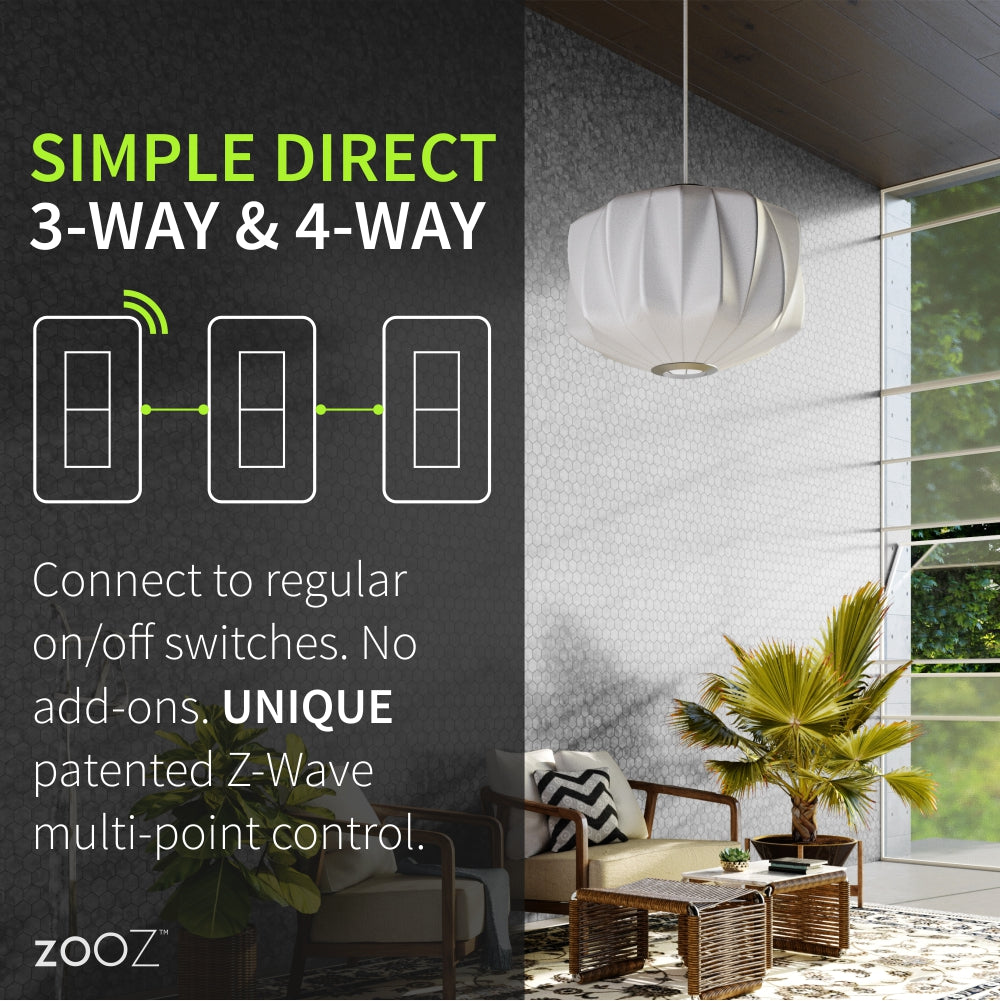
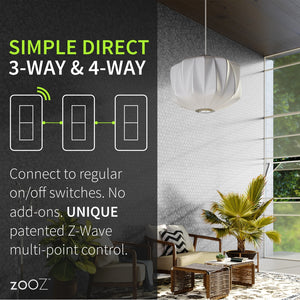
  • Simple Direct 3-Way & 4-Way: Still no add-on and use it in larger set-ups for multi-point control. Wires like the ZEN26 model with quick and easy installation guaranteed. (Neutral wire required)
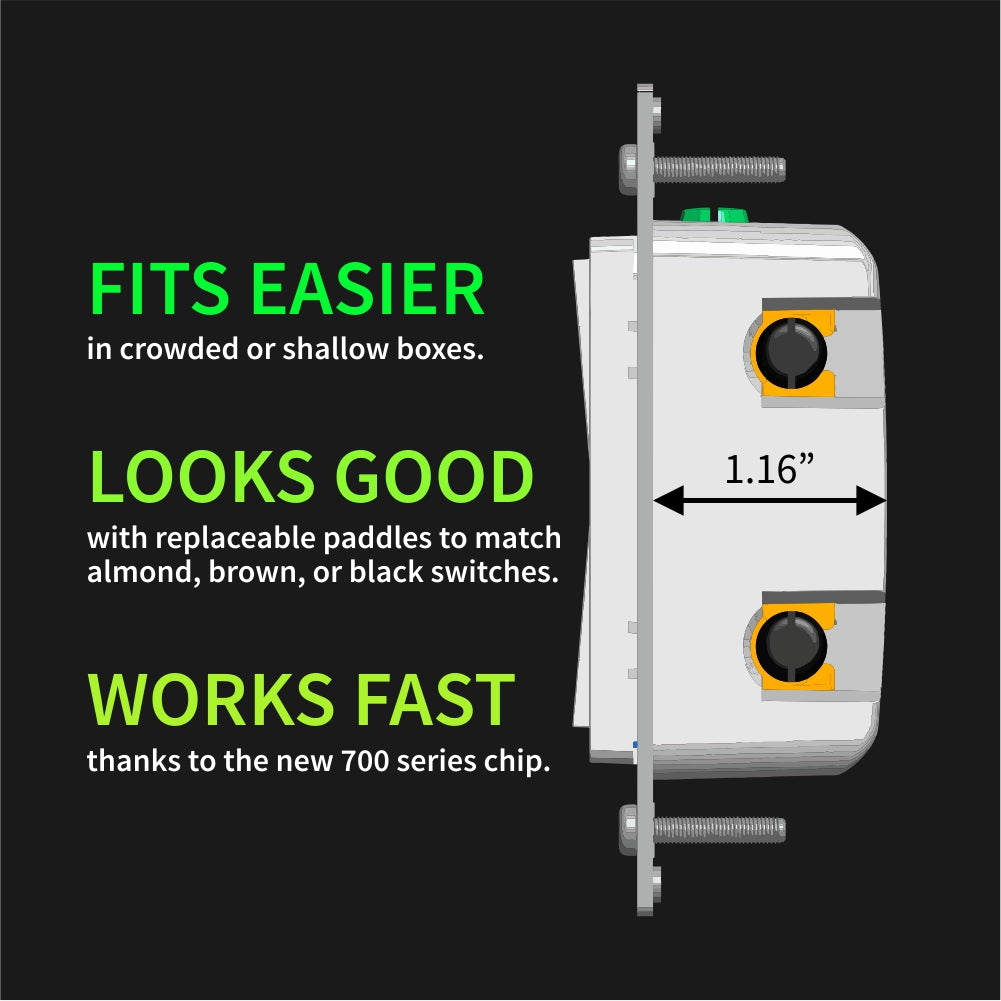
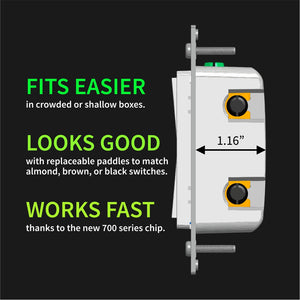
  • Replaceable paddles (almond, brown, and black paddle kits available, contact us for availability)
  • Small profile (just 1.1" deep) to fit easily in a crowded or shallow box
  • Scene Control on hubs that support multi-tap triggers*
  • Adjustable LED indicator: choose the color and brightness that works for you!
  • Smart range test mode: troubleshoot communication issues right from your switch
  • Immediate on/off status reports
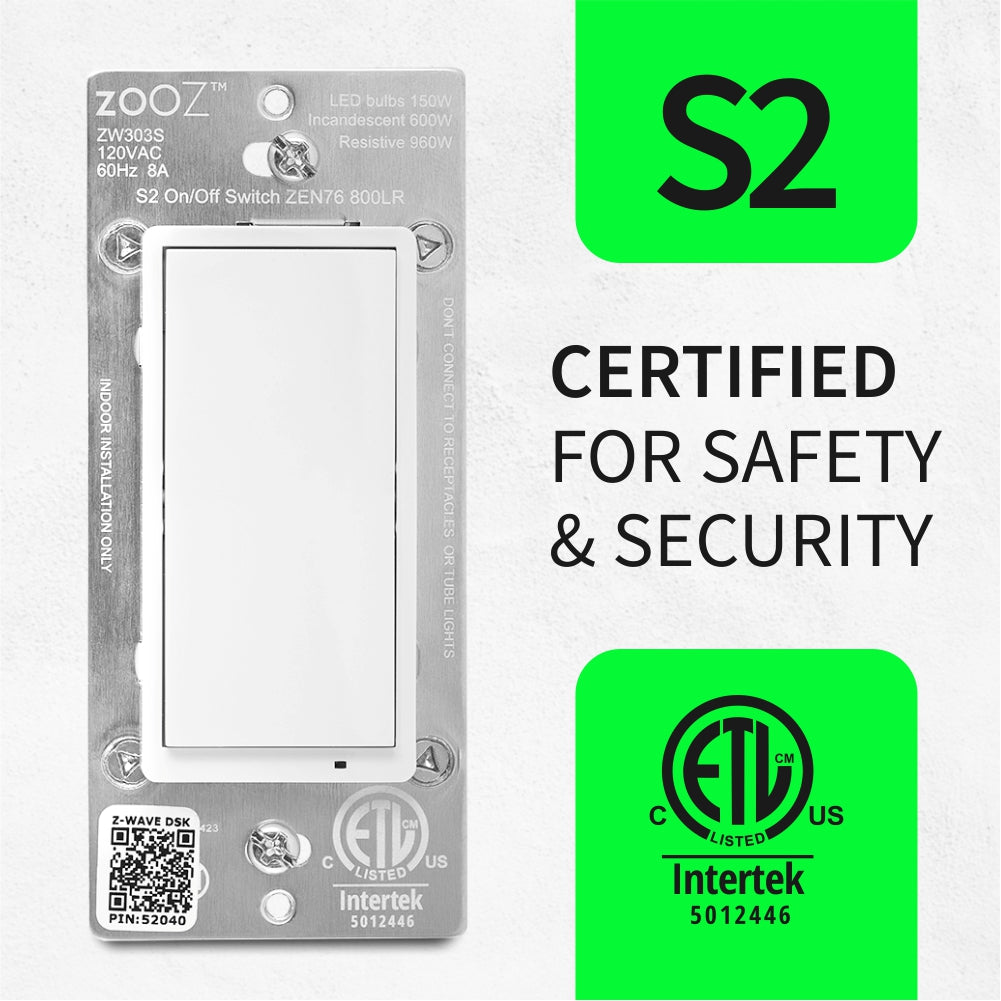
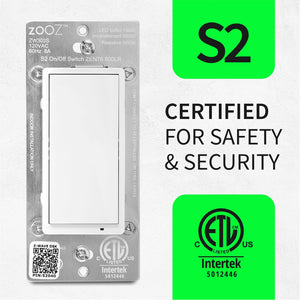
  • S2 security for hacker-proof smart home
  • Update firmware via OTA anytime in the future to keep your device up to date with the latest technology
  • Smart LED indicator makes pairing and set-up more intuitive (now control the LED mode with 6 clicks of any paddle!)
  • Stronger signal extender for a more reliable Z-Wave mesh
  • Restores status after power failure
  • Use a standard-size wall plate for single gang installations (wall plate not included), Leviton plates work best
  • 5-year extended warranty if registered within 30 days and lifetime tech support
  • Check out Zooz Light Switches & Dimmers Frequently Asked Questions

    NOTE: Z-Wave gateway controller required - sold separately.*Your hub needs to support advanced settings for this feature to be available.

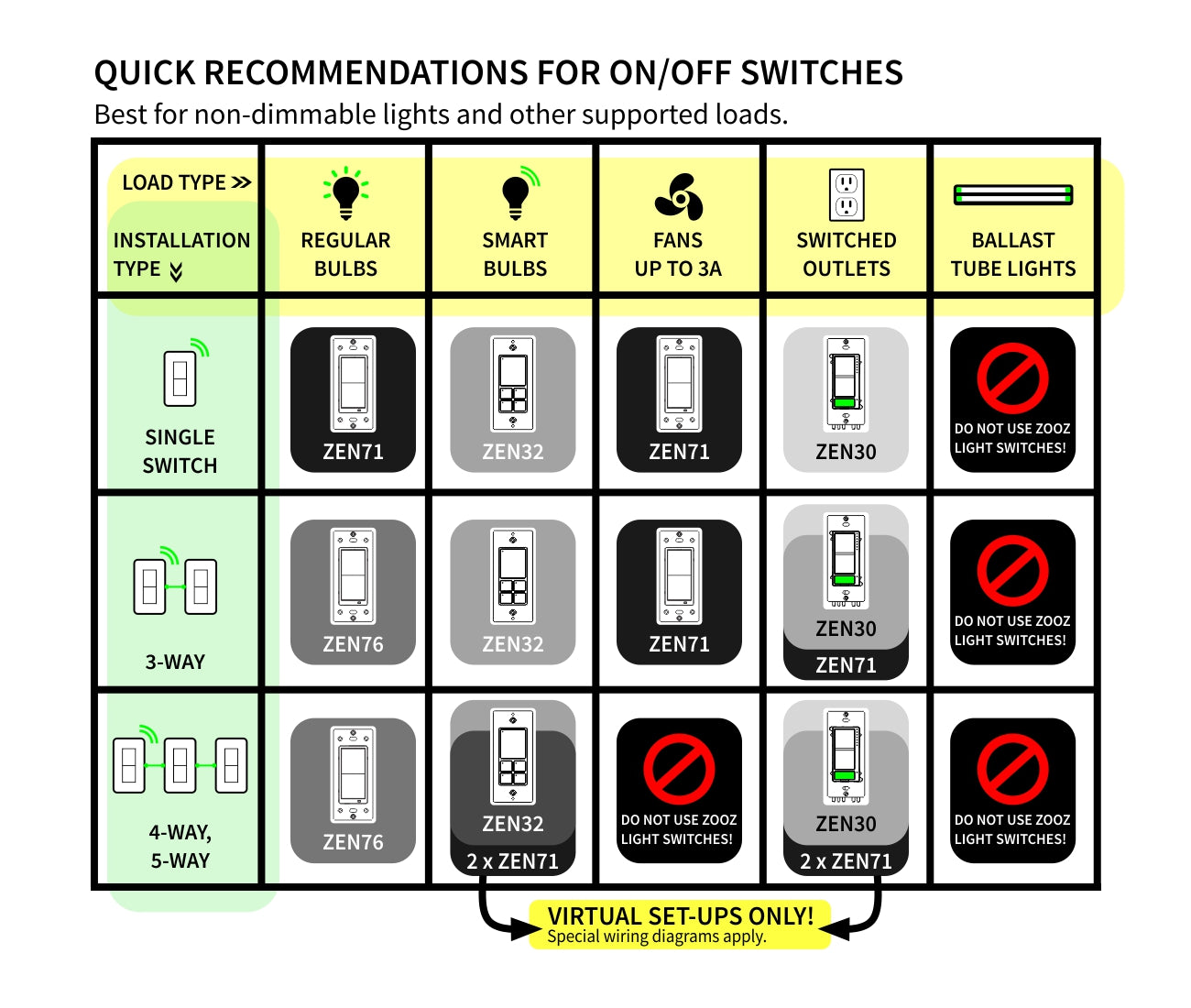
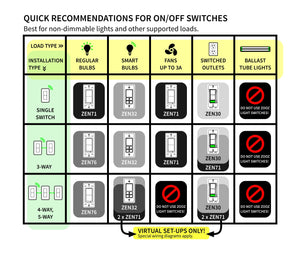
      Not sure which switch model to choose?   Read a guide to Zooz switches here!

    Here is a simplified overview of the recommended models for the most common scenarios (read the full guide above for more details):

    SPECIFICATIONS

    • Z-Wave Region: US/MX/CA
    • Hardware Version: 4.0
    • Power: 120 VAC, 60 Hz
    • Maximum Load: 8 A, 150 W LED/CFL, 600 W incandescent
    • Z-Wave Range: Up to 200 feet line of sight, up to 1 mile with Z-Wave Long Range enabled (your Z-Wave hub needs to support that feature)
    • Dimensions: 1.16" deep, 1.75" wide, 4.1" tall
    • Operating Temperature: 32-104° F (0-40° C)
    • Installation: Indoor use only

      RESOURCES

      Download the Manual for Zooz 800 Series Z-Wave Long Range S2 On / Off Wall Switch ZEN76 (PDF)

      Zooz Light Switches & Dimmers Frequently Asked Questions

      Additional Wiring Diagrams

      Advanced Settings

      Support Portal

      WORKS WITH

      • Z-Box Hub (recommended for Zooz products)
      • 2GIG (no advanced settings available)
      • Abode
      • ADT Pulse (no advanced settings available)
      • Almond (Securify)
      • Fibaro Home Center 2
      • Fibaro Home Center Lite
      • Home Assistant (Z-Wave JS)
      • HomeSeer (with Z-Wave Plus plug-in)
      • Homey (Zooz App for Homey)
      • Hubitat
      • InControl
      • Indigo (NOTE: no security, Indigo does not support S2 Z-Wave security)
      • ISY994Zw
      • Ring (no advanced settings or scene control)
      • SmartThings (click here to access the custom lua driver for advanced functionality)
      • Staples Connect DLink (no advanced settings - on/off control only)
      • Wink and Wink 2 (no advanced settings)

        NOTE: If you don't see your Z-Wave controller on the list above, please contact us before you purchase this product.

        CUSTOM ENGRAVING

        You can now order a custom engraving for you smart switch paddles from our partners at Domotinc! Just click on the image below to add a custom label to the paddles and order it directly from Domotinc. NOTE: custom etched paddles are NOT included with your purchase on The Smartest House.

        Zooz Switch with custom engraved label


        INSTALLATION

        Please follow the manual guidelines and diagrams when installing your Zooz S2 switches. It's recommended that a licensed electrician performs the installation.  Always cover the screws and terminals with electrical tape (or the included covers) - failure to do so will void the warranty.  

        Check for neutral wires BEFORE purchasing. One white wire from a 14-3 romex is NOT a neutral. Ask us if you're not sure about the wiring, we'll help quickly!

        Zooz ZEN26 wiring diagram

        How to include the 800 Series On / Off switch to your smart home hub?

        1. Make sure the switch is installed within range of your Z-Wave network
        2. Put your Z-Wave hub in inclusion/pairing mode
        3. Tap the upper paddle of the switch 3 times quickly to finalize the inclusion process
        4. A new on/off switch will appear on your controller's device list

         NOTE:  Follow an appropriate diagram from the manual to wire the switch in a 3-way or 4-way setting with a regular electrical switch if you are looking to control one light with 2 or 3 switches. If you can't match your wiring with any of the diagrams, let us know and we'll walk you through the wiring process.

        COLOR PADDLES:

        Replacement Color Paddles for Zooz 800LR Series Switches (ZEN71, ZEN75) in white, light almond, and black

        Customer Reviews

        Based on 216 reviews
        95%
        (206)
        5%
        (10)
        0%
        (0)
        0%
        (0)
        0%
        (0)
        B
        Ben I.
        Exceptional build quality and easy installation

        I’ve been using the ZEN76 for a couple of months now, and I’m very happy with it. Installation was easy, and the instructions were clear and helpful for the first one. After that, I didn’t need them for the others. The build quality is exceptional. Overall, I’m very pleased with the purchase.

        B
        Ben I.
        Exceptional build quality and easy installation

        I’ve been using the ZEN76 for a couple of months now, and I’m very happy with it. Installation was easy, and the instructions were clear and helpful for the first one. After that, I didn’t need them for the others. The build quality is exceptional. Overall, I’m very pleased with the purchase.

        J
        Justin B.
        Great product at an even greater price

        I’ve been replacing my old GE/Jasco/Enbrighten z-wave switches as they’ve been failing one by one with Zooz. Have been nothing but happy with the features of the Zooz switches connected to my Hubitat hub with the Zooz Advanced driver. The Smartest House has some of the best pricing on the Zooz line that I've seen online and their processing time is fantastic

        A
        Aaron W.
        The wrong switch for me

        I bought a ZEN76 because the ZEN72 was out of stock and I wanted to move forward on replacing some older ZWave devices that don’t support long range. Overall, the Zen76 is fine. It works, and works quickly. However, in one of my circuits, the ZEN76 three-way detection model sends enough current that the load glows. Zooz has a tech note on this, but I didn’t see it before I made the purchase.

        I do wish Zooz had included this behavior in their “how to choose a switch” tech note, because it would have pushed me towards the ZEN72 instead. I’m planning on buying the latter and moving this switch to another outlet that is less vulnerable to this issue.

        TL:DR: this is a perfectly good switch, and the small size makes the installation a breeze. But check your application and pick carefully.

        M
        Mark B.
        Great Switch

        This switch was easy to add to my Z-Wave network and is easily configured with advanced parameters. Have never had one go bad.