$36.95 $48.95
| /

NOTE: Z-Wave gateway controller required - sold separately. *Your Z-Wave gateway needs to support advanced configuration to enable these features.
We may have this product available in open box, refurbished, or used condition - just check the variant buttons under the product price for availability. All of our recycled inventory has been tested for both manual and Z-Wave control and is fully functional at the time of shipment. Here is what you can expect when ordering your device:
Zooz Z-Wave Plus Power Switch ZEN15 User Manual (PDF)
ZEN15 Frequently Asked Questions
NOTE: If you don't see your Z-Wave controller on the list above, please contact us before you purchase this product.
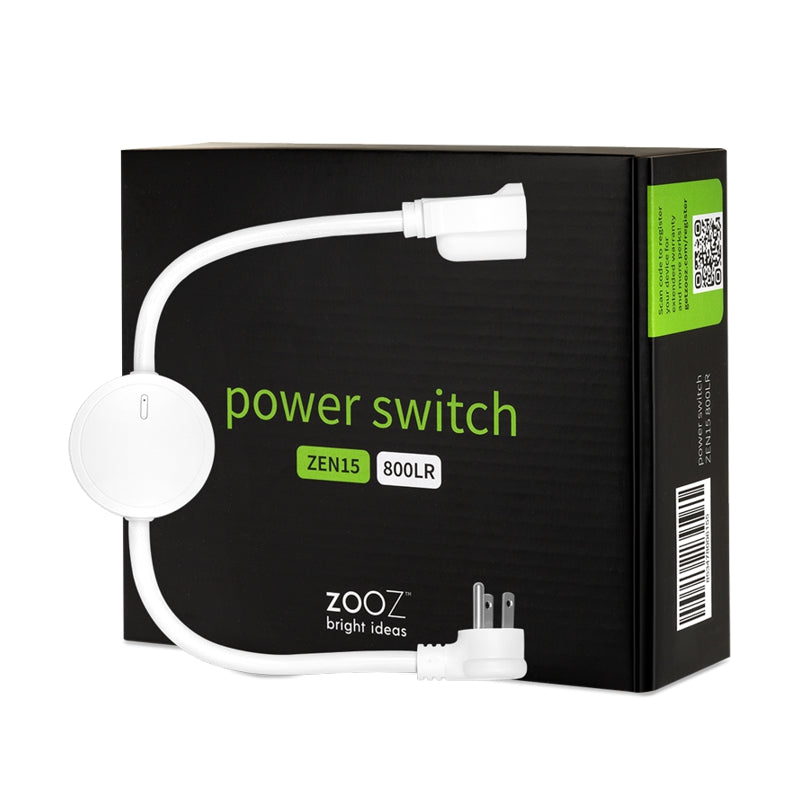
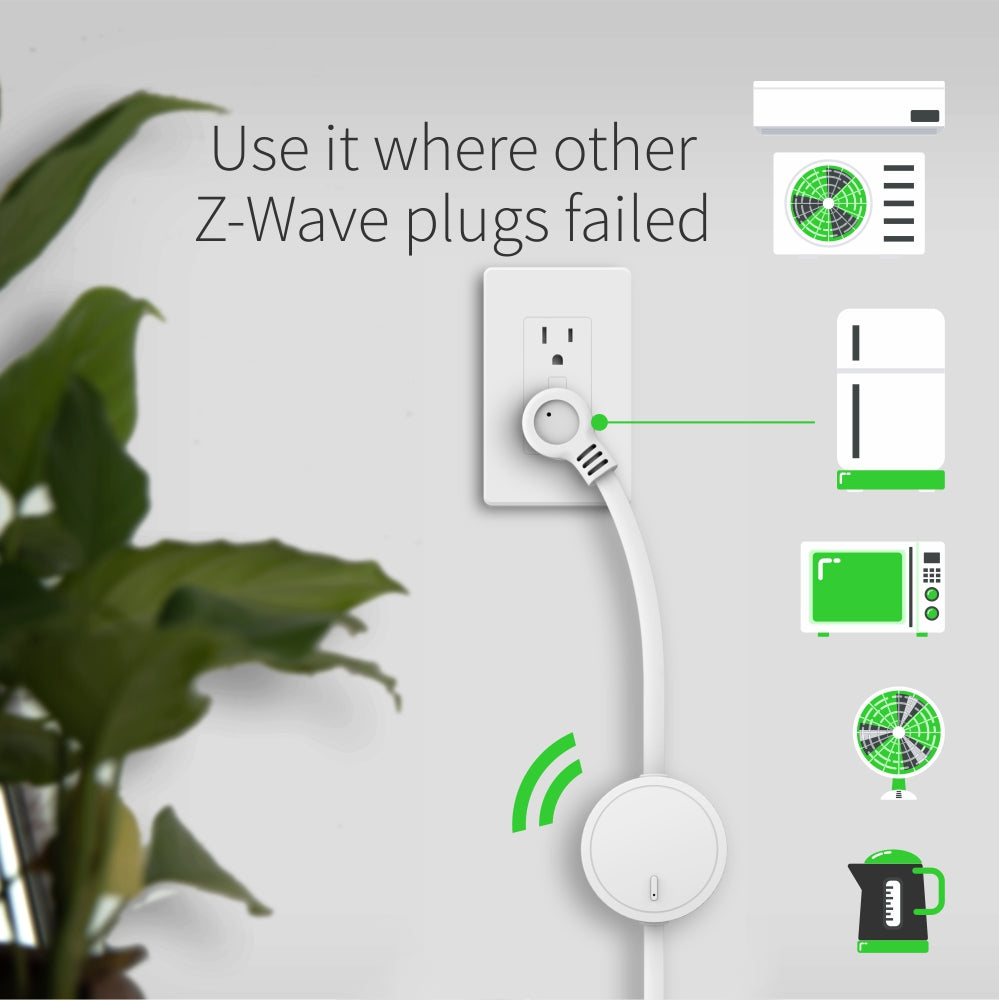
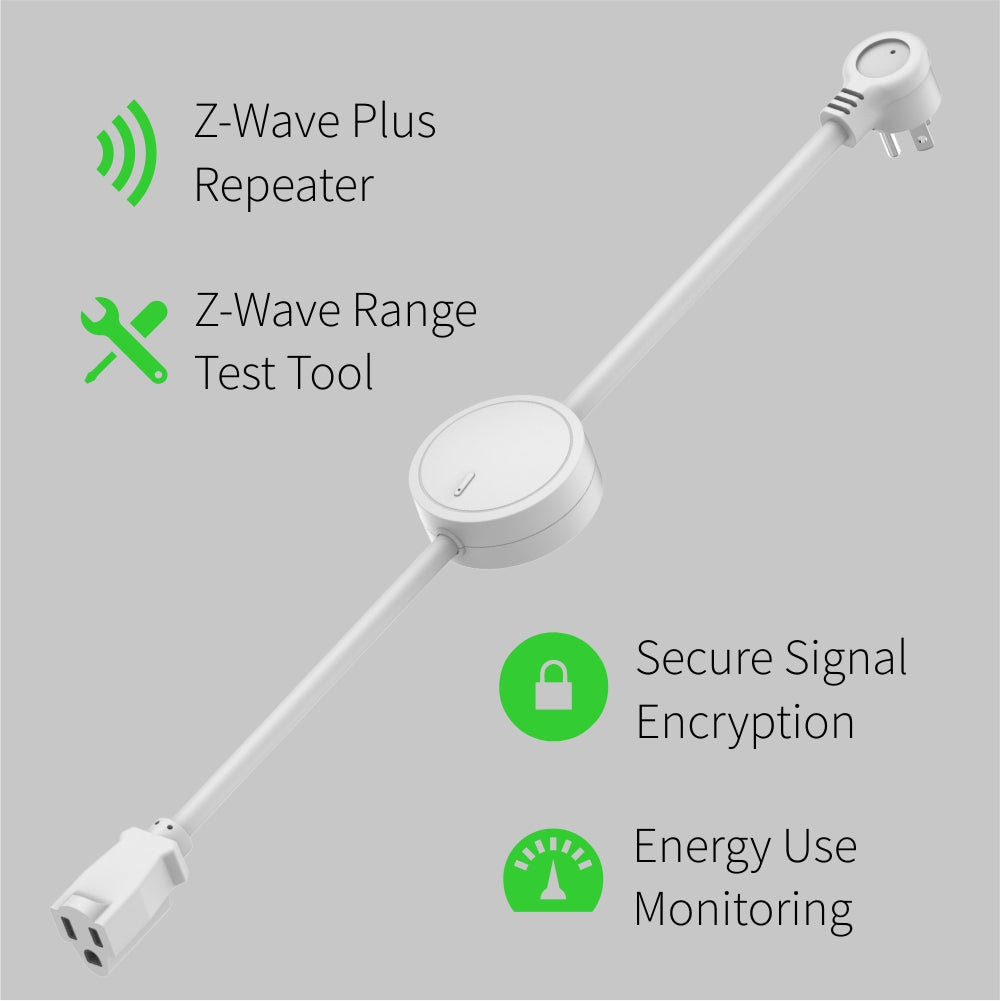
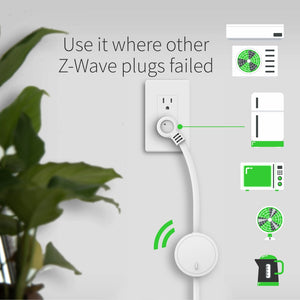
Serious power consumption calls for a serious, sturdy device: this Z-Wave Power Switch gives you reliable wireless Z-Wave control of a single large home appliance like refrigerators, microwaves, and window AC units. Connect the Switch with your Z-Wave gateway controller for remote monitoring of connected devices through your smart phone, tablet, or computer.
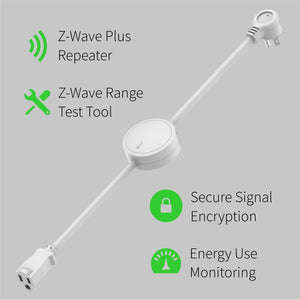
Create custom schedules and events to run a more efficient smart home. Schedule an AC unit to turn off and on at the same time every day for streamlined climate control. If your utility company has cheaper rates for off-peak hours, schedule your gas clothes dryer to run later in the evening. When your Z-Wave humidity sensor detects humidity levels that are too high or low, automatically trigger your humidifier or dehumidifier to get to work. During all these advanced smart home scenarios, see where your energy (and money!) are going with the Switch’s helpful energy monitoring feature: view the power consumption of a connected device in live mode or over time.
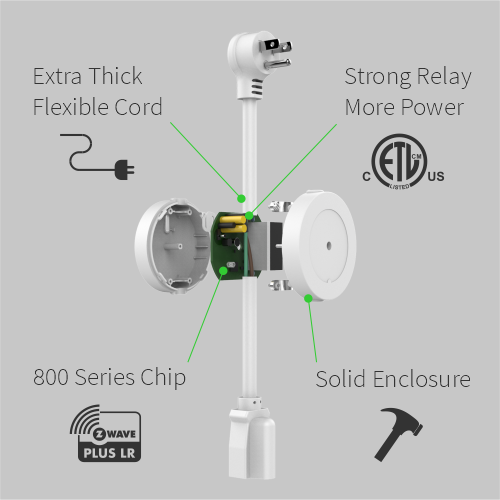
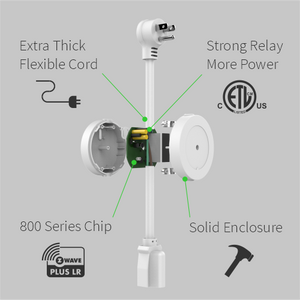
The Power Switch is built with safety and reliability in mind. An LED indicator communicates Z-Wave signal strength and energy usage of the connected device. It’s also equipped with AES signal encryption and the latest enhancements of Z-Wave Plus like S2 Security: this means faster connectivity and longer range so you can access the more remote spaces of your smart home.
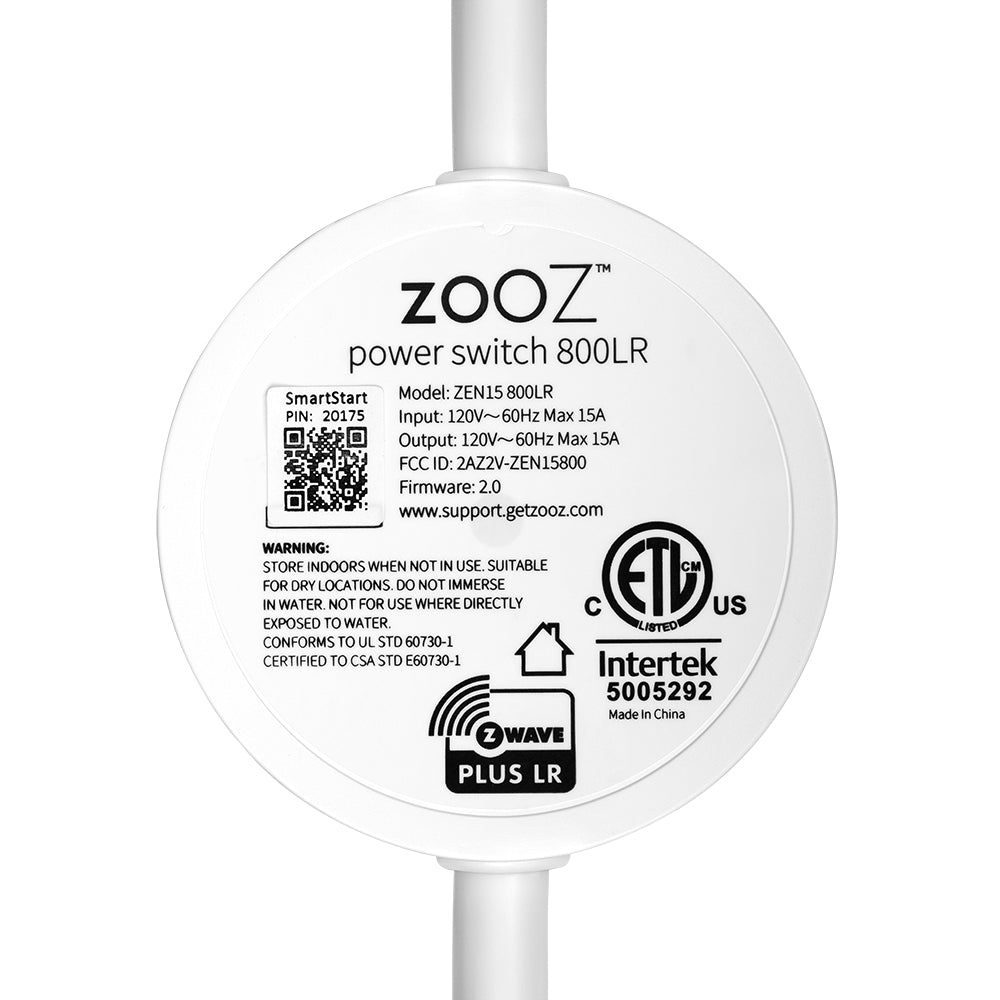
Before plugging any device or appliance into the Power Switch, plug the Switch into a standard grounded 110V receptacle. Press and release the Z-Wave button. Make sure the LED indicator turns on – this verifies the device is getting power.
Once the Switch is powered, the device can now be included into your Z-Wave network. Be sure to include the Power Switch to your network BEFORE connecting any appliance to it.
For Auto Inclusion, put your Z-Wave hub into inclusion/pairing mode (see your hub’s user manual for instructions). Plug the Power Switch into a grounded receptacle within direct range of your Z-Wave hub. Once included, the LED will start flashing blue, then turn solid blue (on) or pink (off). The Power Switch will appear as an on/off device on your hub’s device list.
For Manual Inclusion, plug the Switch into a grounded receptacle within direct range of your Z-Wave hub. Put your hub into inclusion/pairing mode. Press and release the Z-Wave button 3 times quickly. When successfully included, the LED will flash blue and then turn solid blue (on) or pink (off). The new device will appear on your hub’s device list.
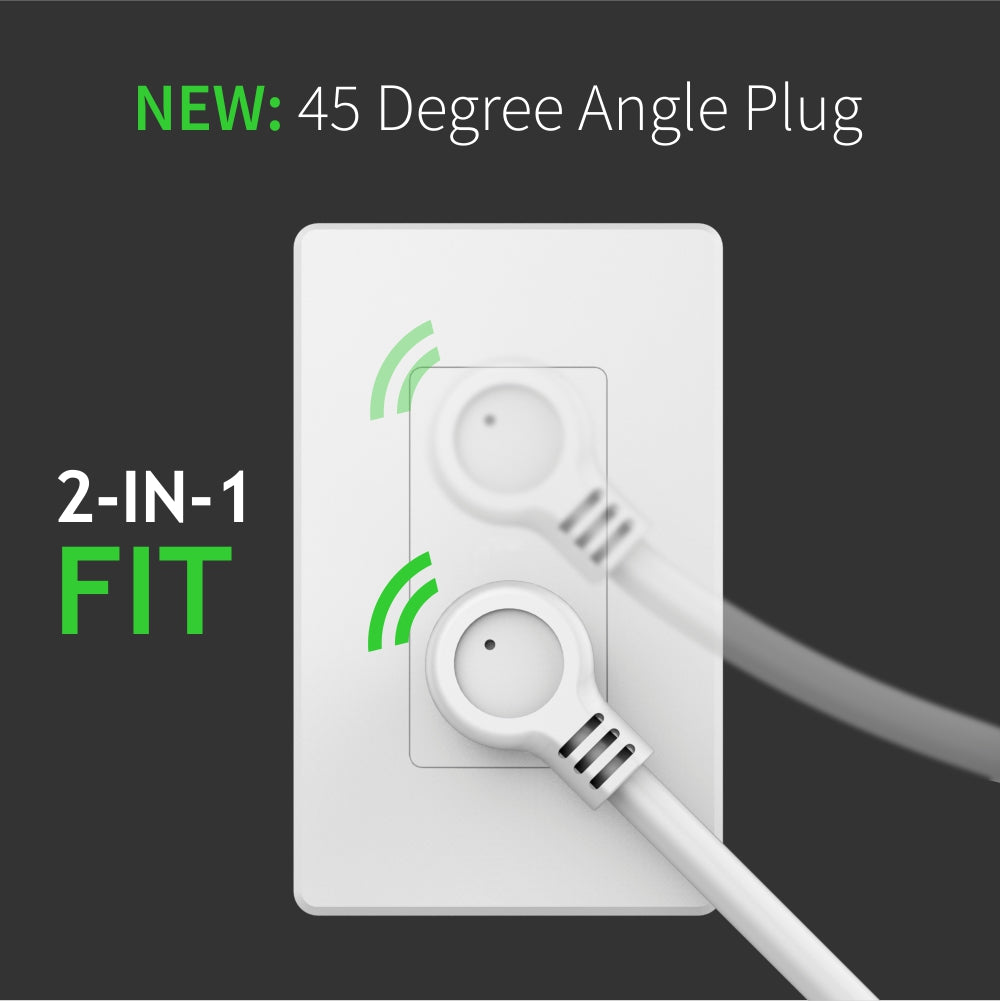
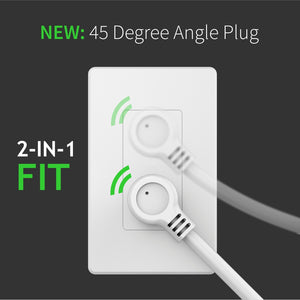
I love the design of the plug. It helps place them in odd places where the rectangular plugs aren't as helpful or rated for the job. The build quality is great and connecting to Home Assistant was easy. I've been running it with a deep freezer, fridge, microwave, dishwasher, washer and gas dryer. No issues whatsoever.
This is a "2+ years after" review - this one had become one of the most frequently looked at ZWave devices - I have been moving it from one circuit to analyze energy use patterns, and finally it found its permanent place at my fish tank circuit. It always gives me accurate data not only on energy consumption, but also on the "health" of my fish tank (I can easily see when/how the heater kicks in, if there is an expected idle current when the heater is not on, i.e. that the air compressor and filter are working correctly etc.). It is also very precise - I cross-checked it with Kill-A-Watt meter, as well as a few clamp meters, and its data is very accurate! I might order a few extra ones just in case!
Have a few higher power devices that I wanted to get power measurements for but not quite ready to wire up my whole electrical panel with sensors. Most other smart plugs have pretty constrained limits, nice to have an option for the bigger devices
The power switch has a small form factor which makes it easy to fit into tight spaces. I have mine connected to my dishwasher and paired with a leak sensor to automatically turn it off in the event of a leak. Pairing was extremely easy and it has been invisible, working seamlessly.
My first unit had a mismatch between the DSK in the unit and on the box (a first out of ~50 devices!), so it wouldn't pair. As usual customer support was fantastic and had a new unit to me in days. I use this one to track energy consumption on my combi boiler, and as a way to turn it off if I have a water leak. Like every other Zooz product in my house, I expect it to be trouble free.