$35.25 $46.95
| /
Just add the light almond paddle to cart whenever you buy a Zooz dimmer and the discount will be applied automatically at check-out!
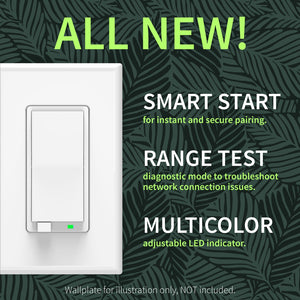
NOTE: Z-Wave gateway controller required - sold separately. *Your hub needs to support advanced parameter input to display these features.
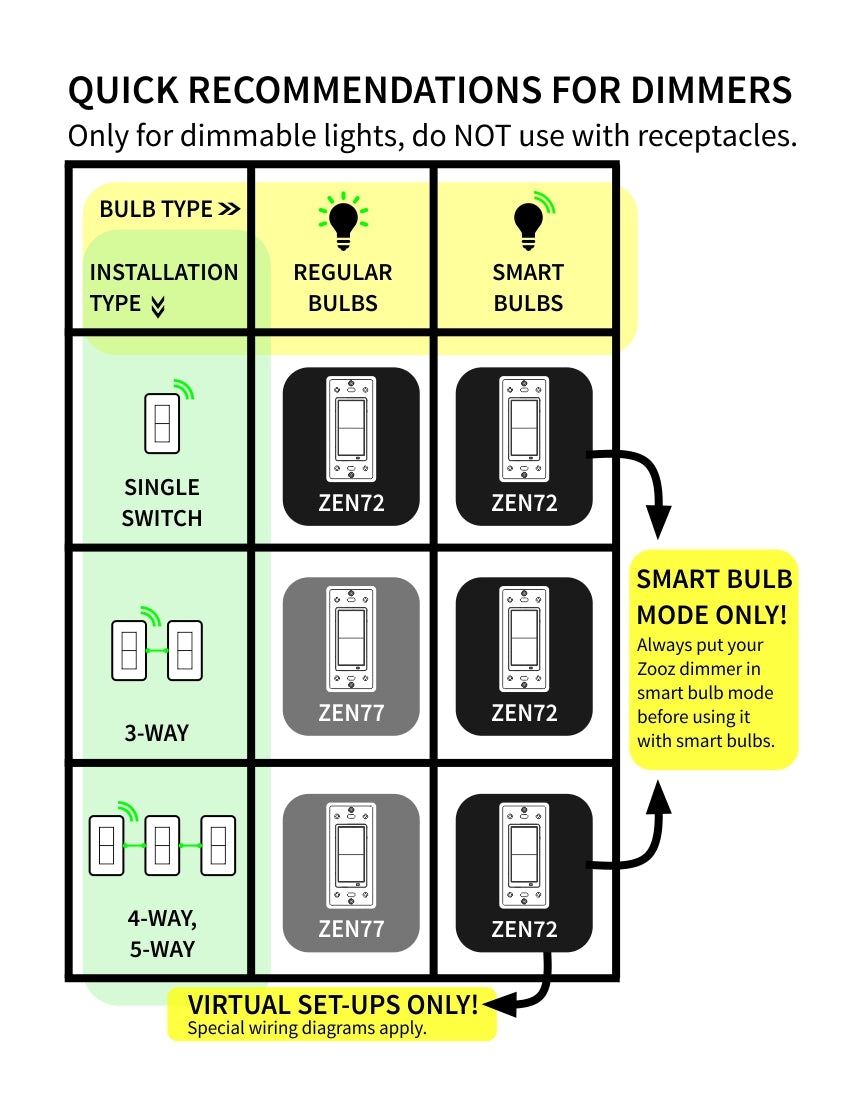
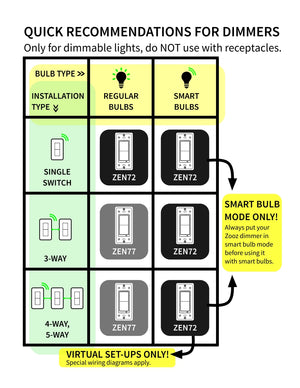
Here is a simplified overview of the recommended dimmer models for the most common scenarios (read the full guide above for more details):

We may have this product available in open box, refurbished, or used condition - just check the variant buttons under the product price for availability. All of our recycled inventory has been tested for both manual and Z-Wave control and is fully functional at the time of shipment. Here is what you can expect when ordering your device:
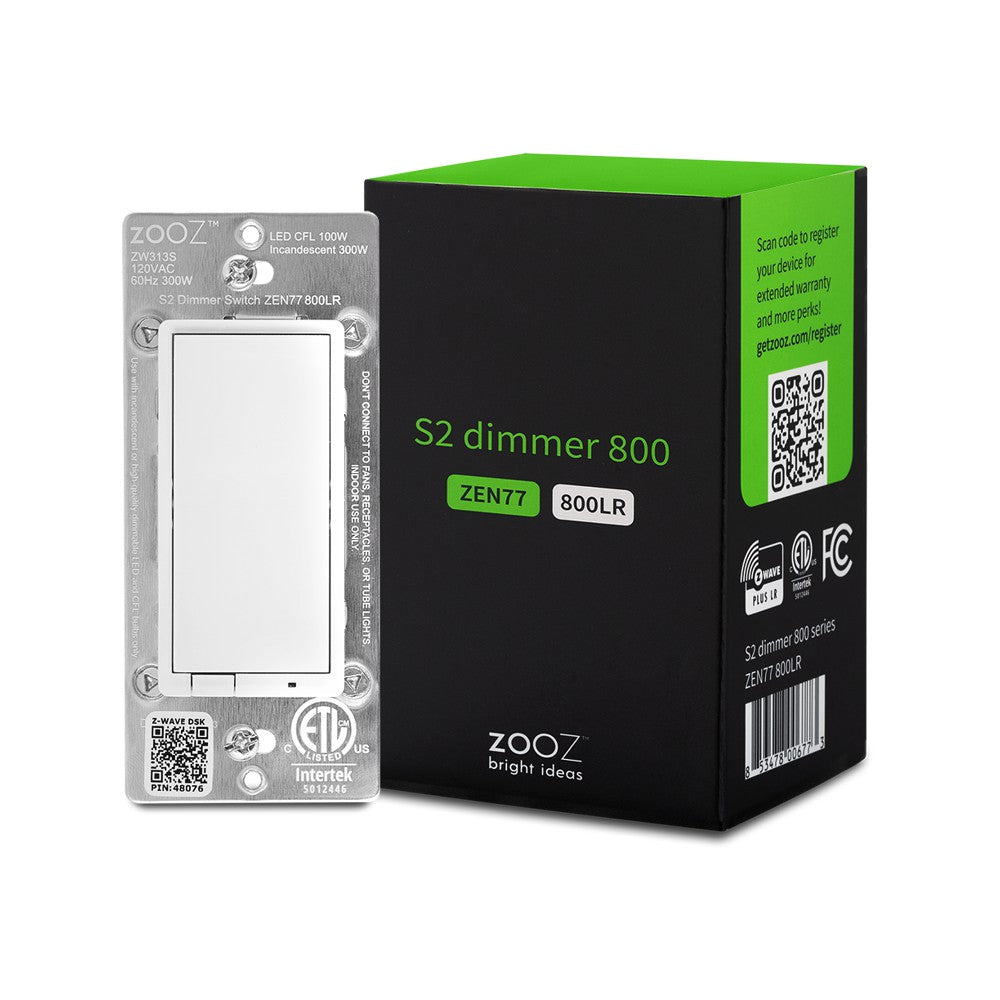
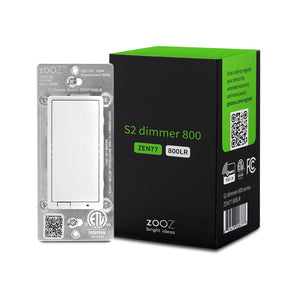
Download the Manual for Zooz 800 Series Z-Wave Long Range S2 Dimmer Switch ZEN77 (PDF)
Zooz Light Switches & Dimmers Frequently Asked Questions
NOTE: If you don't see your Z-Wave controller on the list above, please contact us before you purchase this product.
You can now order a custom engraving for you smart switch paddles from our partners at Domotinc! Just click on the image below to add a custom label to the paddles and order it directly from Domotinc. NOTE: custom etched paddles are NOT included with your purchase on The Smartest House.
Please follow the manual carefully and refer to the supplied diagrams when installing your Zooz switches. It's recommended that a licensed electrician performs the installation.
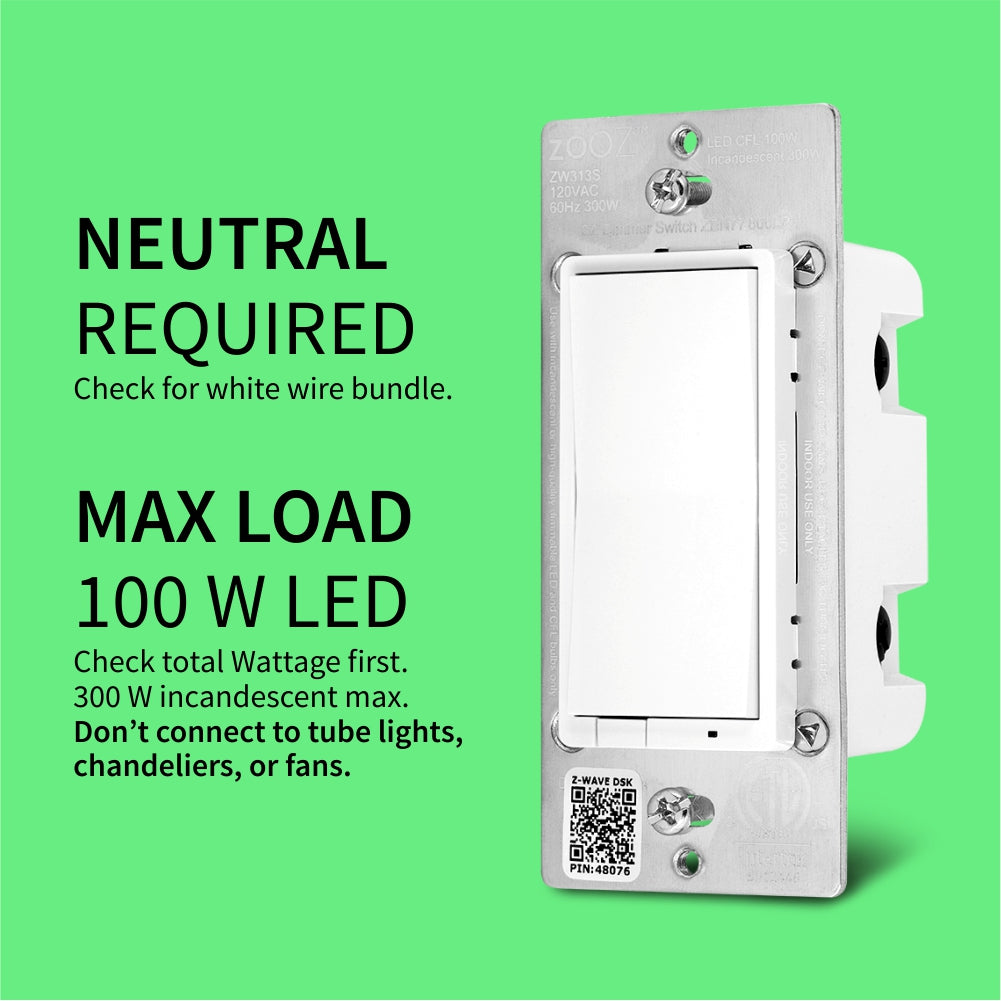
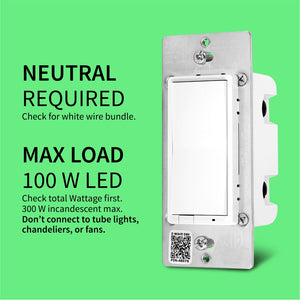
Check for neutral connections BEFORE you buy. A white wire from a 14-3 romex is usually NOT a neutral. Ask us if you're not sure what to look for, we'll be happy to help!

How to include the 800 Series S2 Dimmer to your smart home hub?
1. Make sure the dimmer is located within range of your Z-Wave network
2. Put your Z-Wave controller in inclusion/pairing mode
3. Tap the upper paddle of the dimmer 3 times quickly to finalize the inclusion process
4. A new dimmer switch will appear on your controller's device list
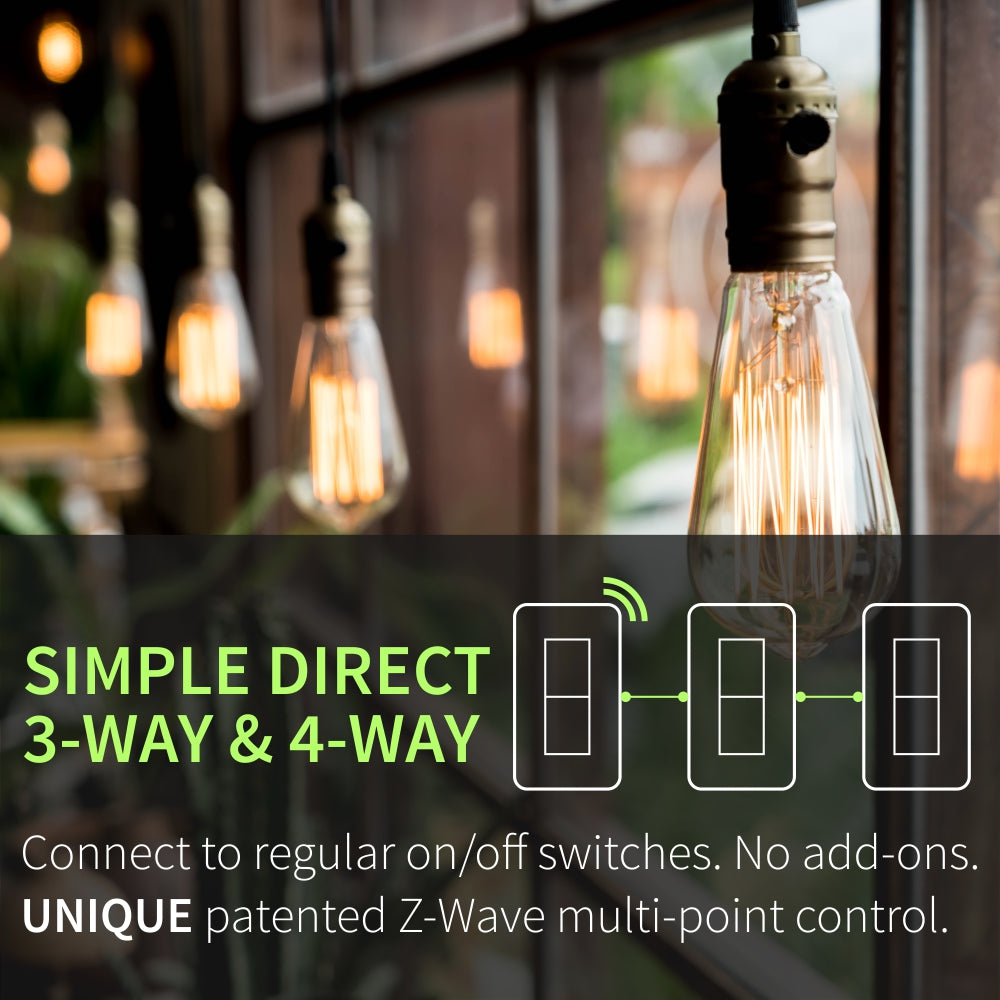
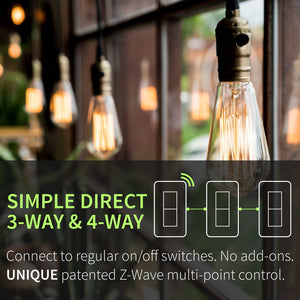
NOTE: Follow an appropriate diagram from the manual to wire the dimmer in a 3-way or 4-way setting with a regular on/off electrical switch if you are looking to control one light with 2 or 3 switches. If you can't match your wiring with any of the diagrams, let us know and we'll walk you through the wiring process.
I have been doing home automations for over 20 years and I have tried many different products. My favorite brand for home automation is ZooZ and in particular, the Zen77, is an excellent product that is easy to install and has been extremely dependable. I continue to replace other products when the non-ZooZ products fail.
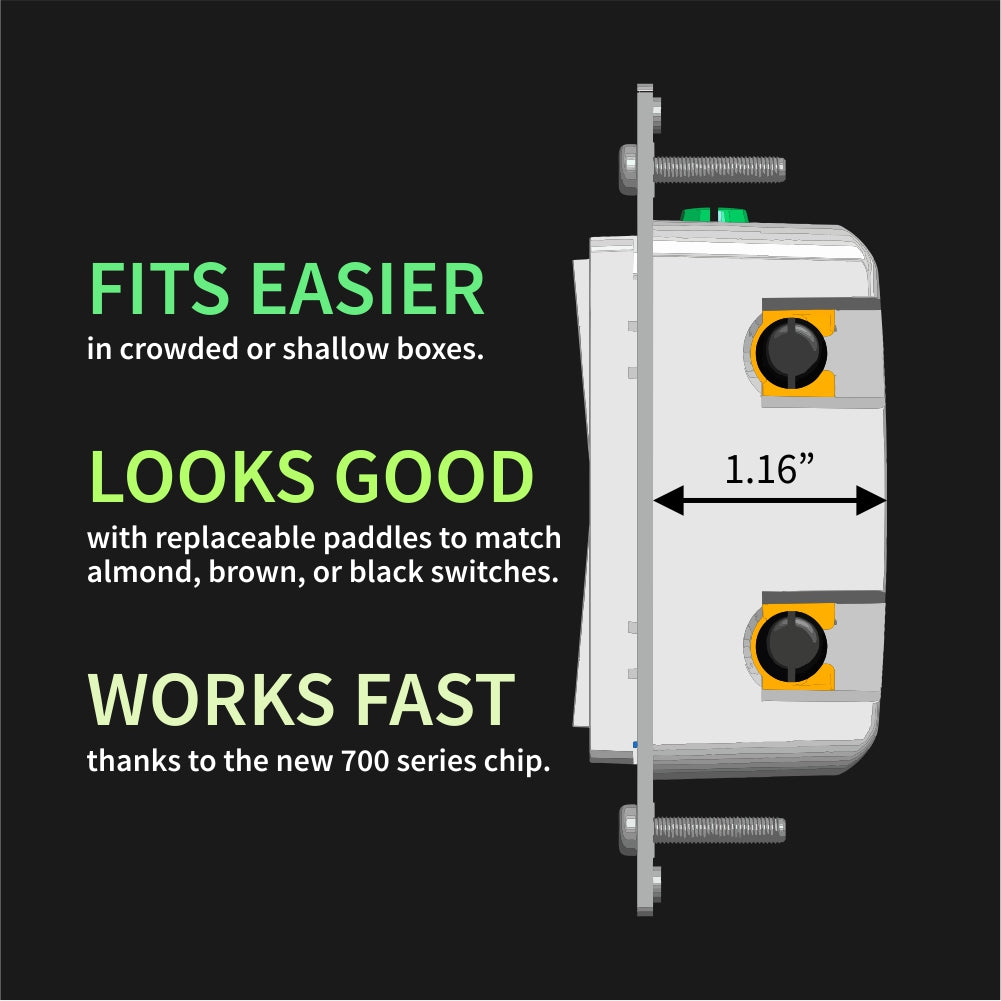
After installing multiple Zooz ZEN77 dimmers, I am done testing alternatives. The physical feel is solid with no wobble, they mount cleanly in multi-gang boxes. Z-Wave performance in Home Assistant is reliable with no perceptible latency. Dimming is smooth across LED loads.
What makes the ZEN77 stand out is the degree of customization: independent ramp rates, min/max levels, multi-tap and hold actions, and true scene control without sacrificing local load behavior. Wiring is clearly labeled and works in three- and four-way setups without having to replace or even open any of the other switches. Also they are perfectly usable even without a hub, so if we ever sell the house to someone who doesn’t want smart features they will remain serviceable as dimmers. If you’re considering getting these, look no further.
I love the flexibility and ease of installation.
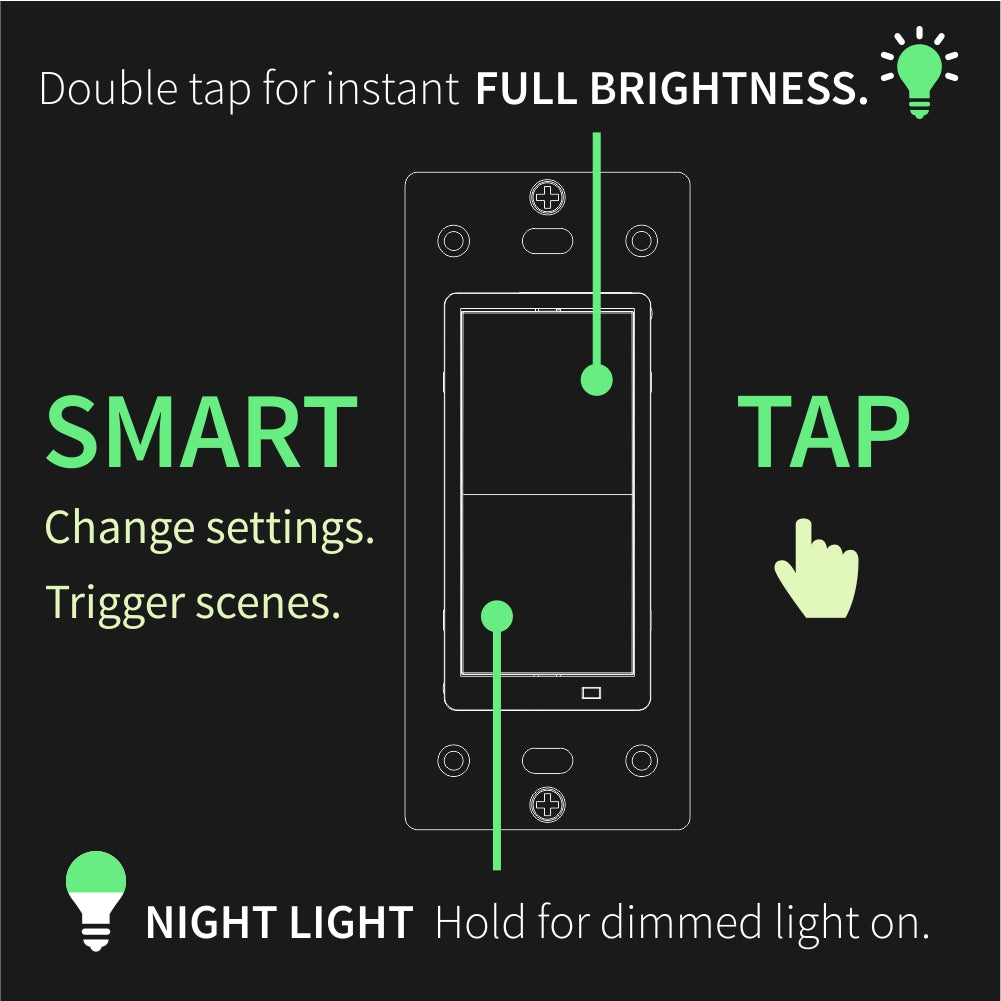
I like Zooz devices because they are dependable and I always feel I can utilize them to the fullest that Z-Wave allows. I love being able to configure multi tab functions. I also like their ability to do three-way wiring without expensive dummy switches. Everything always seems to just work
Zooz is making the best Z-Wave products today. I don't want a ton of devices chattering on my wifi so it's great to have my smart home devices on another protocol.