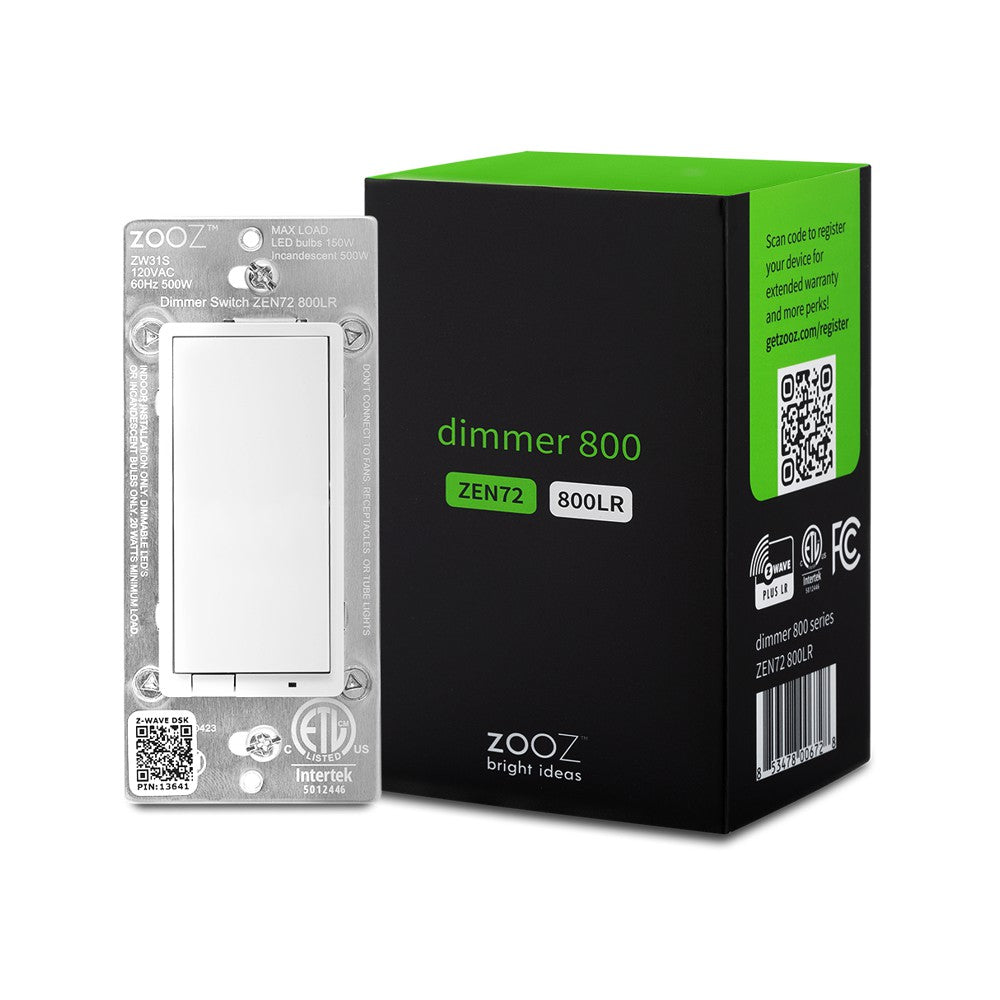
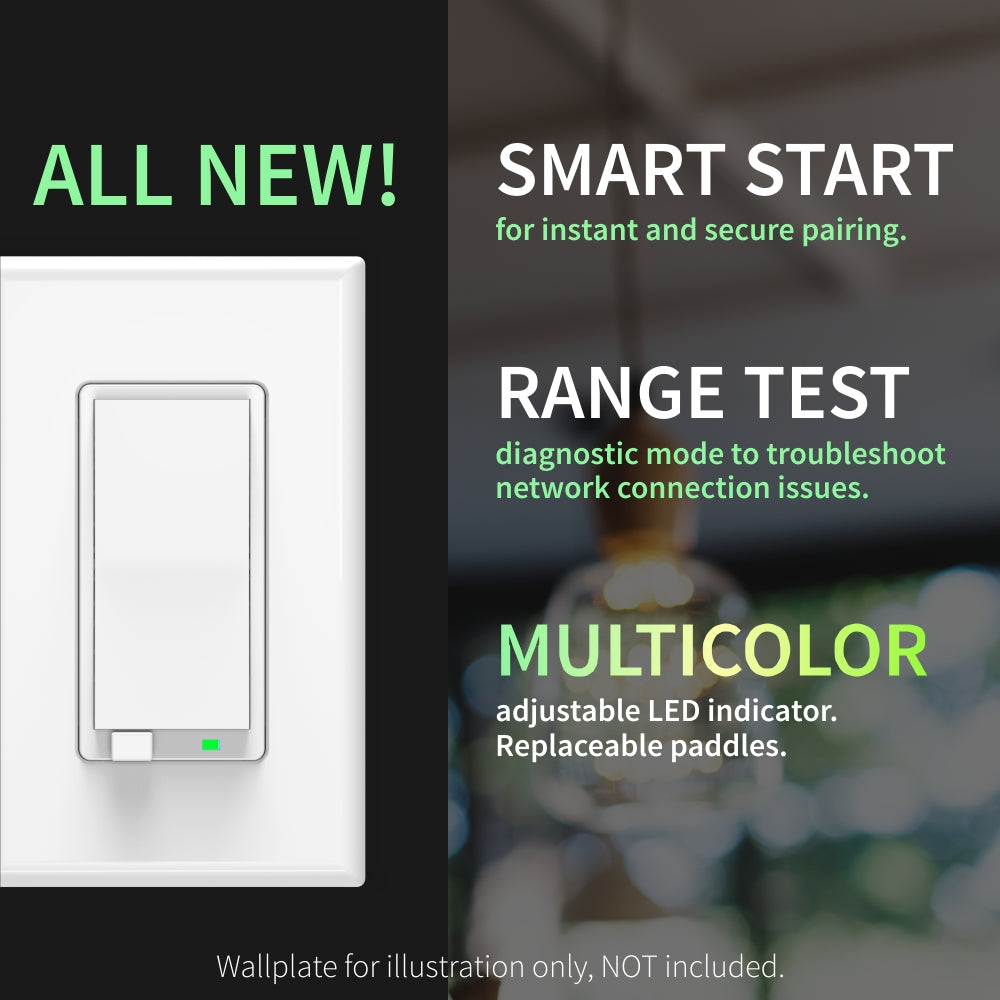
$31.95 $44.95
| /

NOTE: Z-Wave gateway controller required - sold separately. *Your hub needs to support advanced parameter input to display these features.
Here is a simplified overview of the recommended dimmer models for the most common scenarios (read the full guide above for more details):

We may have this product available in open box, refurbished, or used condition - just check the variant buttons under the product price for availability. All of our recycled inventory has been tested for both manual and Z-Wave control and is fully functional at the time of shipment. Here is what you can expect when ordering your device:
Download the Manual for the Zooz 800 Series Z-Wave Log Range Dimmer ZEN72 800LR (PDF)
More wiring diagrams for 3-way and 4-way set-ups
Zooz Light Switches & Dimmers Frequently Asked Questions
NOTE: If you don't see your Z-Wave controller on the list above, please contact us before you purchase this product. NOT SUPPORTED BY VIVINT.
You can now order a custom engraving for you smart switch paddles from our partners at Domotinc! Just click on the image below to add a custom label to the paddles and order it directly from Domotinc. NOTE: custom etched paddles are NOT included with your purchase on The Smartest House.
If you are not comfortable identifying the wiring and performing the installation, please consult a licensed electrician. Always cover the screws and terminals with electrical tape (or the included covers) - failure to do so will void the warranty.

Here are some helpful installation tips:
How to include the 800 Series Dimmer switch to your smart home network?
1. Bring your Z-Wave gateway hub or controller as close to the switch as possible
2. Put your Z-Wave controller in inclusion mode
3. Tap the UPPER paddle of the switch 3 times very quickly to finalize the inclusion process
4. A new dimmer (or multilevel switch) device will appear on your controller's device list
NOTE: Use a dedicated diagram from the manual to wire the switch in a 3-way setting with a regular electrical switch if you are looking to control one light with 2 switches. This switch may wire differently in 3-way or 4-way installation than your other Zooz switch.
I moved and am now starting to smarten up the new home. I am switching from SmartThings to home assistant with the goal of 100% local integrations. I brought some old Leviton WiFi switches and updated them to matter for local control. I also bought a casa double fan switch controlled locally. The zwave Zooz switches have never disconnected. The matter Leviton dimmers are disconnected half of the time, and the casa worked for 2 months and then lost connection. The Zooz have been the most reliable. I like the feel of the Leviton a little better and wish Zooz had a dedicated dimmer bar like Leviton, but I prefer the stability of the zooz. I have my Zooz in 3-way settings with dumb switches to save money. The Zooz are reliable and robust.I will choose Zooz in the future.
Device was easy to install and does exactly what it says it will.
Works amazingly well; easy to customize via Z-wave hub. Best value in Z-wave dimmers.
I've used many different Z-Wave switches over the past few years. Each with their own little quirks, intermittent failures, etc. These are simple to install, configure, and they just work. I love the programable led indicator color that allows me to match other brand smart switches in the room (until I replace them all with Zooz). Great product, highly recommended!
I have these throughout my house. They are easy to setup and work really well. I have routines and scene controls and very rarely have issues where a double tap isn't registered. I've used other Z-Wave controllers and saw lots of issues with registering events.