$37.95 $47.95
| /

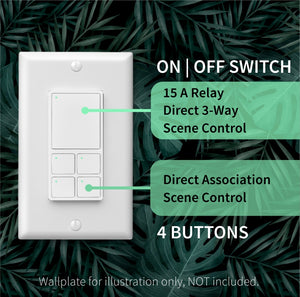
NOTE: Z-Wave gateway controller required - sold separately. *Your smart hub / controller needs to support advanced settings and central scene programming or direct association access for you to take advantage of this feature.
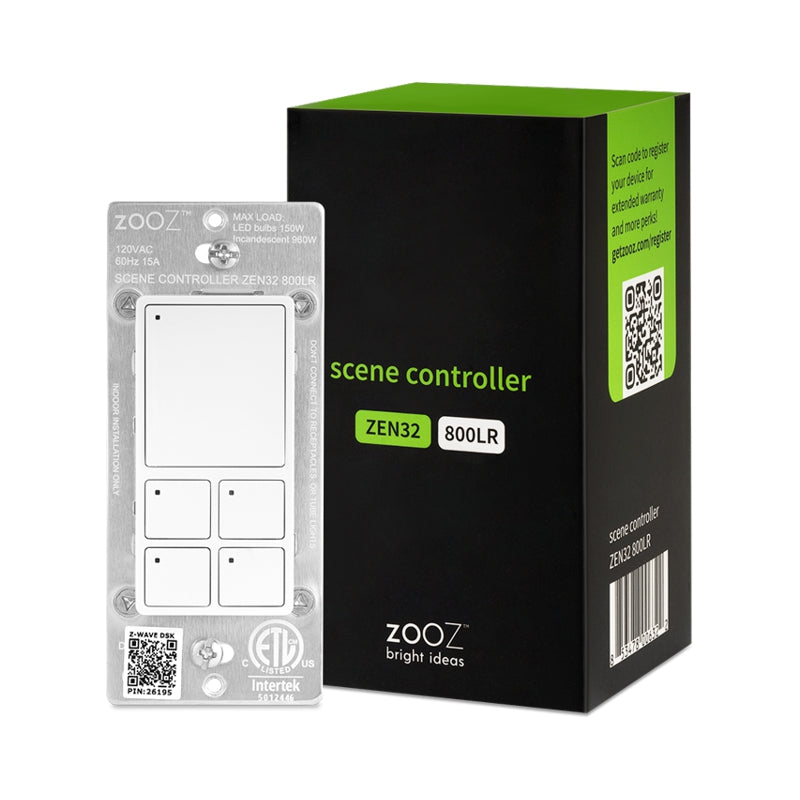
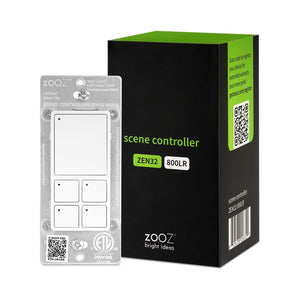
Get a replacement button panel in black for your Zooz ZEN32 Scene Controller!
We may have this product available in open box, refurbished, or used condition - just check the variant buttons under the product price for availability. All of our recycled inventory has been tested for both manual and Z-Wave control and is fully functional at the time of shipment. Here is what you can expect when ordering your device:
Download the Manual for 800 Series Scene Controller Switch ZEN32 800LR (PDF)
ZEN32 Frequently Asked Questions
More wiring diagrams for 3-way and 4-way set-ups
NOTE: If you don't see your Z-Wave controller on the list above, please contact us before you purchase this product.
You can now order a custom etched faceplate for your Scene Controller from our partners at Domotinc! Just click on the image below to customize your plate and order it directly from Domotinc. NOTE: custom etched plates are NOT included with your purchase on The Smartest House.
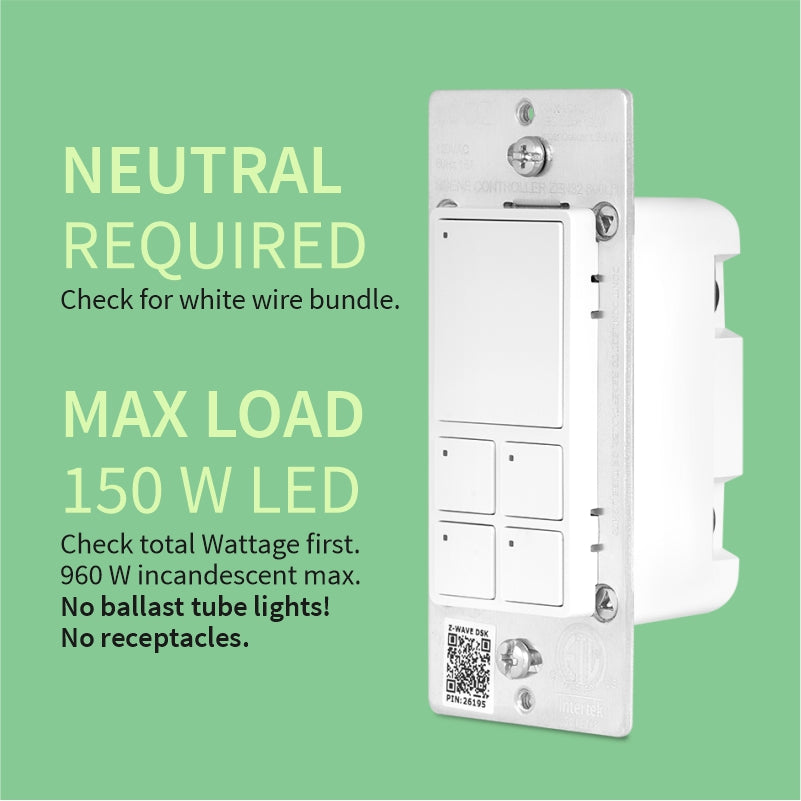
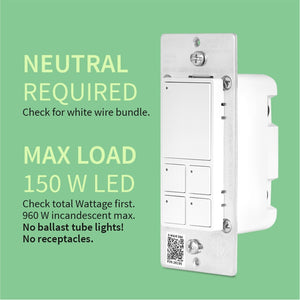
Before installing, make sure the load does not exceed 960W for incandescent lights, 150W for CFL's and LED's, or 1800W (15A) for resistive load. Check your wiring first to confirm that you have all the following wires present in your gang box: load (most often black), line (most often black), neutral (most often white), and ground (most often green).
If you are not comfortable identifying the wiring and following the instructions, please hire a licensed electrician.

Here are some helpful wiring tips:
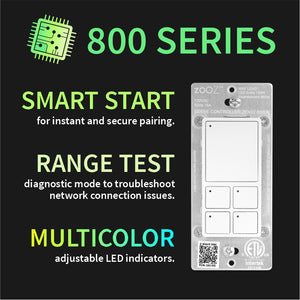
How to include the Scene Controller switch to your smart home network?
1. Bring your Z-Wave gateway hub or controller as close to the switch as possible
2. Put your Z-Wave controller in inclusion/pairing mode
3. Tap the upper paddle of the switch 3 times quickly to finalize the inclusion process
4. A new on/off switch should appear on your controller's device list
NOTE: Use a dedicated diagram from the manual to wire the switch in a 3-way setting with a regular electrical switch if you are looking to control one light with 2 or 3 switches.
Easy set up and customization using Hubitat and Home Asssitant, will expand my smart home switches with more Zooz devices going forward
Excellent product with infinite possibilities. I will have two of these in my home. One downstairs and one upstairs. Each button can be programmed to do just about anything. Right now I just have them controlling lights but my next step is to have one of the buttons start a “nap mode” for so I can close blinds, start white noise on Alexa, and turn off lights for my son so I can easily transfer him when he falls asleep in the car. Honestly the possibilities are endless.
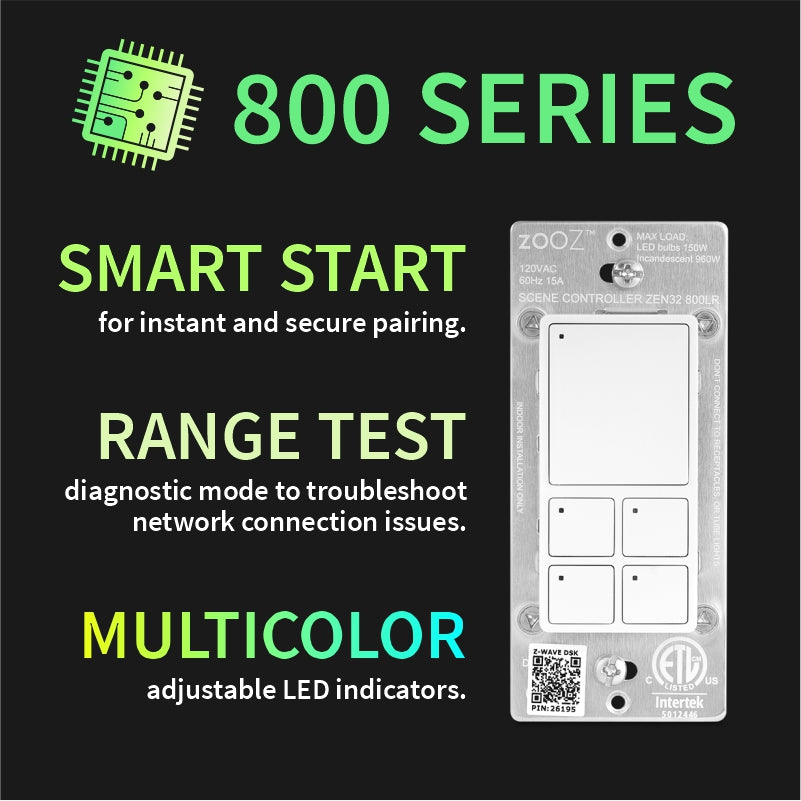
LR mode is a game changer and helps with the spot at the far end of the house.
Great for my nursery. Used haos to automate all of the chaos that comes with a newborn. Blinds. Noise machine. Lights etc. HIGH wife approval factor.
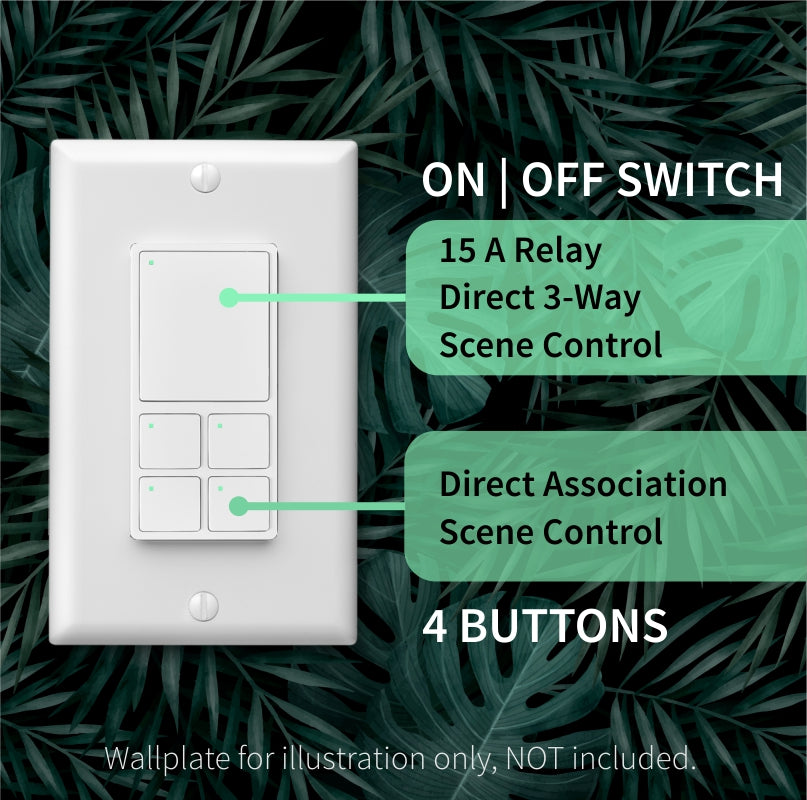
The ZEN32 scene controller is a really versatile device. It works as a regular switch but the real value is in the programmable push buttons and lights. I use it trigger lock/unlock all doors with red and green lights to indicate the function. One of the other buttons is used to turn on all lights. Setup using Homey Pro is painless and reliable. The only issue is the switch needs to be within a few feet of Homey for the initial pairing so plan ahead before you install in the wall.