$29.95 $41.95
| /

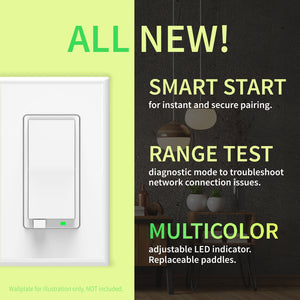
NOTE: Z-Wave gateway controller required - sold separately. *Your smart hub / controller needs to support advanced settings for you to take advantage of this feature.
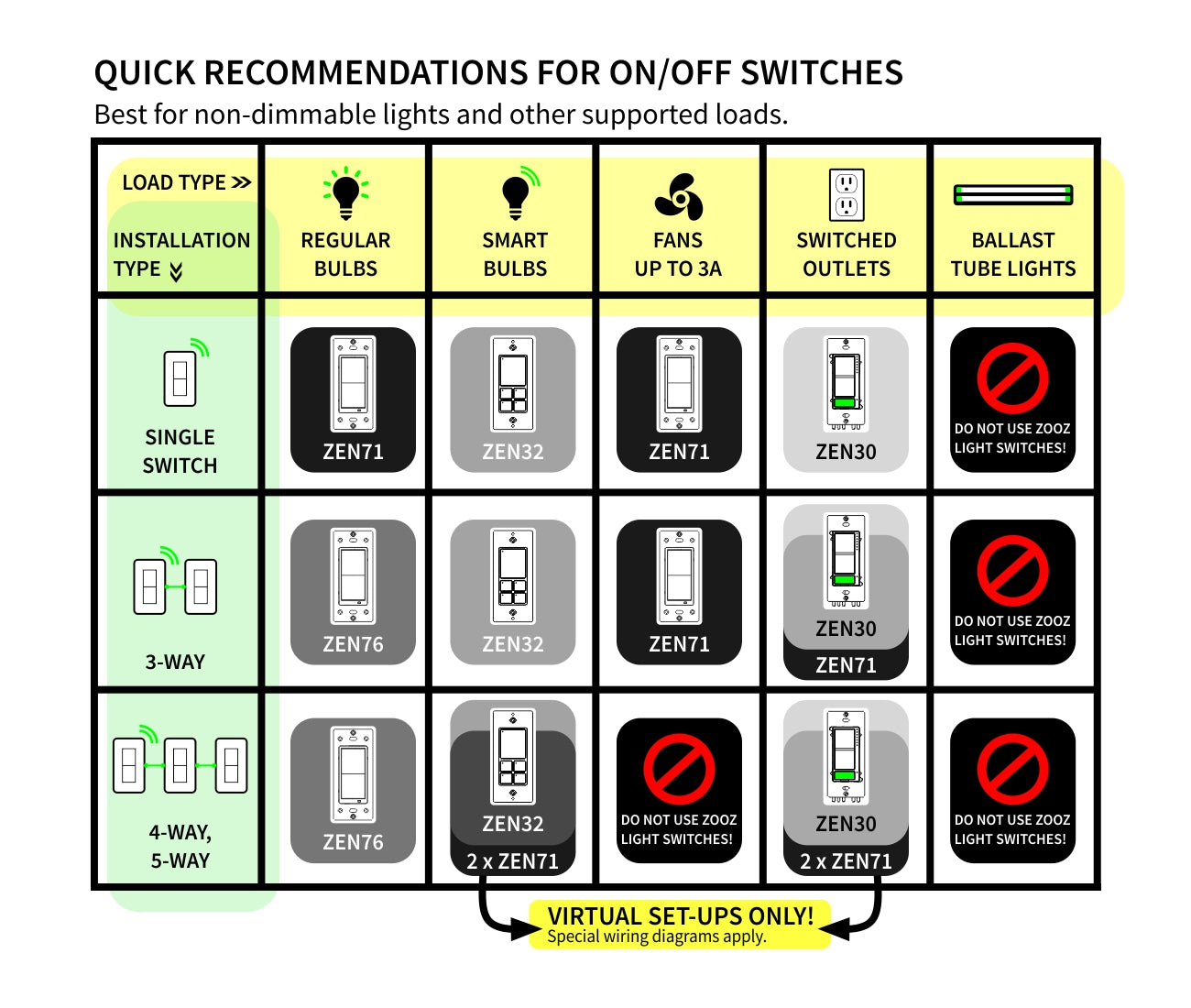
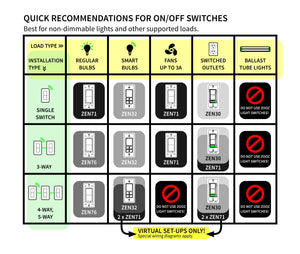
Here is a simplified overview of the recommended models for the most common scenarios (read the full guide above for more details):
We may have this product available in open box, refurbished, or used condition - just check the variant buttons under the product price for availability. All of our recycled inventory has been tested for both manual and Z-Wave control and is fully functional at the time of shipment. Here is what you can expect when ordering your device:
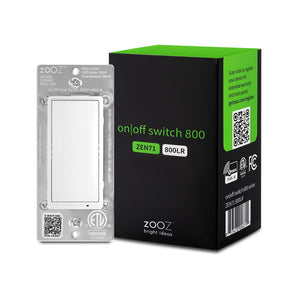
Download the Manual for Zooz Z-Wave Long Range On / Off Switch ZEN71 800LR (PDF)
More wiring diagrams for 3-way and 4-way set-ups
Zooz Light Switches & Dimmers Frequently Asked Questions
NOTE: If you don't see your Z-Wave controller on the list above, please contact us before you purchase this product.
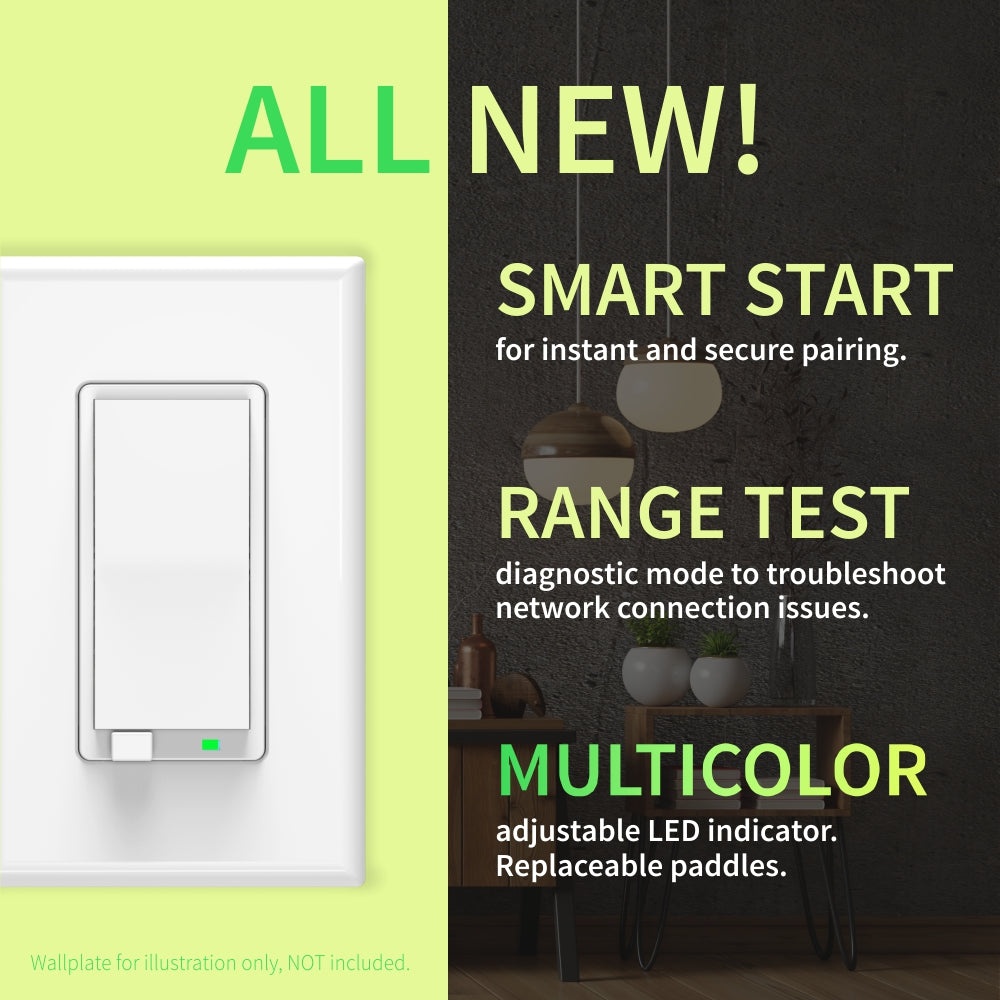
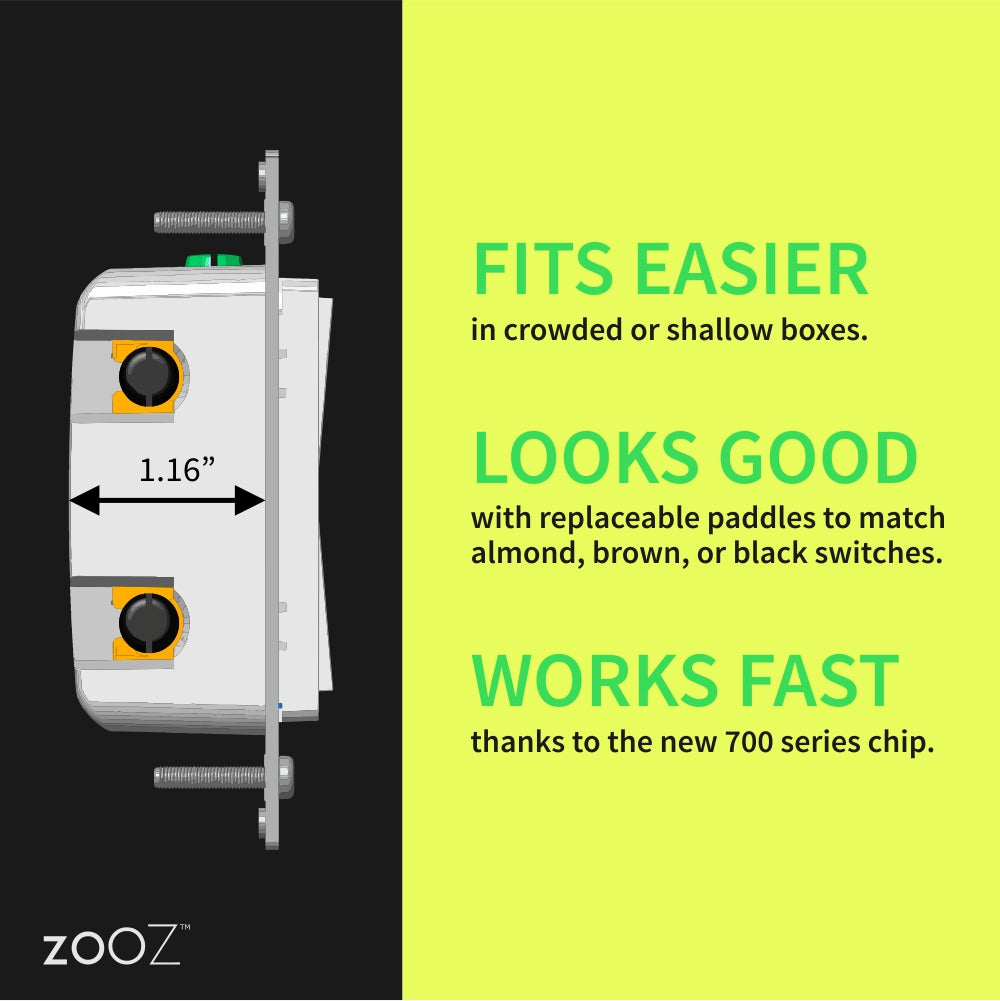
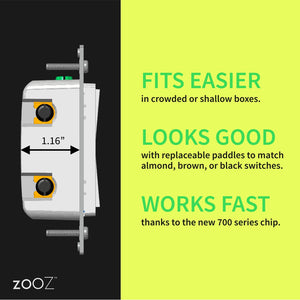
You can now order a custom engraving for you smart switch paddles from our partners at Domotinc! Just click on the image below to add a custom label to the paddles and order it directly from Domotinc. NOTE: custom etched paddles are NOT included with your purchase on The Smartest House.
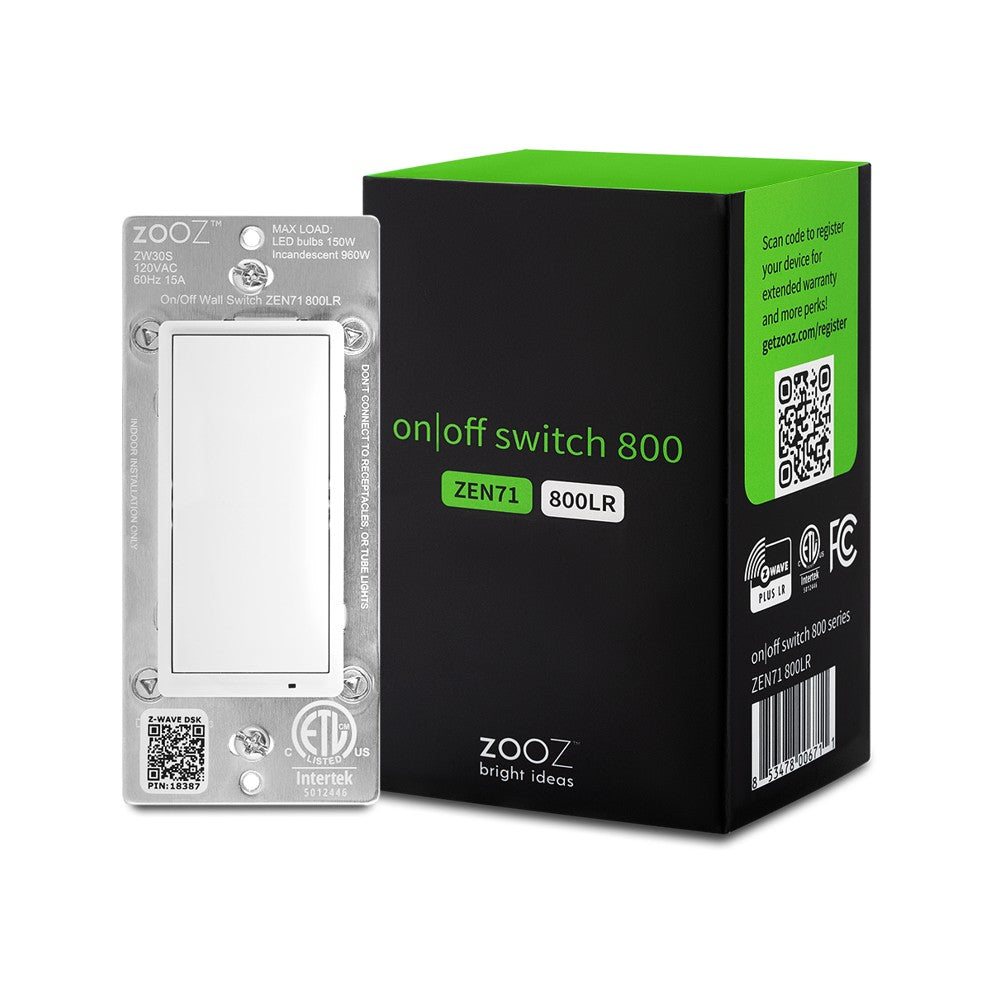
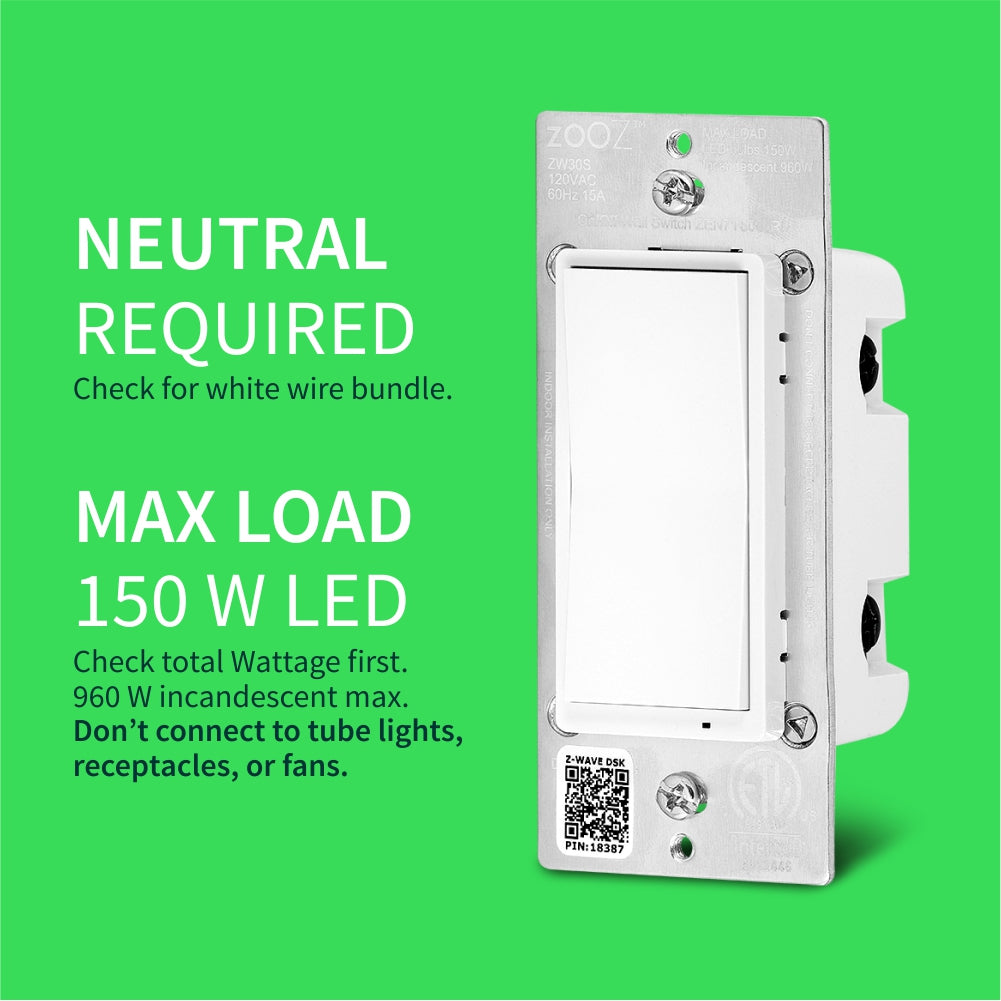
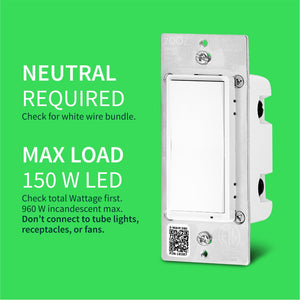
Before installing, make sure the load does not exceed 960W for incandescent lights, 150W for CFL's and LED's, or 1800W (15A) for resistive load. Check your wiring first to confirm that you have all the following wires present in your gang box: load (most often black), line (most often black), neutral (most often white), and ground (most often green).
If you are not comfortable identifying the wiring and following the instructions, please hire a licensed electrician. Always cover the screws and terminals with electrical tape (or the included covers) - failure to do so will void the warranty.

Here are some helpful wiring tips:
How to include the Zooz On / Off switch to your smart home network?
1. Bring your Z-Wave gateway hub or controller as close to the switch as possible
2. Put your Z-Wave controller in inclusion/pairing mode
3. Tap the upper paddle of the switch 3 times quickly to finalize the inclusion process
4. A new on/off switch should appear on your controller's device list
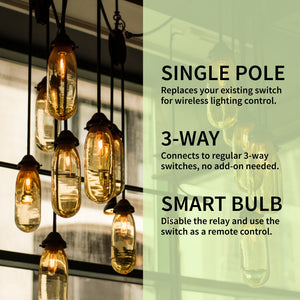
NOTE: Use a dedicated diagram from the manual to wire the switch in a 3-way setting with a regular electrical switch if you are looking to control one light with 2 or 3 switches.
I purchased three Zooz ZEN71 800LR switches to add smart control and automation to all of the lighting in my kitchen. I installed one for the light over the sink, one for the general overhead lighting, and one for the lighting over the kitchen table. All three have worked excellently and have been completely reliable.
Installation was very straightforward. The connections on the back of each switch were cleanly and clearly labeled, making the wiring easy to understand. I also really appreciated that each switch included a short neutral wire. This made it simple to pigtail into the existing neutral wires inside the electrical box without needing to supply an additional piece of wire.
Some of my kitchen lighting consists of dual-mode recessed fixtures. The first time they are turned on, they provide normal bright lighting. Turning them off and then back on activates a softer illuminated ring that works perfectly for mood or nighttime lighting. I created an automation that performs this on-off-on sequence whenever I want the softer lighting, and the ZEN71 switches handle it quickly and reliably.
I also use the switches as part of a visual doorbell notification. When someone rings the doorbell, selected lights connected to these switches and other smart plugs briefly flash. This lets us know someone is at the door even when we cannot hear the doorbell. The switches have responded consistently, even with more involved automations like these.
The overall design and operation feel very polished. I do not like installing smart-home features that require a special trick, phone, or explanation just to use them properly. My elderly mother can operate these exactly like normal wall switches when she visits without needing any assistance. At the same time, they provide powerful remote control and automation capabilities for those of us who enjoy more advanced smart-home functionality.
Using the switches manually at the wall does not interfere with control from my phone, computer, or smart-home system. Everything remains synchronized, and my automations continue working exactly as expected. These switches provide an excellent balance between simple everyday operation and advanced smart-home control.
I have been so happy with these switches that I plan to add more Zooz products to bring smart control and automation to the dimmable under-cabinet lighting in my kitchen as well. I am extremely pleased with the quality and functionality of the ZEN71 switches and would gladly purchase more Zooz products for future projects.
I just got 3 zen71 installed today. They are pretty awesome so far, and reasonably priced. I like the fact that they are subtle. Most people wouldn't even be able to tell the difference between them and a dumb switch.
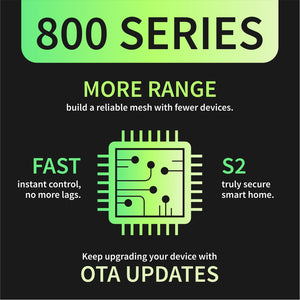
I have several of these installed in my house now and they are great! The zwave mesh network works perfectly, instant response and zero drop offs.
Zooz switches are one of the few devices I ge to sync up to my home assistant set up in one go and it all just works. they never loose sync and are extremely reliable
Much better than the GE enbrightens I used to buy both in terms of features and reliabilities. However, for people that think a higher number means better, these are different than the 76s, but not worse. The 76 can do 3-way switch setups and have slightly higher security (the idea of a hacker turning my light on isn’t the scariest thing in the world, so the 71 security is fine) but a lower load capacity than the 71s. If you aren’t doing a 3 way switch and there is a potentially higher load, like a fan or a lot of lights, get a 71.