$22.95 $41.95
| /

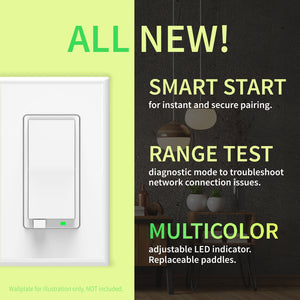
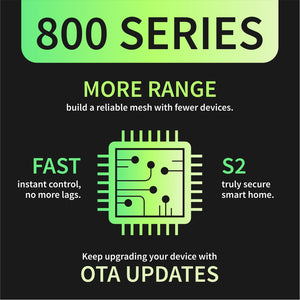
NOTE: Z-Wave gateway controller required - sold separately. *Your smart hub / controller needs to support advanced settings for you to take advantage of this feature.
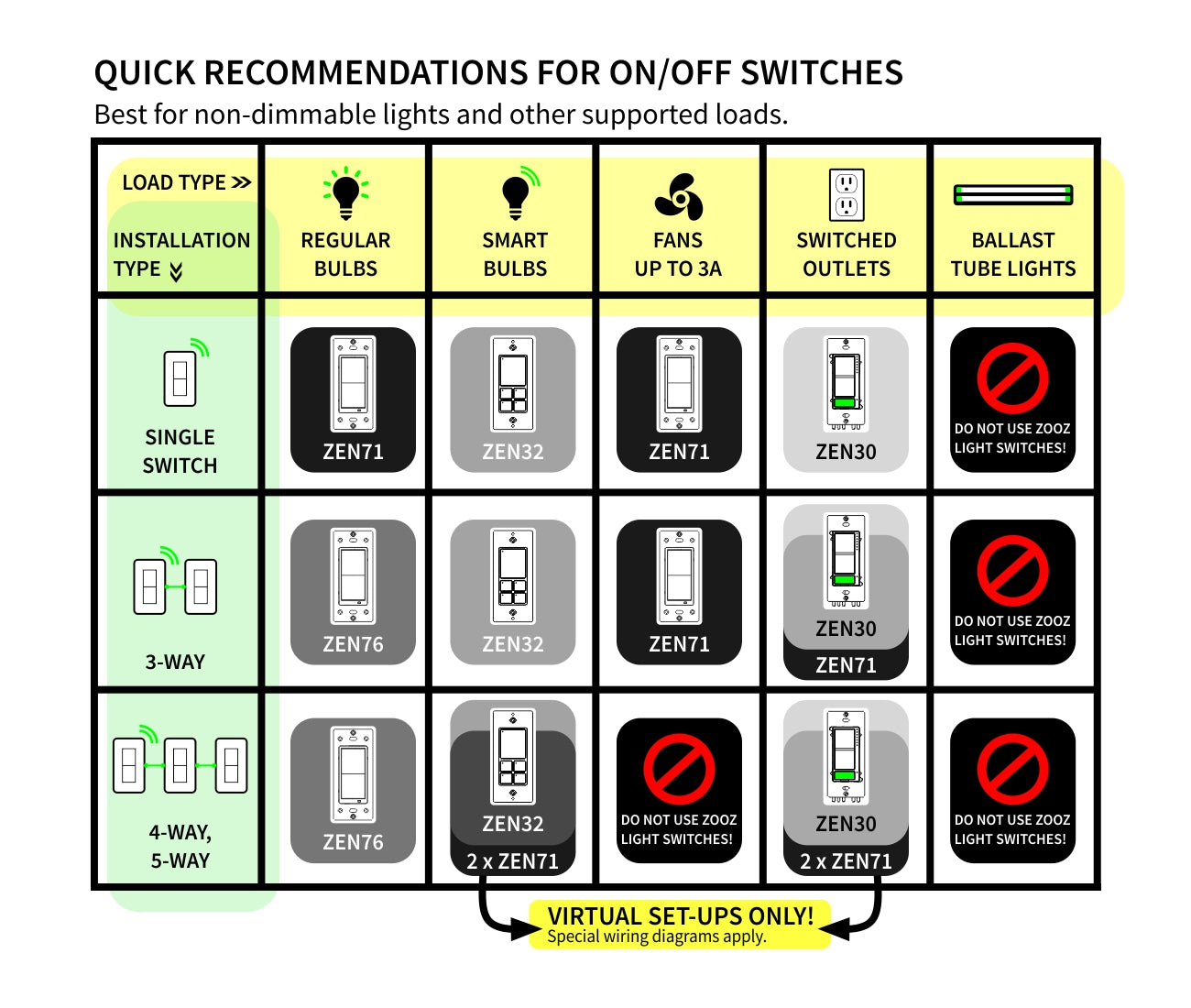
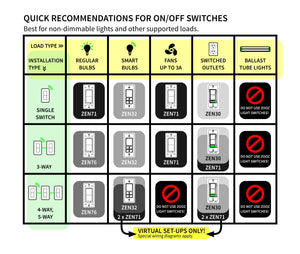
Here is a simplified overview of the recommended models for the most common scenarios (read the full guide above for more details):
We may have this product available in open box, refurbished, or used condition - just check the variant buttons under the product price for availability. All of our recycled inventory has been tested for both manual and Z-Wave control and is fully functional at the time of shipment. Here is what you can expect when ordering your device:
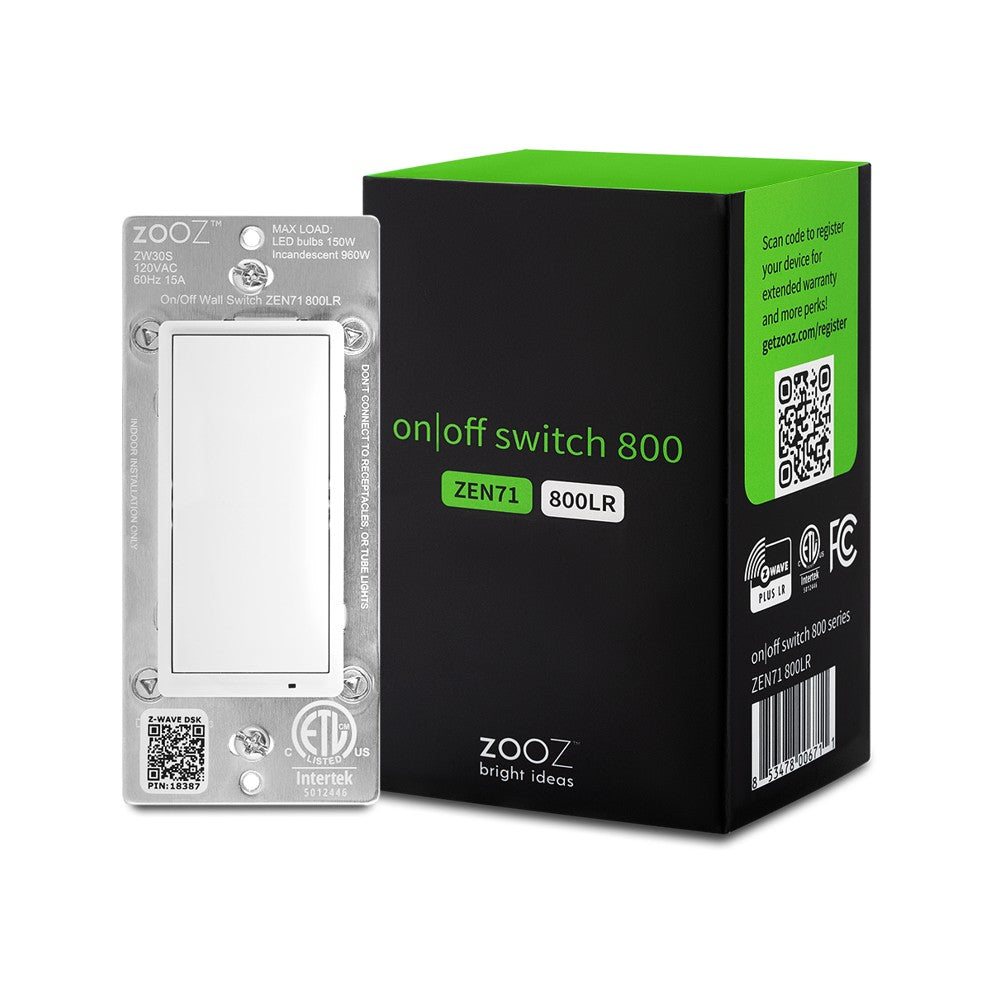
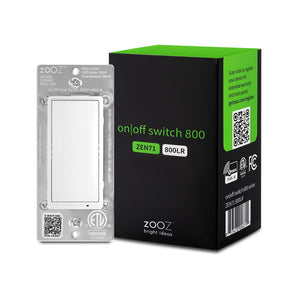
Download the Manual for Zooz Z-Wave Long Range On / Off Switch ZEN71 800LR (PDF)
More wiring diagrams for 3-way and 4-way set-ups
Zooz Light Switches & Dimmers Frequently Asked Questions
NOTE: If you don't see your Z-Wave controller on the list above, please contact us before you purchase this product.
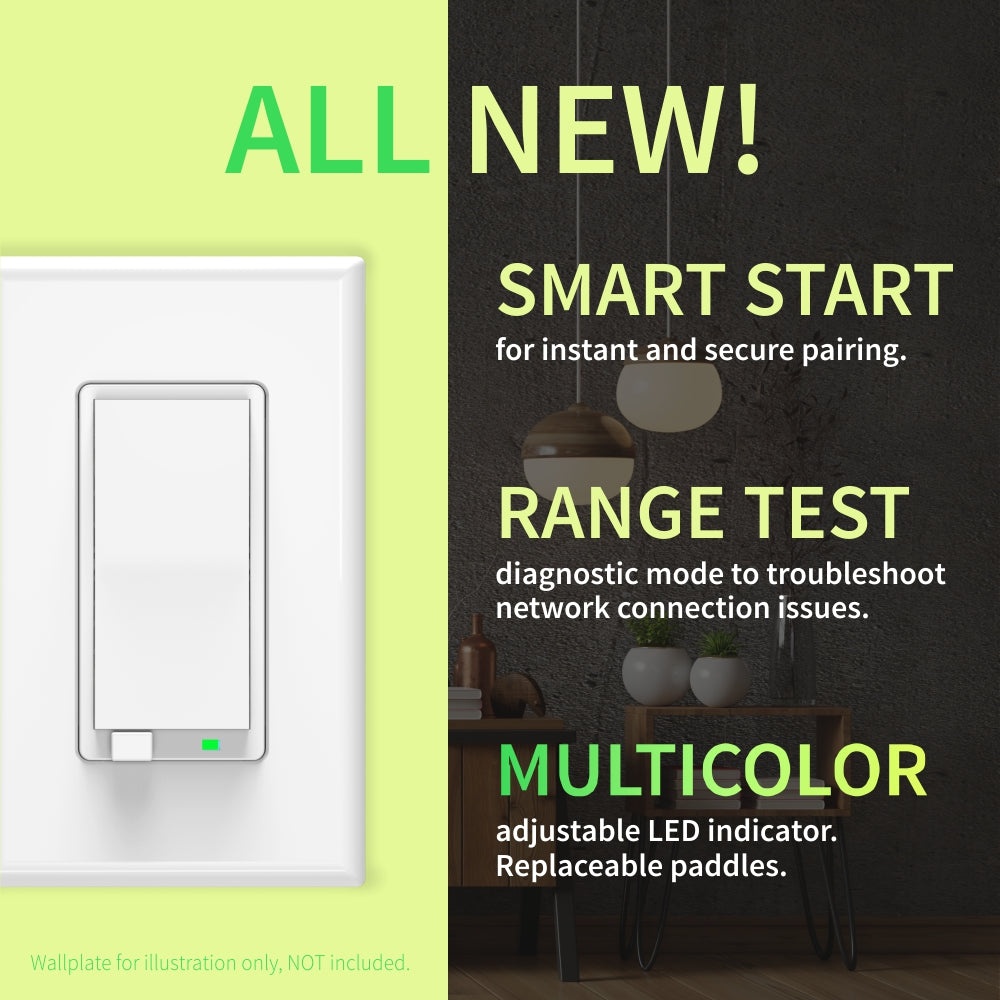
You can now order a custom engraving for you smart switch paddles from our partners at Domotinc! Just click on the image below to add a custom label to the paddles and order it directly from Domotinc. NOTE: custom etched paddles are NOT included with your purchase on The Smartest House.
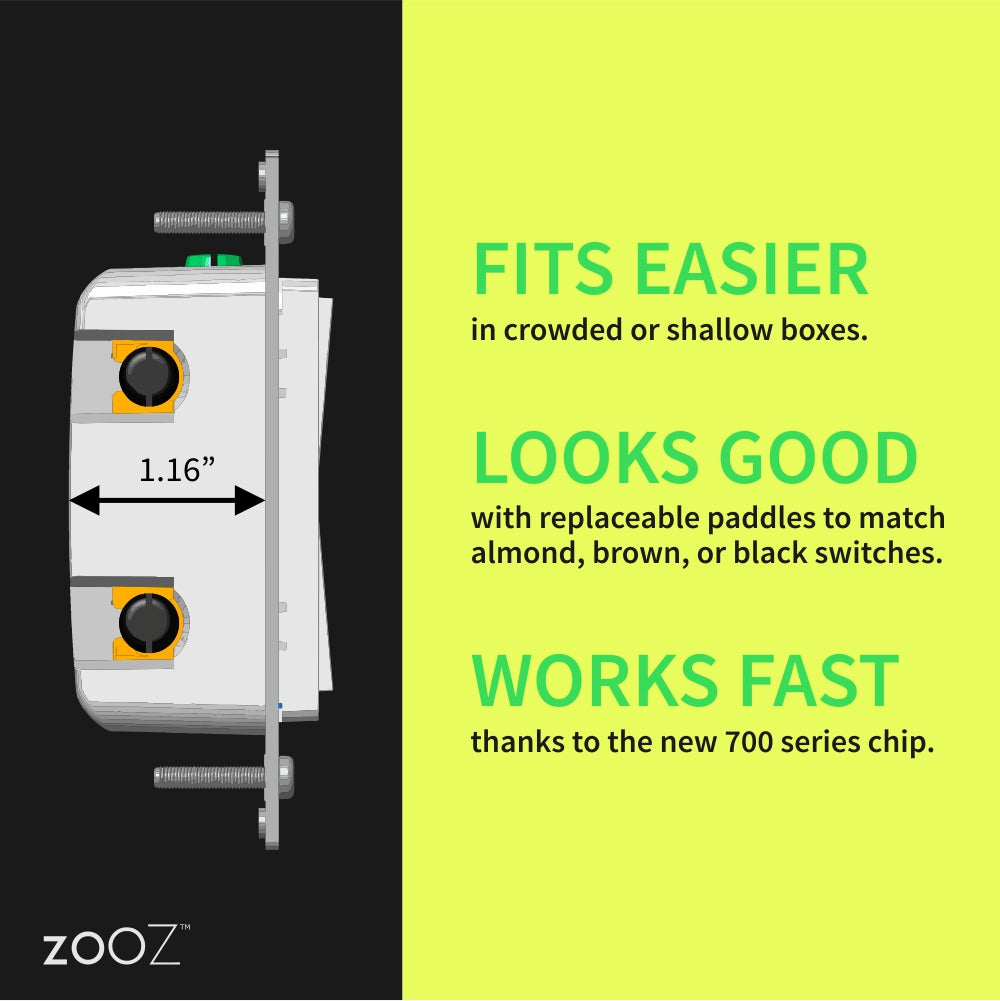
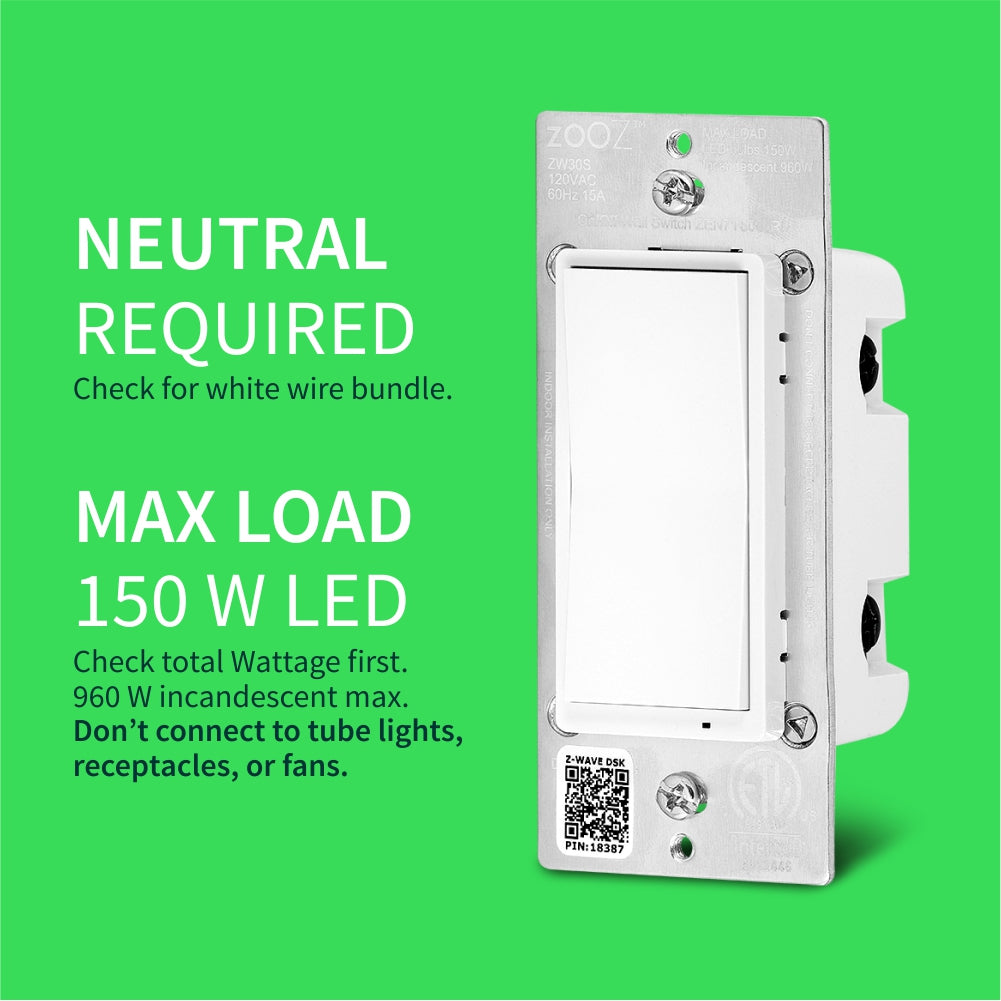
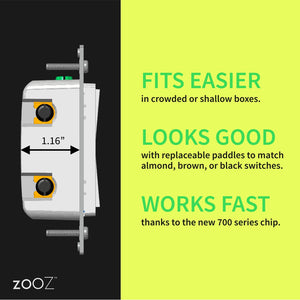
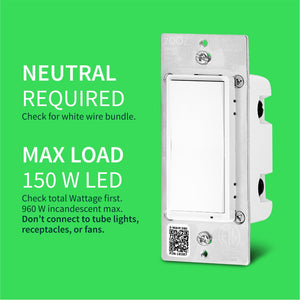
Before installing, make sure the load does not exceed 960W for incandescent lights, 150W for CFL's and LED's, or 1800W (15A) for resistive load. Check your wiring first to confirm that you have all the following wires present in your gang box: load (most often black), line (most often black), neutral (most often white), and ground (most often green).
If you are not comfortable identifying the wiring and following the instructions, please hire a licensed electrician. Always cover the screws and terminals with electrical tape (or the included covers) - failure to do so will void the warranty.

Here are some helpful wiring tips:
How to include the Zooz On / Off switch to your smart home network?
1. Bring your Z-Wave gateway hub or controller as close to the switch as possible
2. Put your Z-Wave controller in inclusion/pairing mode
3. Tap the upper paddle of the switch 3 times quickly to finalize the inclusion process
4. A new on/off switch should appear on your controller's device list
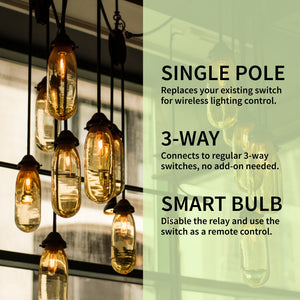
NOTE: Use a dedicated diagram from the manual to wire the switch in a 3-way setting with a regular electrical switch if you are looking to control one light with 2 or 3 switches.
I recently purchased about 30+ switches and scene controllers from The Smartest House. I chose Zooz to replace Control4 throughout my home. I am using Home Assistant as an integration layer and to manage the Zooz devices. I’m very happy with the Zooz products and The Smartest House. Both Zooz and TSH have terrific, industry leading documentation to guide selection, installation, and integration. Further I’m happy with the corresponding Z-Wave choice for device connectivity. All of it, a much better choice than the legacy proprietary Control4 I’ve used for the last fifteen years.
Switches work create, love the multi tap ability, also match perfectly with leviton decora dimmers and decora screwless wall plates
This was my first purchase with The Smartest House. I was gifted Zooz z-wave for Christmas to replace Wemo. I have been very happy with the range and quality of Zooz. Dealing with The Smartest Home has been very smooth. No issues whatsoever.
Easy install and work perfectly with my Homey hub, definitely recommend
Clear directions. Includes extra parts that other manufacturers would probably not bother to add. Paired to Home Assistant flawlessly.