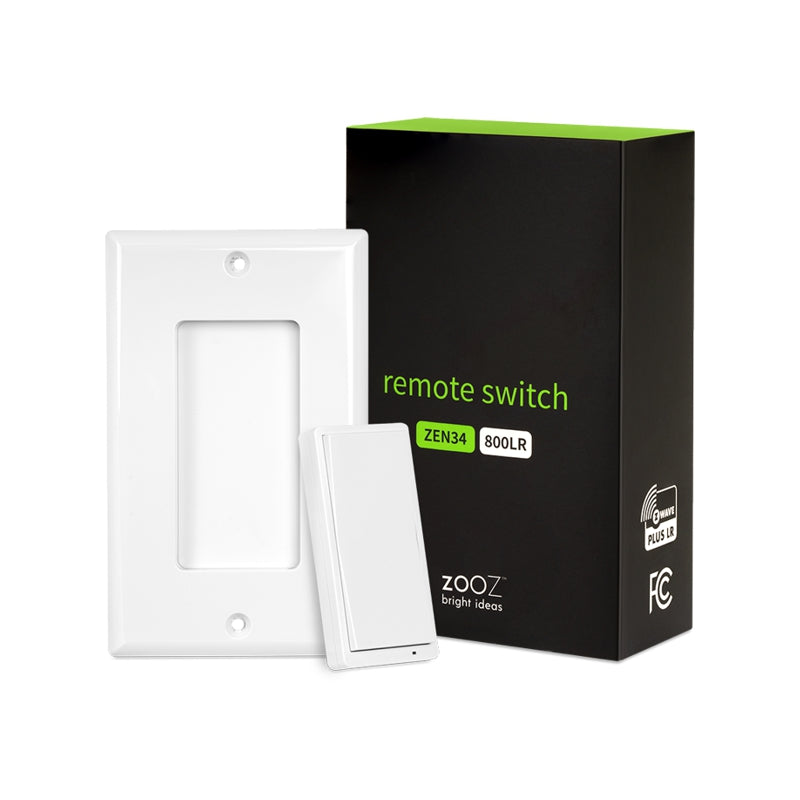
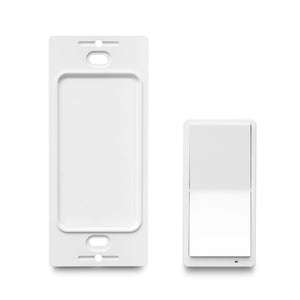
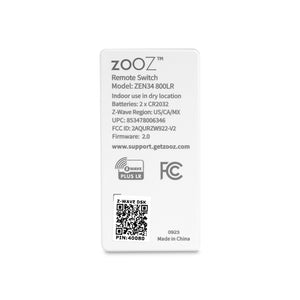
Zooz 800 Series Z-Wave Long Range Remote Switch ZEN34 800LR (Battery Powered)

$27.95 $37.95

| /

Product Condition (See details below)

Truly Wireless!


PRODUCT HIGHLIGHTS

  • Control Z-Wave devices or activate scenes with the multi-tap feature
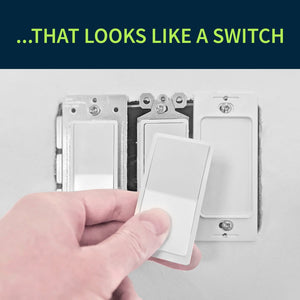
  • Classic white paddle/rocker switch design for a consistent look
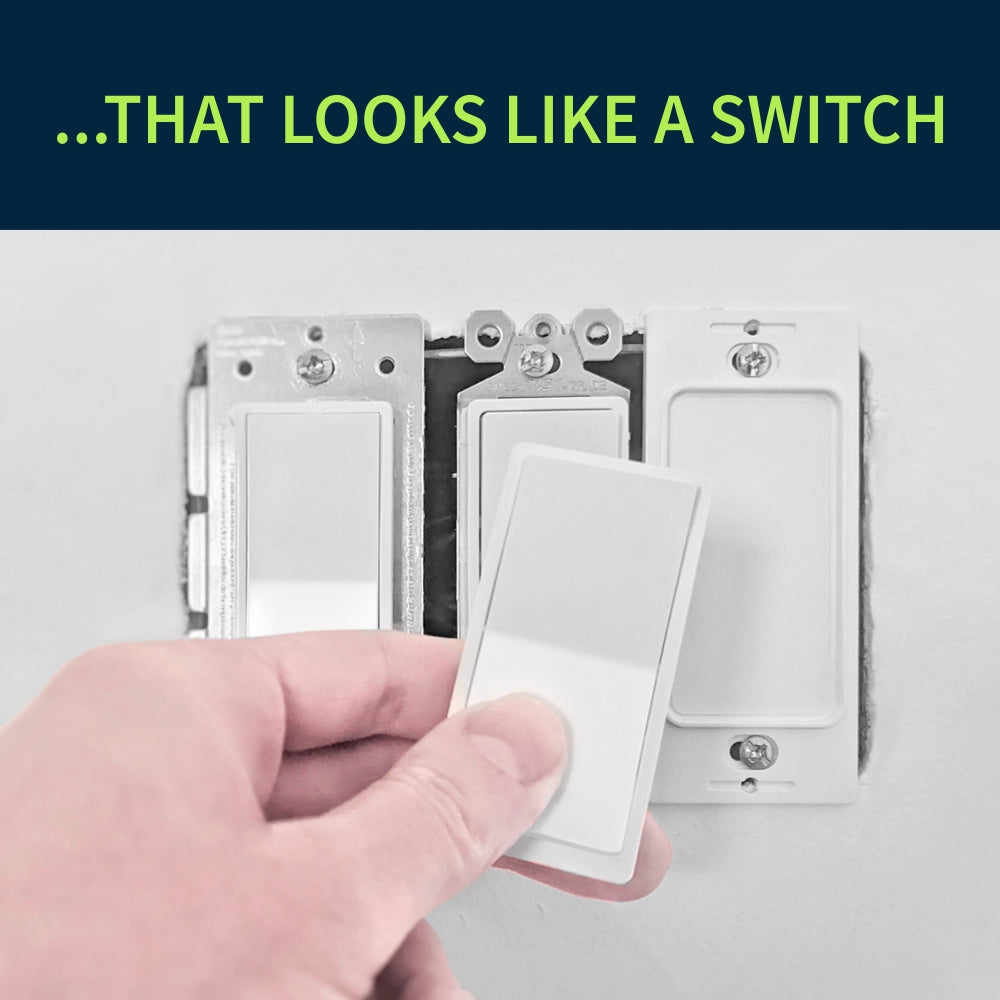
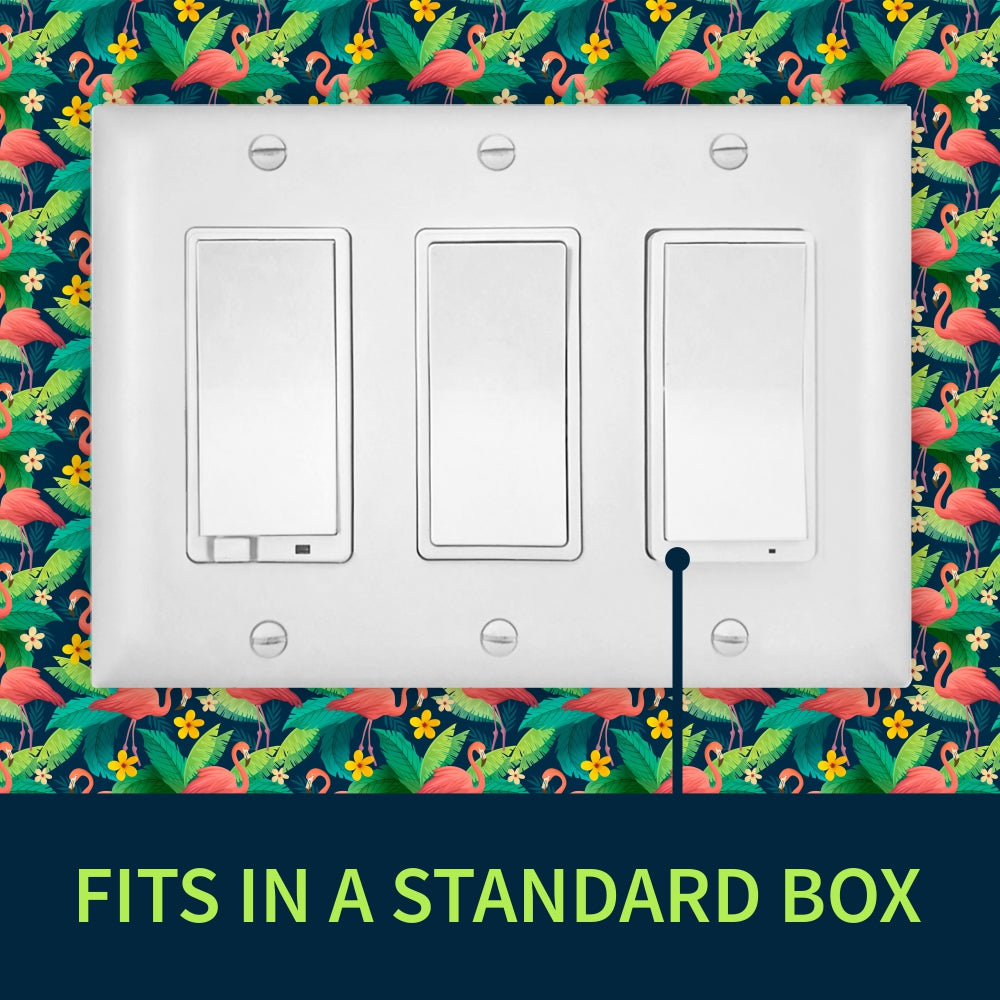
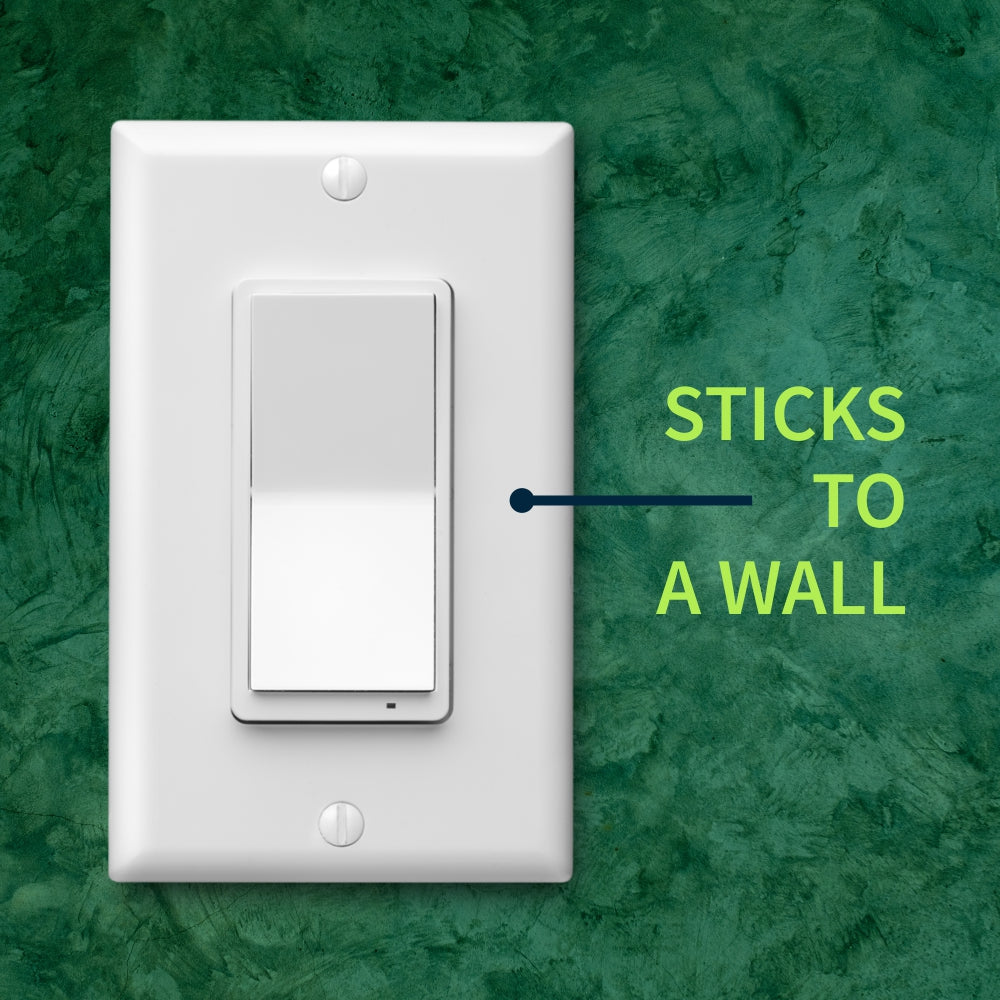
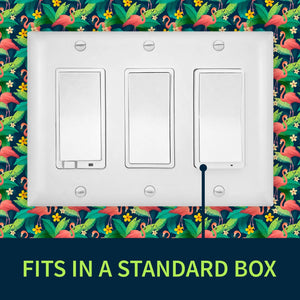
  • Wire-free: the perfect add-on switch to put in an existing switch box or install on any flat surface
  • Scene Control (select hubs only): trigger up to 8 scenes or control up to 8 devices with multi-tap control.*
  • NEW 800 chip: more range, faster signal, SmartStart inclusion + S2 security
  • Z-Wave Long Range ready: extend the wireless coverage up to 1 mile if your hub supports Long Range
  • Smart bulb control: use scene control or direct association (for Z-Wave bulbs only) to turn your smart bulbs on and off through a wireless signal instead of cutting power to them
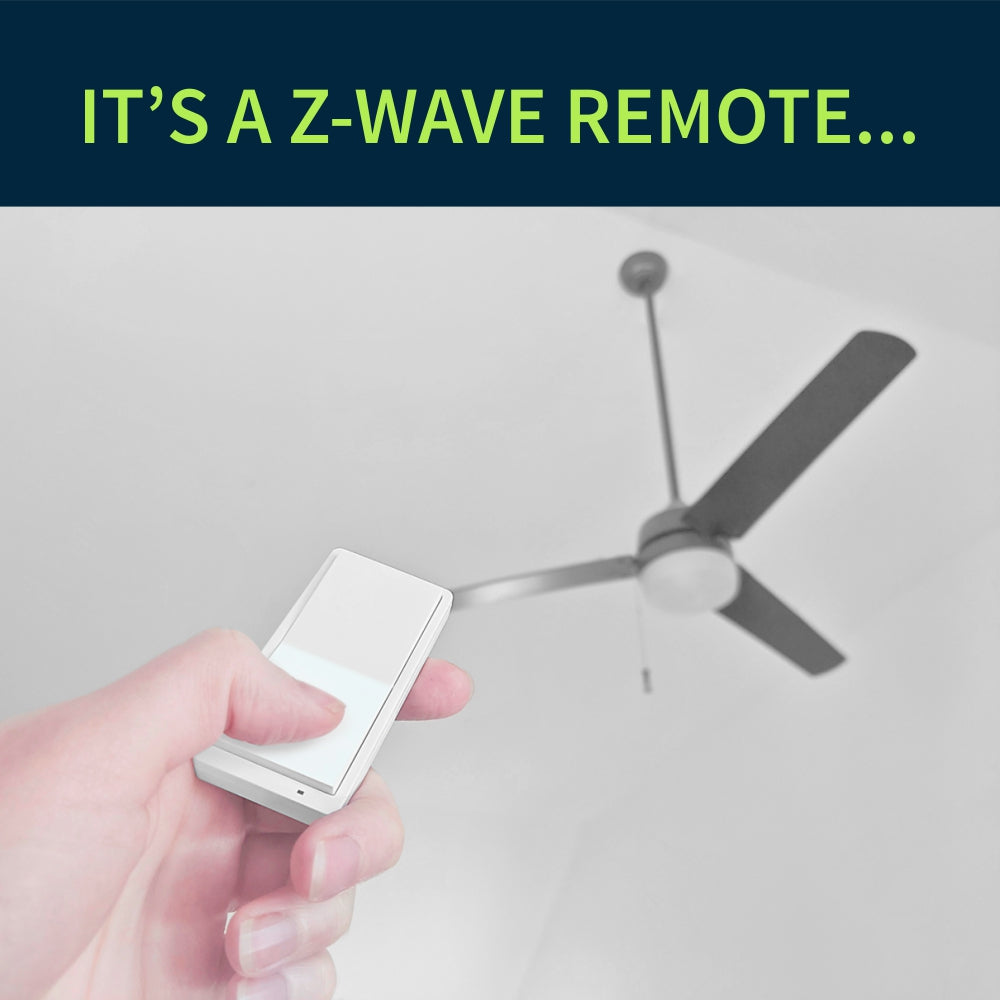
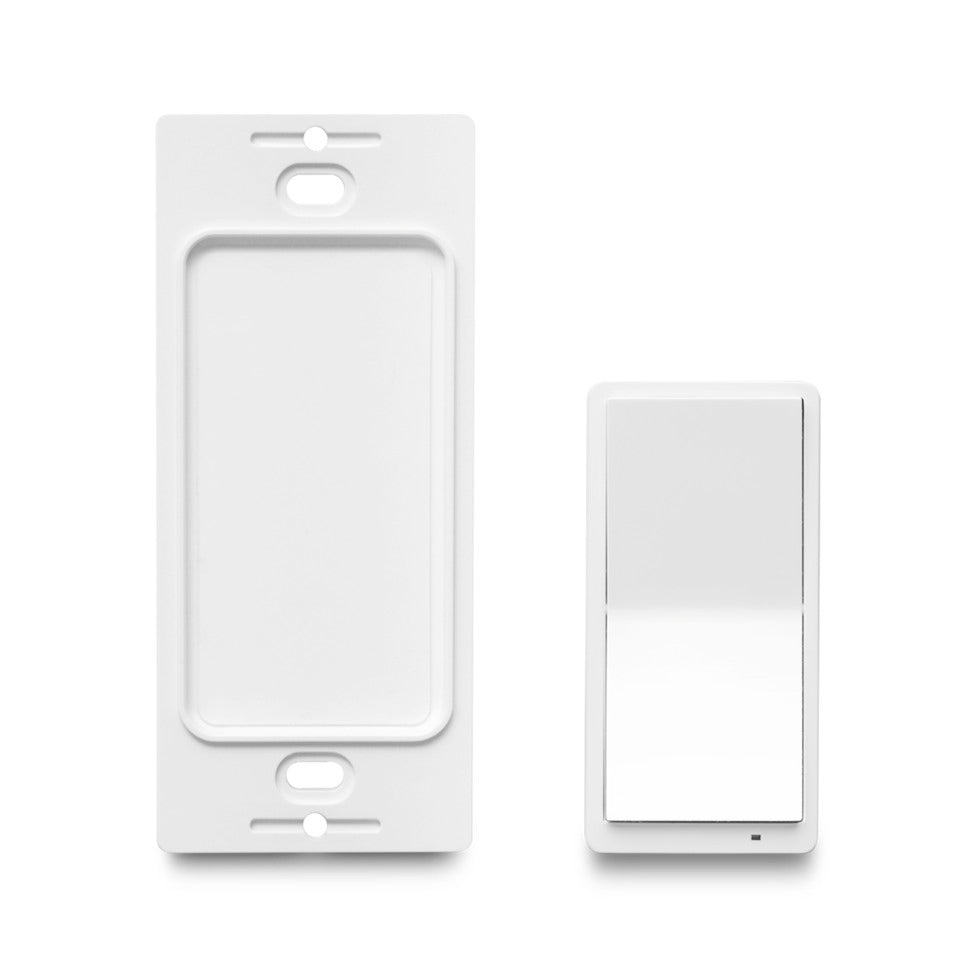
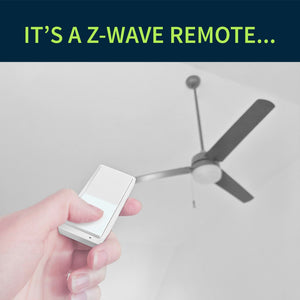
  • Magnetic base: take the switch out whenever you need to use it like a traditional remote control and put it back on the base for easy access next time
  • Adjustable LED indicator: choose from 4 colors and 3 brightness levels
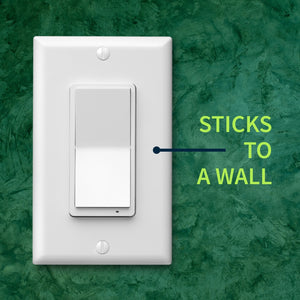
  • Quick Installation: fix it to our switch box using the included screws or simply stick it to the wall with the supplied adhesive tape
  • White (no other color available)
  • S2 security with SmartStart for the safest and most convenient way to add and manage your Z-Wave devices
  • OTA firmware updates for a future-proof device
  • Included accessories: mounting screws, adhesive tape, wall plate and switch box screws, triangle tool to open the remote, magnetic base, standard single-gang wall plate (white)
  • 5-year warranty and lifetime tech support
  • Check out ZEN34 Frequently Asked Questions

    NOTE: Z-Wave gateway controller required - sold separately. *Your hub needs to support advanced parameter input to display these features.

    PRODUCT CONDITION

    We may have this product available in open box, refurbished, or used condition - just check the variant buttons under the product price for availability. All of our recycled inventory has been tested for both manual and Z-Wave control and is fully functional at the time of shipment. Here is what you can expect when ordering your device:

    • NEW: brand new product, as delivered by the factory
    • OPEN BOX: like new item in excellent condition, it may come in partially damaged or not original packaging; all accessories included; hardware and firmware version may be different than the brand new device description
    • REFURBISHED: good condition, may show slight signs of wear, may not include all accessories (like product manual, battery may not be full, etc); hardware and firmware version may be different than the brand new device description
    • USED (FINAL SALE): used condition, may show signs of wear, may not include accessories (like product manual, batteries, or mounting hardware) or parts of the packaging; may show signs of wear like scratches; FINAL SALE: not eligible for return, replacement, or warranty service; hardware and firmware version may be different than the brand new device description

    SPECIFICATIONS

    • Z-Wave Region: US / CA / MX
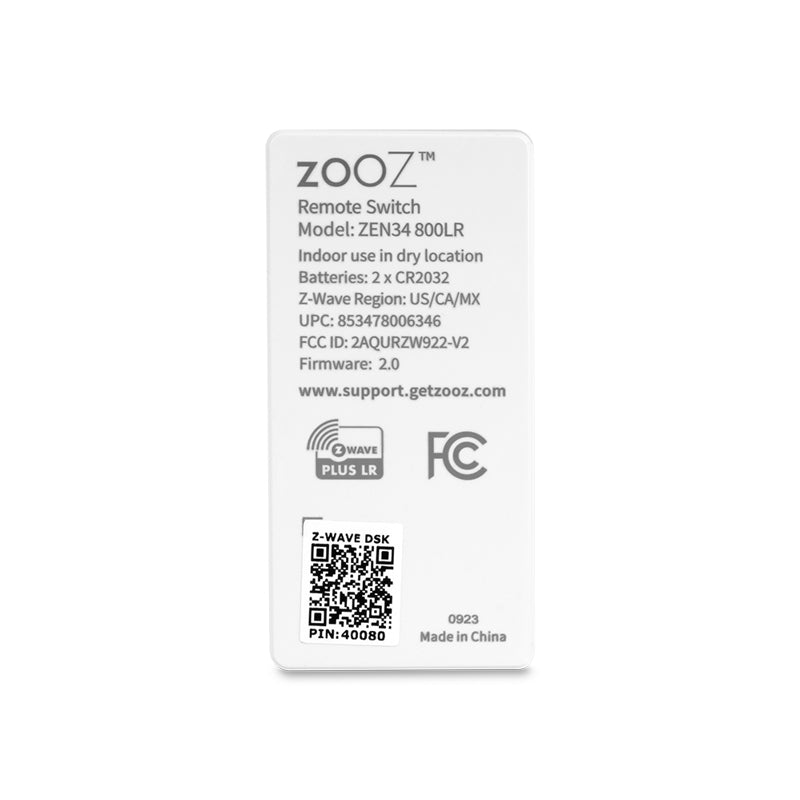
    • Power: 2 x CR2032 batteries
    • Z-Wave Range: Up to 250 feet line of sight
    • Operating Temperature: 32-104° F (0-40° C)
    • Installation: Indoor use only

      RESOURCES

      Download the Manual for the Zooz 800 Series Z-Wave Long Range Remote Switch ZEN34 800LR (PDF)

      ZEN34 Frequently Asked Questions

      Advanced Settings

      Support Portal

      WORKS WITH

      NOTE: If you don't see your Z-Wave controller on the list above, please contact us before you purchase this product.

      INSTALLATION

      No wiring requirements or diagrams for this one! Simply open the remote with the supplied triangle tool and remove the pull-tabs from the battery slots to power the device up. Add the device to your hub by following the instructions below and mount the base in a standard switch box or on any flat surface using the supplied screw or adhesive tape. Complete the installation by fixing the wall plate to the magnetic base of the Remote Switch.

      How to include the Remote Switch to your smart home hub?

      1. Make sure the device is within range of your Z-Wave network
      2. Put your Z-Wave hub in inclusion/pairing mode
      3. Tap the upper paddle of the Remote Switch 6 times quickly to finalize the inclusion process (or scan the QR code / enter the 4-digit DSK number printed on the back of the remote if using the new SmartStart method)
      4. A new remote control / button controller device will appear on your hub's device list

      Customer Reviews

      Based on 97 reviews
      86%
      (83)
      11%
      (11)
      3%
      (3)
      0%
      (0)
      0%
      (0)
      S
      Scott S.
      Better than ZEN37

      I originally bought the ZEN37 because I wanted four buttons but the unit I received was faulty, the buttons were sticky and didn't always work. I contacted customer service and they said it was a known issue and they were working on a revised version that doesn't have the issue. A month or two later they said it was ready and shipped it to me free of charge. The revised version had the same issues! I was really upset but their customer service is top notch. They offered me the ZEN34 and this switch is way better. The buttons are nice and clicky. No issues with the buttons feeling sticky or not working. It paired to Home Assistant very easily and is responsive. I just wish it had four buttons instead of two. You can assign multiple actions per button like press and hold, 2x press, 3x press,etc so I am able to work around that. The reason I deducted as star is because you have to take it apart to pull the plastic tabs on the coin cell batteries. Most other devices like this have the pull tab outside the casing so you don't have to take it apart just to activate the batteries. I also wish is was rechargeable via USB-C like the ZEN37.

      M
      Matt K.
      Better than expected

      I was expecting a good product from Zooz already, but the quality of these switches are better than expected. The button has a good, firm feeling and the click is not too loud or soft. (Goldilocks zone)

      The range is great. My Z-wave antenna is about 90ft away, going through multiple walls and electronics, and through to the next floor. There's no perceived delay between button presses and reactions. I'm using 6+ scenes in each switch.

      I don't know yet about battery life since I've only had the switches for a week, so nothing to report there.

      J
      John
      Great value

      I bought a few to manually control some motorized blinds in my home. They work flawlessly!

      R
      Rob D.
      Add a Switch without rewiring

      I started with the 700 series and you know it's good because my wife loves it. We installed this a few years ahead of some remodeling to see how we would like new light switch layouts and it really does the trick! Non-invasive installation and it works great!

      S
      Steve P.
      Love the “faux-wired” switch!

      My master bedroom, for some reason, was wired with a primary light switch to an outlet in a really weird spot in the room. I have a set of panel lights that I’ve installed where lights really should be, attached to a plug-in dimmer. What this has meant for years is that I’ve had to use Alexa to turn on the lights in the master bedroom rather than a physical switch. This gave me the ability to install the remote as if it was a wired switch in a dual-switch cover next to the door to “trigger” the panel lights outlet dimmer. Love this capability as much as I detest the original builders for installing that original primary light switch outlet outlet switch in an unusable corner of the bedroom. With the new remote just hanging out in that second panel cover, you can’t tell it wasn’t built right to begin with… :)