$37.95 $48.95
| /

NOTE: Z-Wave gateway controller required - sold separately. *Your Z-Wave gateway needs to support advanced configuration to enable these features.
We may have this product available in open box, refurbished, or used condition - just check the variant buttons under the product price for availability. All of our recycled inventory has been tested for both manual and Z-Wave control and is fully functional at the time of shipment. Here is what you can expect when ordering your device:
Zooz Z-Wave Plus Power Switch ZEN15 User Manual (PDF)
ZEN15 Frequently Asked Questions
NOTE: If you don't see your Z-Wave controller on the list above, please contact us before you purchase this product.
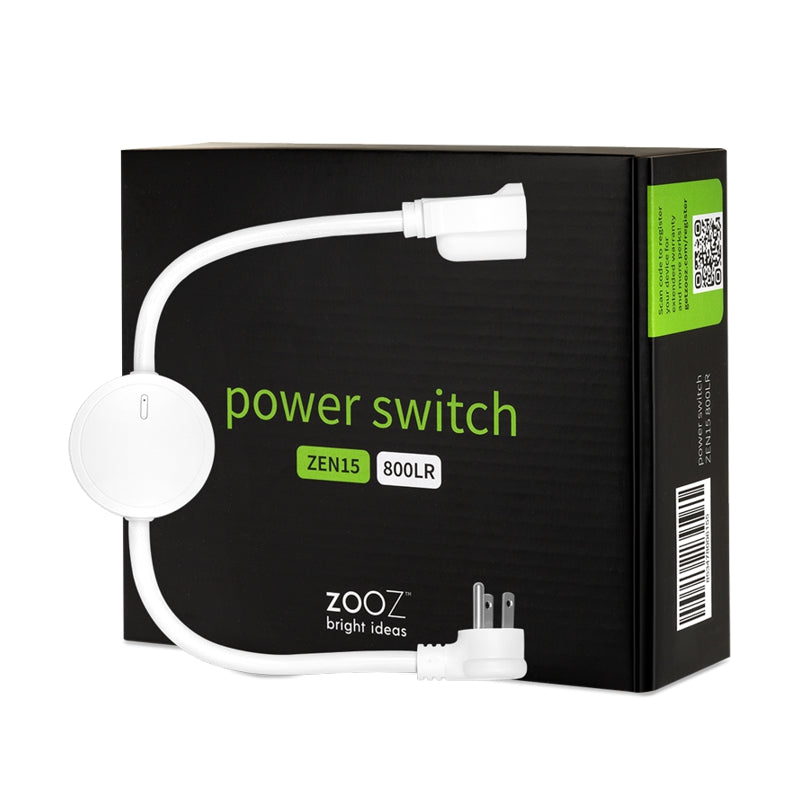
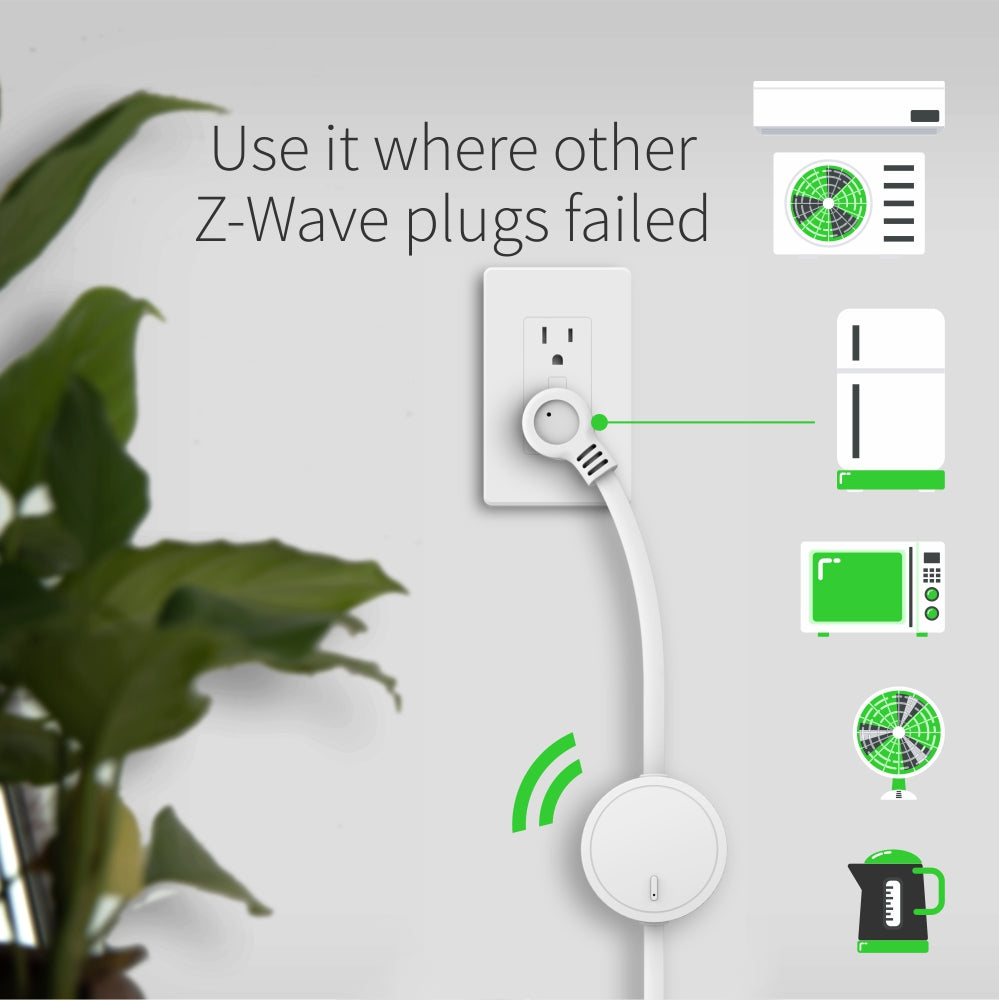
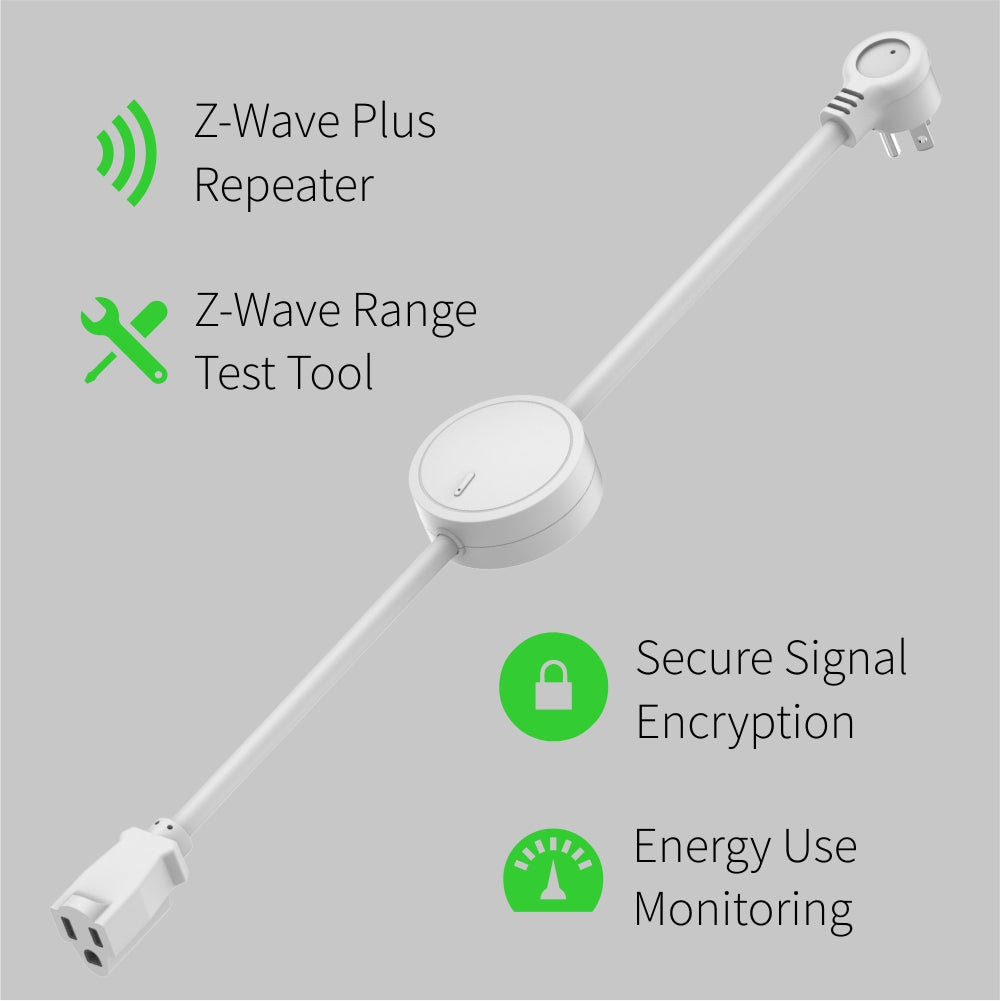
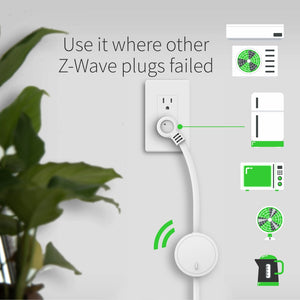
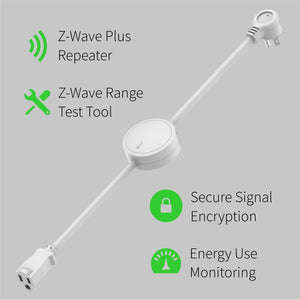
Serious power consumption calls for a serious, sturdy device: this Z-Wave Power Switch gives you reliable wireless Z-Wave control of a single large home appliance like refrigerators, microwaves, and window AC units. Connect the Switch with your Z-Wave gateway controller for remote monitoring of connected devices through your smart phone, tablet, or computer.
Create custom schedules and events to run a more efficient smart home. Schedule an AC unit to turn off and on at the same time every day for streamlined climate control. If your utility company has cheaper rates for off-peak hours, schedule your gas clothes dryer to run later in the evening. When your Z-Wave humidity sensor detects humidity levels that are too high or low, automatically trigger your humidifier or dehumidifier to get to work. During all these advanced smart home scenarios, see where your energy (and money!) are going with the Switch’s helpful energy monitoring feature: view the power consumption of a connected device in live mode or over time.
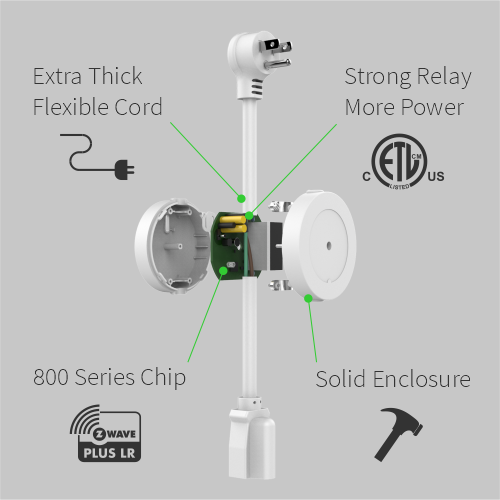
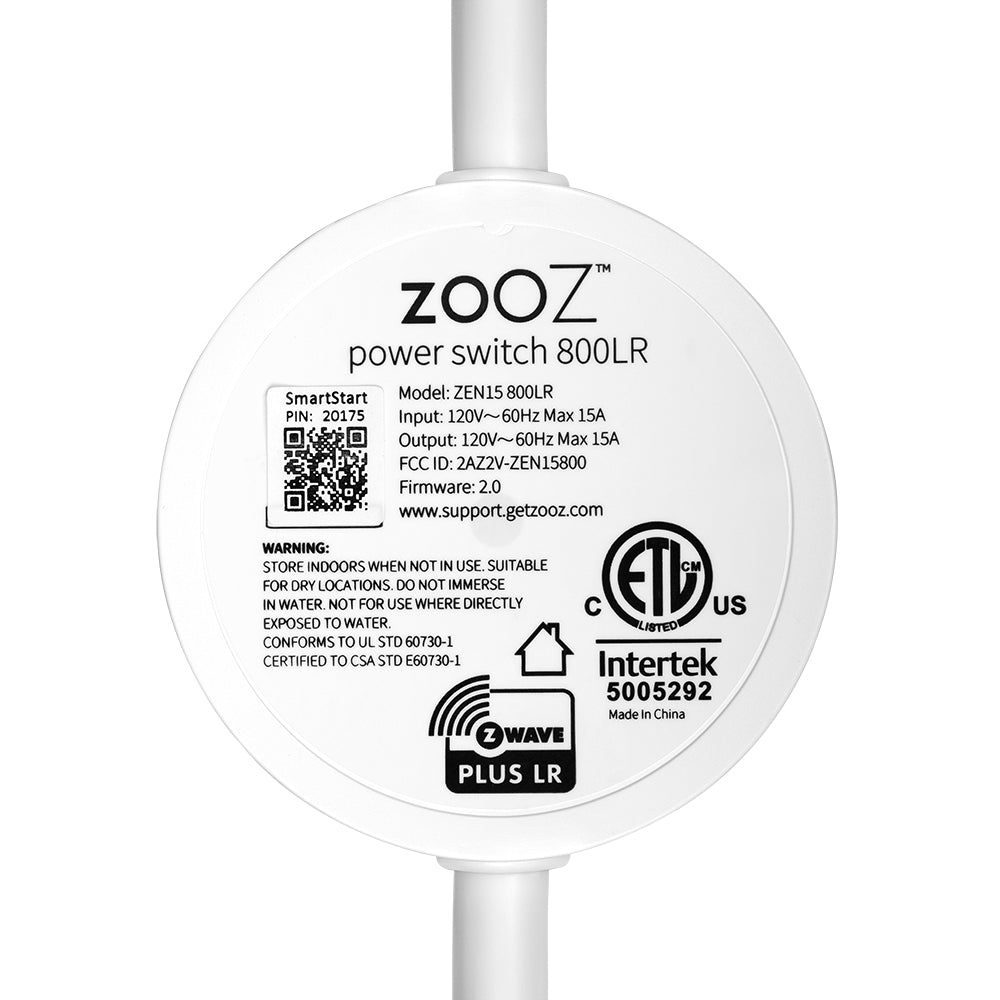
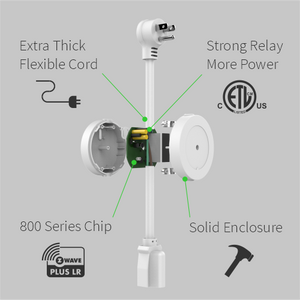
The Power Switch is built with safety and reliability in mind. An LED indicator communicates Z-Wave signal strength and energy usage of the connected device. It’s also equipped with AES signal encryption and the latest enhancements of Z-Wave Plus like S2 Security: this means faster connectivity and longer range so you can access the more remote spaces of your smart home.
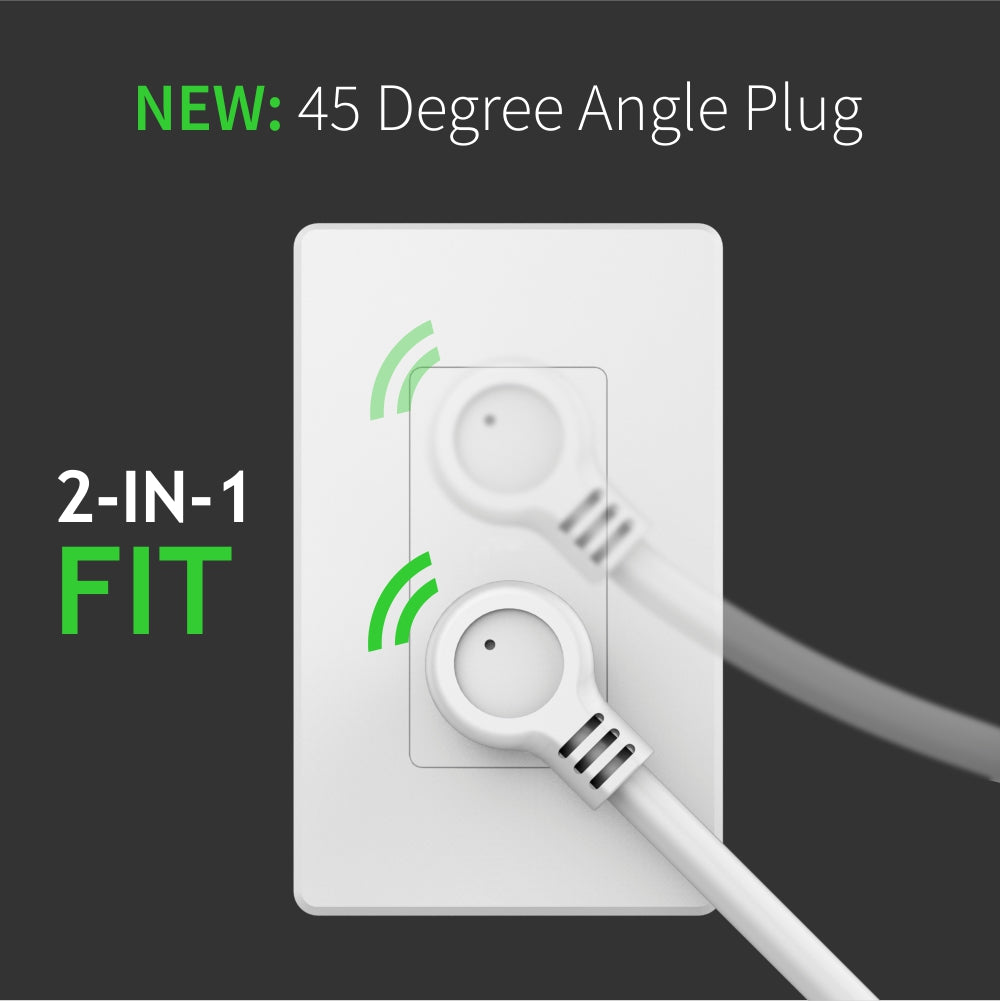
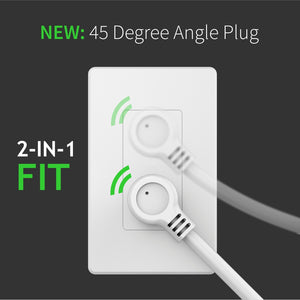
Before plugging any device or appliance into the Power Switch, plug the Switch into a standard grounded 110V receptacle. Press and release the Z-Wave button. Make sure the LED indicator turns on – this verifies the device is getting power.
Once the Switch is powered, the device can now be included into your Z-Wave network. Be sure to include the Power Switch to your network BEFORE connecting any appliance to it.
For Auto Inclusion, put your Z-Wave hub into inclusion/pairing mode (see your hub’s user manual for instructions). Plug the Power Switch into a grounded receptacle within direct range of your Z-Wave hub. Once included, the LED will start flashing blue, then turn solid blue (on) or pink (off). The Power Switch will appear as an on/off device on your hub’s device list.
For Manual Inclusion, plug the Switch into a grounded receptacle within direct range of your Z-Wave hub. Put your hub into inclusion/pairing mode. Press and release the Z-Wave button 3 times quickly. When successfully included, the LED will flash blue and then turn solid blue (on) or pink (off). The new device will appear on your hub’s device list.
It works and thats all that matters :)
The internal relays for this switch do not handle inductive loads and high inrush current. I have had two of them fail after a few months where the relay no longer works and the switch is stuck either on off. My crappy discontinued Belkin Wemo switches were better than these. Save your money and find another solution.
Compressors are inductive loads and can draw substantially more current during startup than their normal running wattage would suggest, especially on older appliances.
The running wattage or amperage listed on an appliance does not necessarily reflect the momentary inrush current required when the compressor starts. Older refrigerators often use traditional compressor designs with higher startup surges than newer inverter-based models, and as these systems age, components such as the start relay, capacitor, or the compressor itself can deteriorate. In some cases, this causes the compressor to require significantly more current to start than it did when the appliance was new.
Because of this, a refrigerator that appears to be within the continuous 15 A / 1800 W rating based on its nameplate information may still experience startup conditions outside the intended operating range if the compressor is aging or beginning to fail.
Without the refrigerator model number or electrical specifications, we're unable to determine whether the appliance is operating within the ZEN15's supported limits or whether the refrigerator itself may be exhibiting unusually high startup current. If you can provide the model number from the label inside the refrigerator compartment, we'd be happy to look into it further.
I bought two of these, one for each home refrigerator. The central controller found them just fine. The power usage report is easy to set up and understand. After a power outage, the power switch recovered its state properly. 6 month report: working satisfactorily.
Easy to use
I wanted to share my experience using the ZEN15. I use it for high-powered devices up to 15 amps, and it has worked reliably with my network hardware.
The switch also features an auto-on and auto-off timer. This allows me to set specific durations for devices I do not want running for too long, ensuring they turn off automatically after a set period.