$32.95 $43.95
| /
Just add the light almond paddle to cart whenever you buy a Zooz switch and the discount will be applied automatically at check-out!
NOTE: Z-Wave gateway controller required - sold separately.*Your hub needs to support advanced settings for this feature to be available.
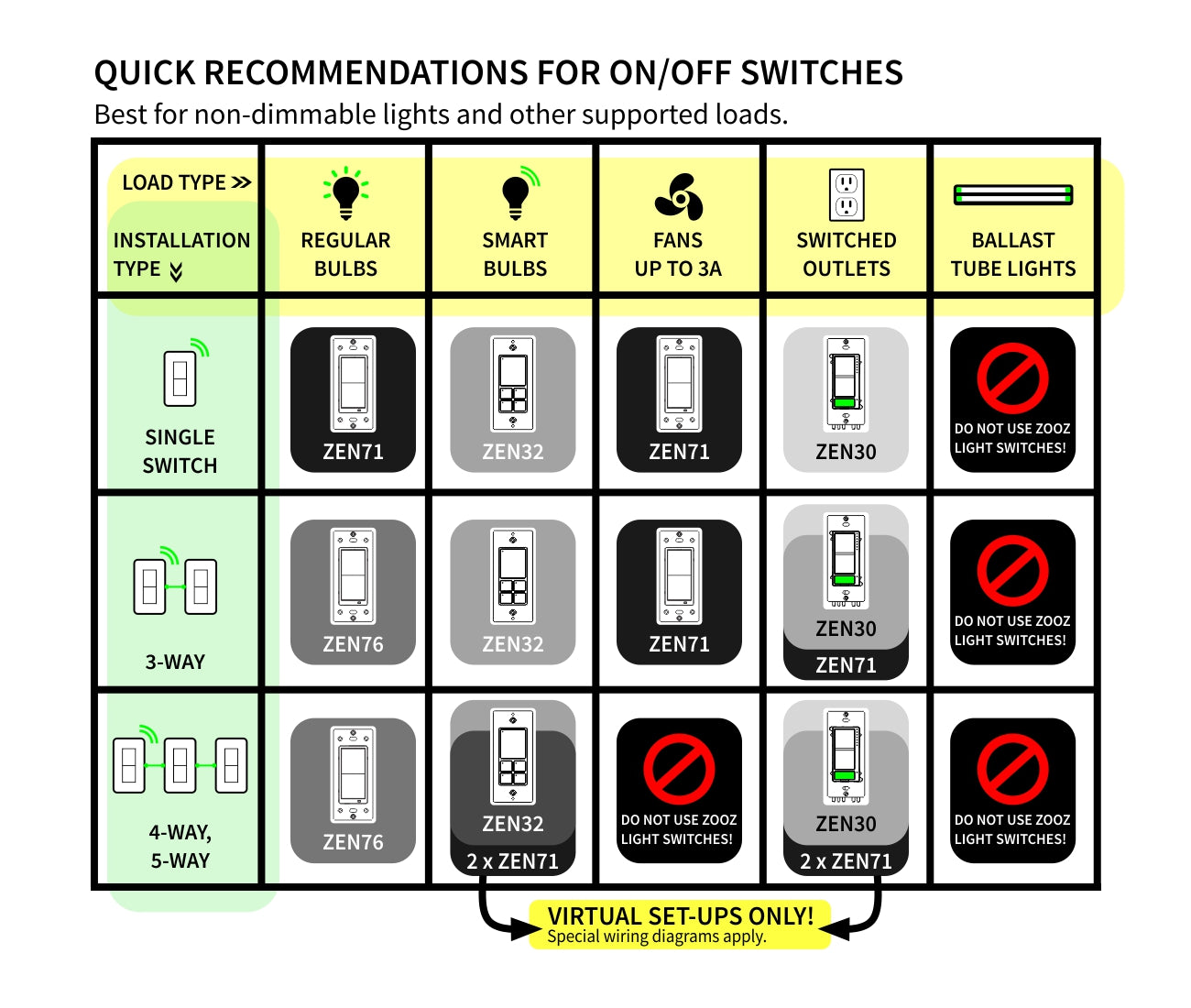
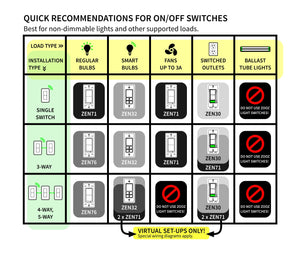
Here is a simplified overview of the recommended models for the most common scenarios (read the full guide above for more details):

We may have this product available in open box, refurbished, or used condition - just check the variant buttons under the product price for availability. All of our recycled inventory has been tested for both manual and Z-Wave control and is fully functional at the time of shipment. Here is what you can expect when ordering your device:
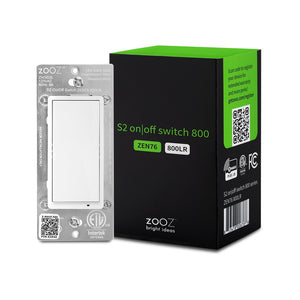
Download the Manual for Zooz 800 Series Z-Wave Long Range S2 On / Off Wall Switch ZEN76 (PDF)
Zooz Light Switches & Dimmers Frequently Asked Questions
NOTE: If you don't see your Z-Wave controller on the list above, please contact us before you purchase this product.
You can now order a custom engraving for you smart switch paddles from our partners at Domotinc! Just click on the image below to add a custom label to the paddles and order it directly from Domotinc. NOTE: custom etched paddles are NOT included with your purchase on The Smartest House.
Please follow the manual guidelines and diagrams when installing your Zooz S2 switches. It's recommended that a licensed electrician performs the installation.
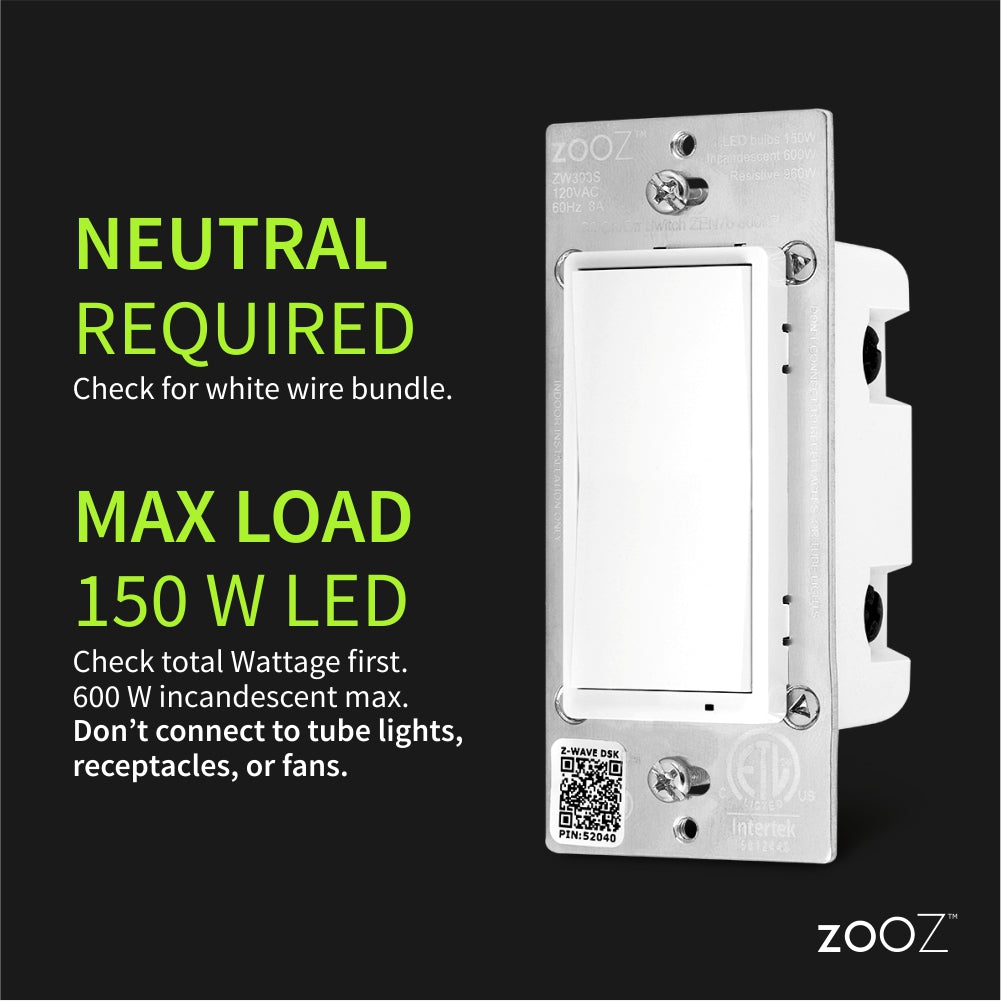
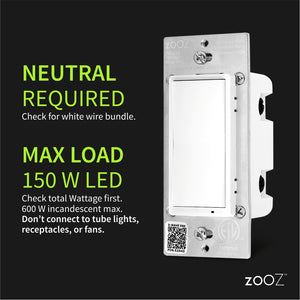
Check for neutral wires BEFORE purchasing. One white wire from a 14-3 romex is NOT a neutral. Ask us if you're not sure about the wiring, we'll help quickly!
How to include the 800 Series On / Off switch to your smart home hub?
1. Make sure the switch is installed within range of your Z-Wave network
2. Put your Z-Wave hub in inclusion/pairing mode
3. Tap the upper paddle of the switch 3 times quickly to finalize the inclusion process
4. A new on/off switch will appear on your controller's device list
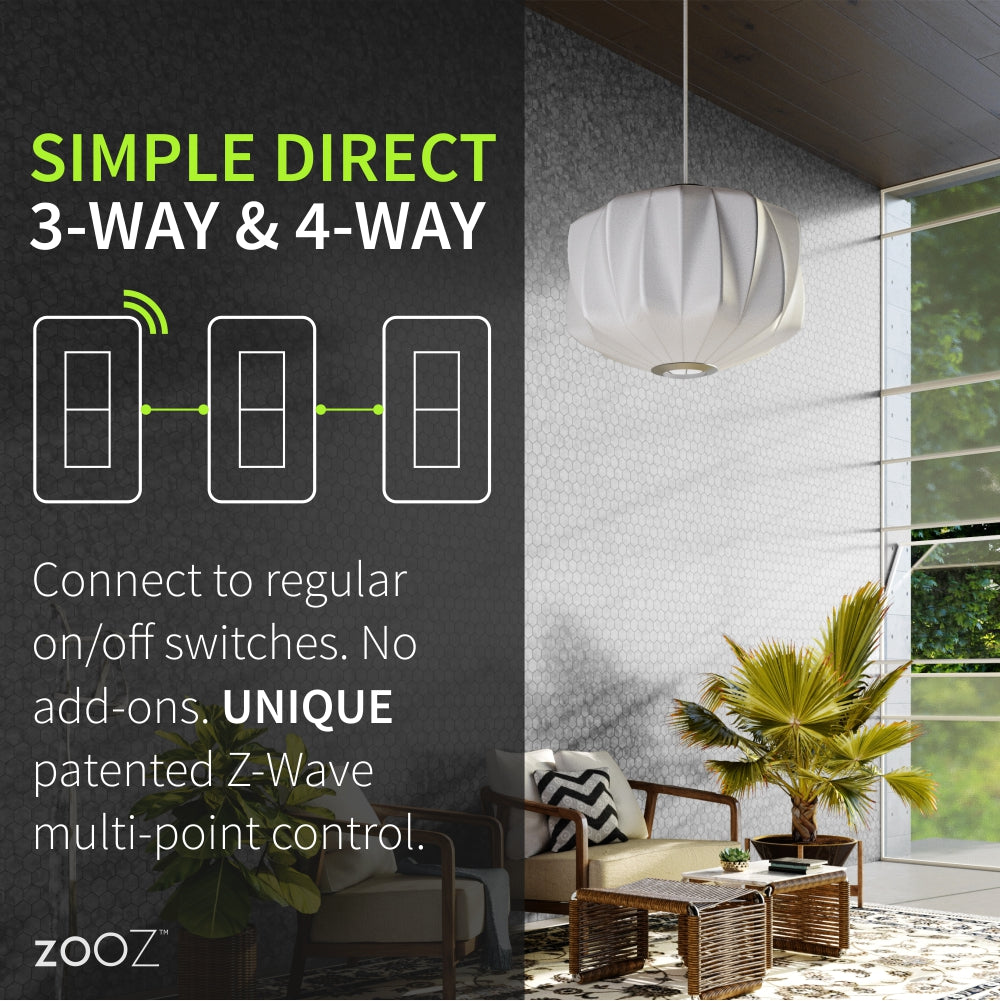
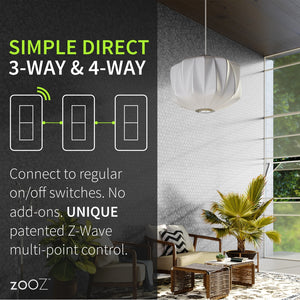
NOTE: Follow an appropriate diagram from the manual to wire the switch in a 3-way or 4-way setting with a regular electrical switch if you are looking to control one light with 2 or 3 switches. If you can't match your wiring with any of the diagrams, let us know and we'll walk you through the wiring process.
Very easy to integrate into home assistant, updated the firmware and they have been rock solid!
Bought several Zen76 and Zen77 switches. Relatively easy to install. You do have to have some knowledge of electrical in order to properly identify which wires are which but once you know that wiring to the terminals is straight forward. They paired without a hitch and work how they should. The relays are a little loud (not earth shattering or anything) when toggling so if that's your pet peeve you may want to consider some of the more expensive alternatives. Great price and good functionality for a smart switch. 100% would recommend at this stage (I have only had them for a few weeks at this point)
I love that Zooz doesn’t overcomplicate smart switches!
I have various products that all allow for use with existing wiring. The use of traditional 3 Way switches on the dumb end is a winner.
Love the quick connect terminals, which make it super easy to install, and to piggy back several switches together rather than adding a bunch of pigtails to the main power and neutral wires. Also love the increased security and the breath of options available in Home Assistant. That being said, I found Zwave switches of all brands can be a bit finicky to pair to HS, but I figured out a fairly reproducible way to pair these ones by adding them using the smart pair mode to provision the switch, then reset the switch, and turn it own. Overall very happy with my purchase.
Perfect switch to automate my lights. Smoothest setup experience of any z-wave device I’ve used.