$19.95 $37.95
| /
NOTE: Z-Wave gateway controller required - sold separately. *Your hub needs to support advanced parameter input to display these features.
We may have this product available in open box, refurbished, or used condition - just check the variant buttons under the product price for availability. All of our recycled inventory has been tested for both manual and Z-Wave control and is fully functional at the time of shipment. Here is what you can expect when ordering your device:
Download the Manual for the Zooz 800 Series Z-Wave Long Range Remote Switch ZEN34 800LR (PDF)
ZEN34 Frequently Asked Questions
NOTE: If you don't see your Z-Wave controller on the list above, please contact us before you purchase this product.
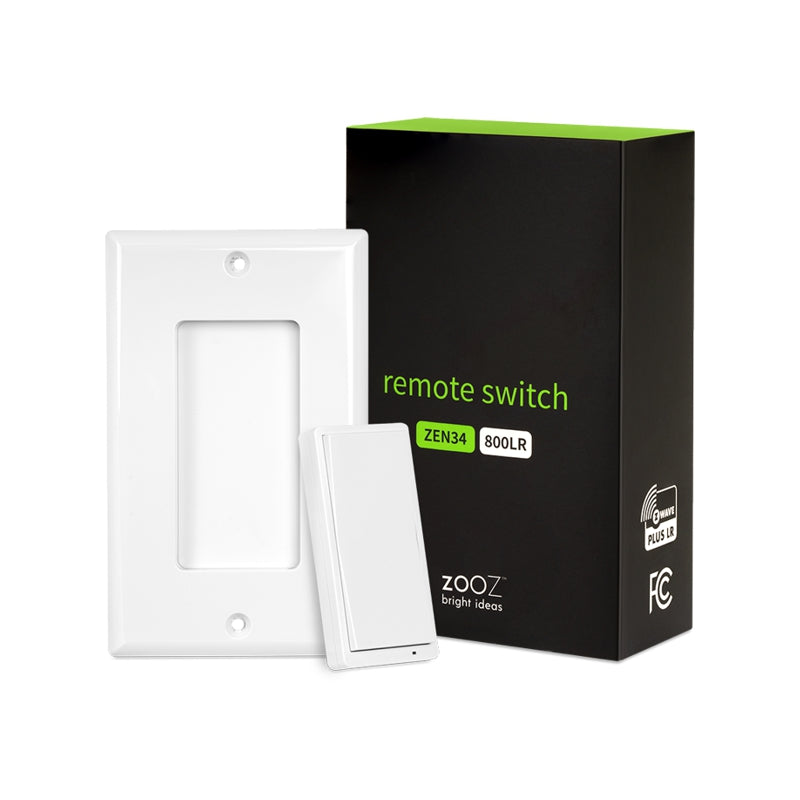
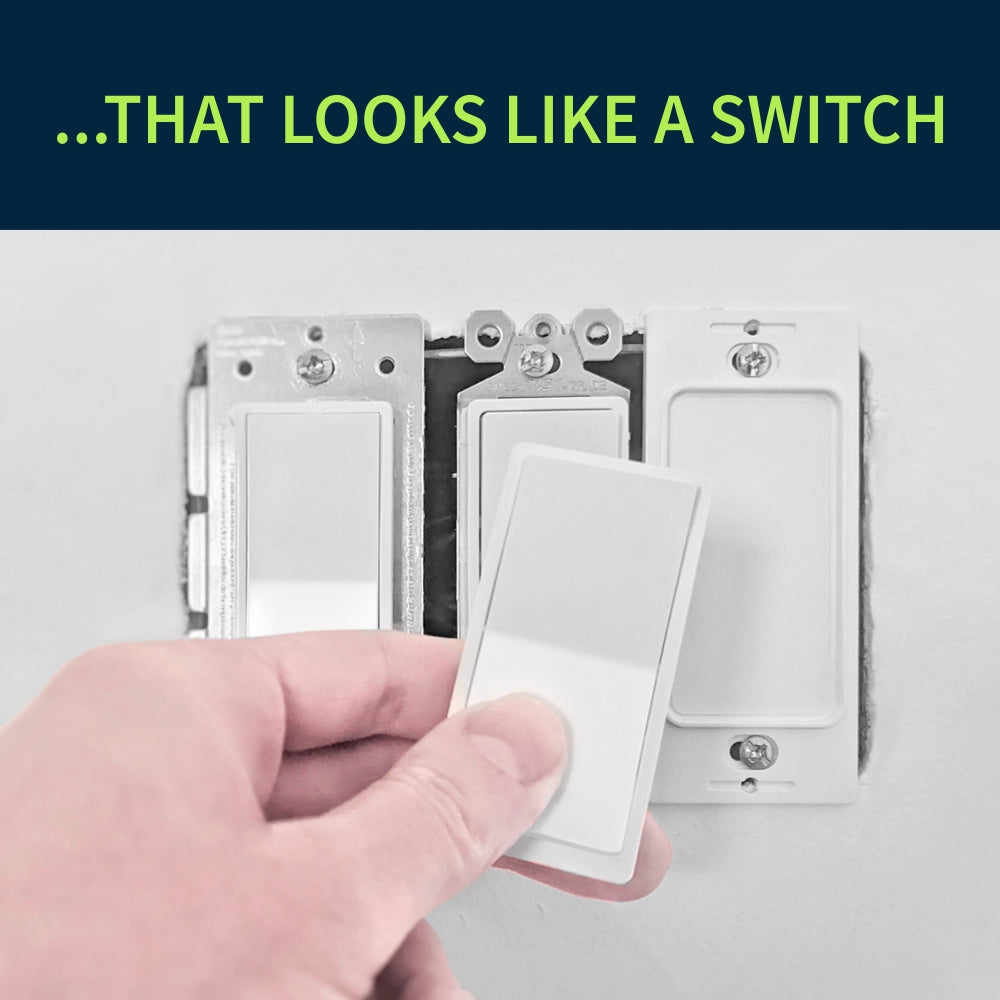
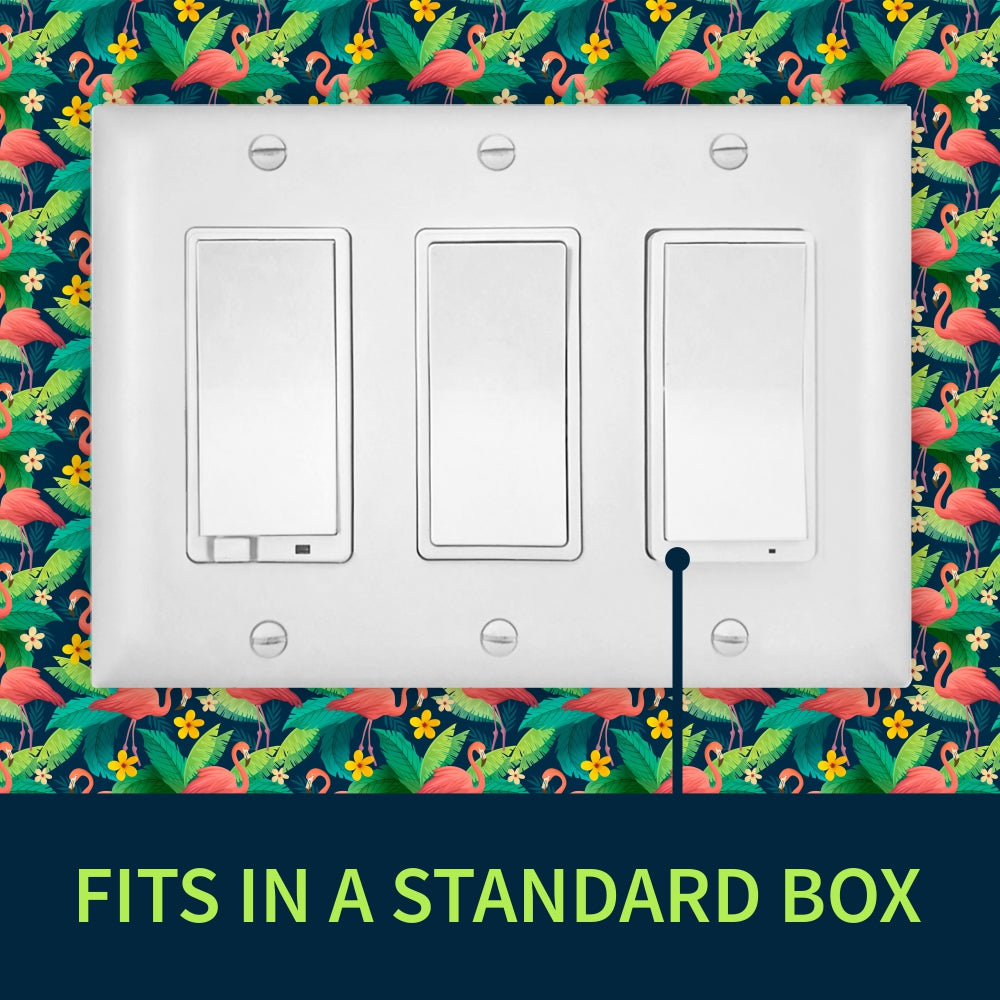
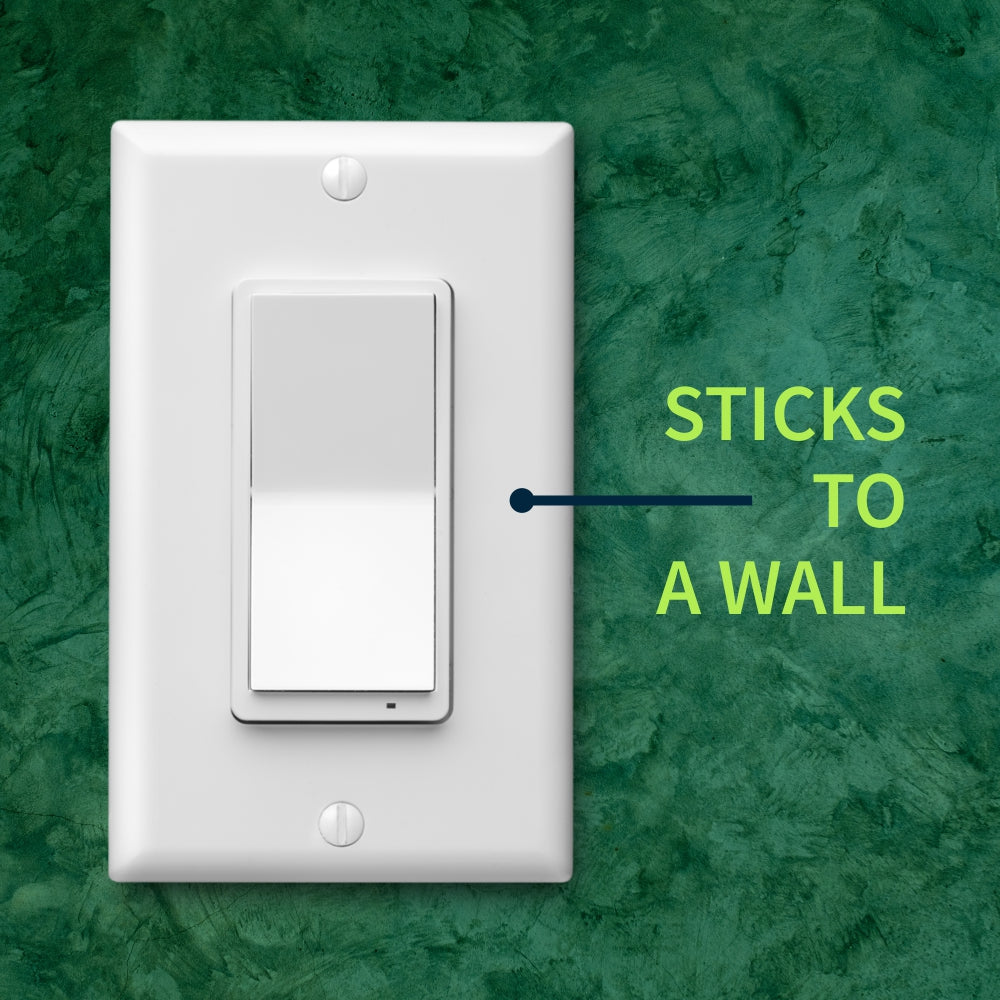
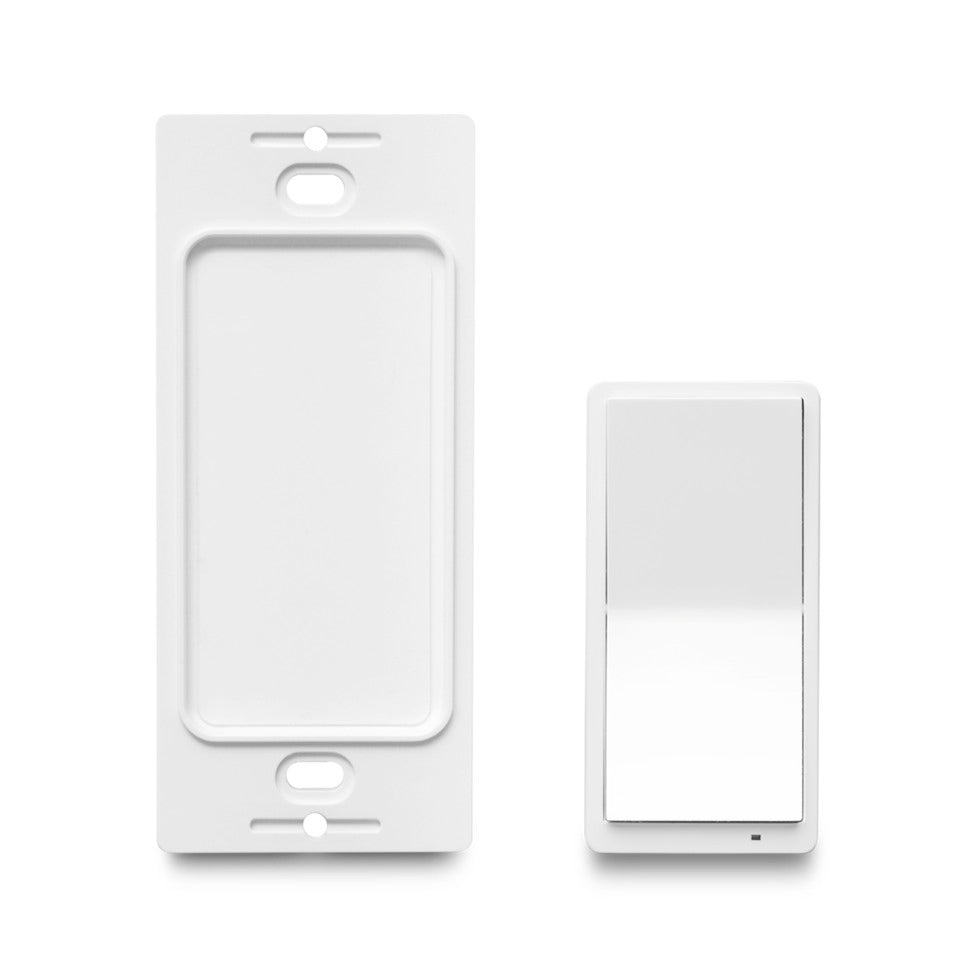
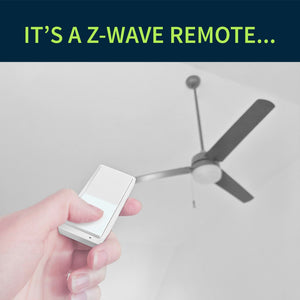
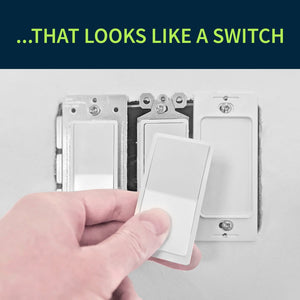
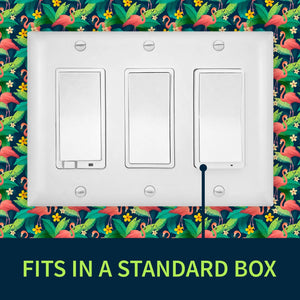
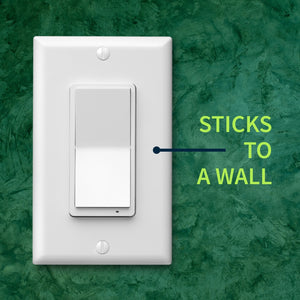
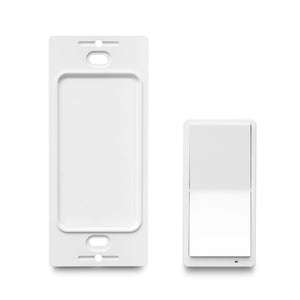
No wiring requirements or diagrams for this one! Simply open the remote with the supplied triangle tool and remove the pull-tabs from the battery slots to power the device up. Add the device to your hub by following the instructions below and mount the base in a standard switch box or on any flat surface using the supplied screw or adhesive tape. Complete the installation by fixing the wall plate to the magnetic base of the Remote Switch.
How to include the Remote Switch to your smart home hub?
1. Make sure the device is within range of your Z-Wave network
2. Put your Z-Wave hub in inclusion/pairing mode
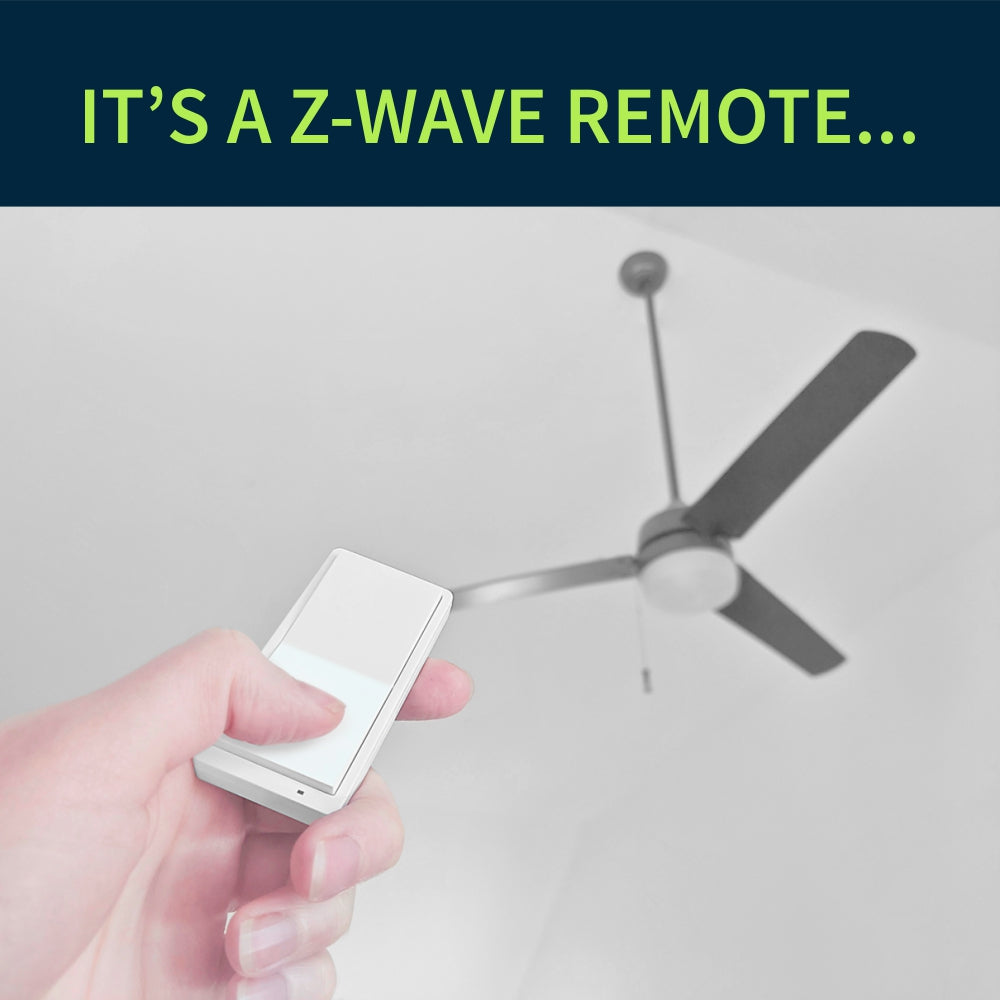
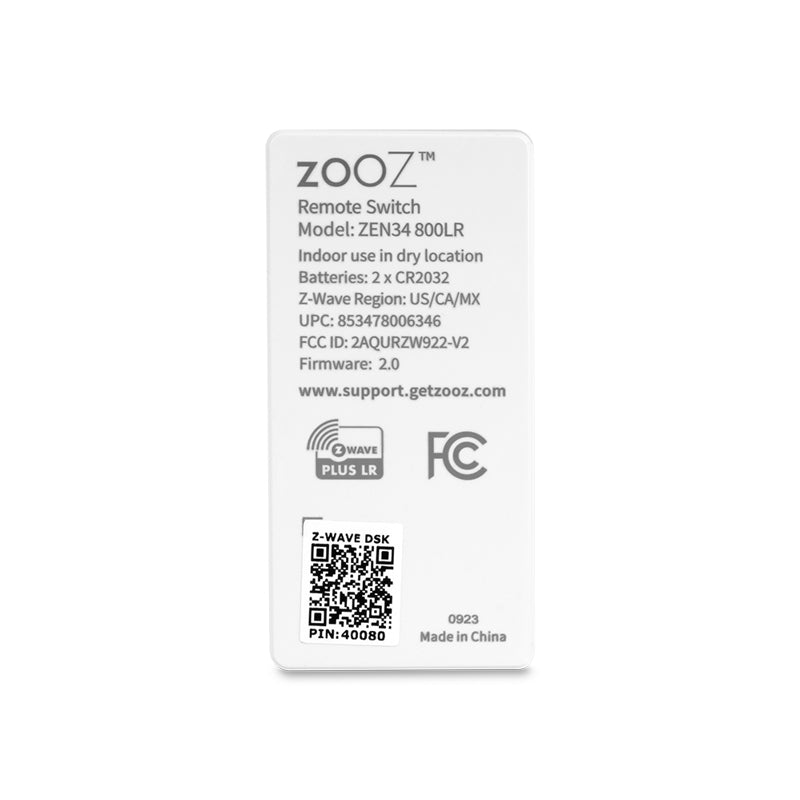
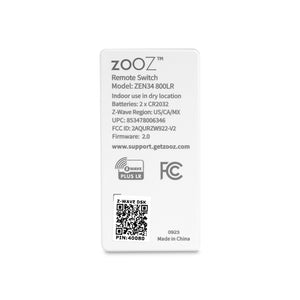
3. Tap the upper paddle of the Remote Switch 6 times quickly to finalize the inclusion process (or scan the QR code / enter the 4-digit DSK number printed on the back of the remote if using the new SmartStart method)
4. A new remote control / button controller device will appear on your hub's device list
I purchased this controller to replace on older Eaton Wiring Devices Z-wave battery switch to control floor lamps in my living room. I used to have a Vera Plus with about 60 Z-wave devices; some of those legacy devices would not work well with my new Hubitat C8-Pro Hub, such as the Eaton battery switch. Hence, I purchased the Zooz ZEN34 as a replacement. The first impression is always the packaging which is beautiful. The installation was simple and straight forward. All materials needed are included in the box. I used the Smart Start procedure for enrollment into the Hubitat which worked flawlessly. The driver that installed automatically (Zooz Remote Switch ZEN34) allows for 4 scenes for each of the two buttons (pushed, held, double tapped, released) which is plenty for my purposes. Thus, I did not install the community-developed driver that would add additional capabilities as described on The Smartest House website. Overall, excellent device, good quality, reasonably priced and outstandingly supported by The Smartest House (my first go-to retailer for Z-wave).
I ordered these parts to setup a wireless 3 way switch using direct association.
Unfortunately, a hub is required to get them set up then they will work directly.
The switches are reliable and work great. They detect single and double and up to 5x presses quickly.
It worked exactly how I wanted it, synced up with other smart switch for a virtual 3 way switch.
The ZEN34 is a great idea. With single and double tap, you have 4 different switches, great possibilities. The advanced settings mention up to 5 taps for scene control, that is 10 switches (driver permitting), without wires.